I didn’t really catch this at first, but I’m not sure I understand what you are asking.
Are you asking if my scene turns off every switch and bulb at once? Or are you asking if I have my scene set up like:
“Movie” Scene:
-Family room bulb 1
-Family room bulb 2
-Family room lamp switch 1
-Family room lamp switch 2
-Family room ceiling switch
-etc
vs
Family Room Lamp Group:
-Family room bulb 1
-Family room bulb 2
-Family room lamp switch 1
-Family room lamp switch 2
“Movie” Scene:
-Family Room Lamp Group
-Family room ceiling switch
-etc
I have it set up the second way. I guess I never checked specifically if the lamps and switches turned off separately, but I don’t think they do. I just think I have 20 different lights that all need to turn off at once, and in the time that a scene is allowed to try to activate, they do not all succeed at turning off. In fact, I just realized I have a screen recording of this from the home assistant app.
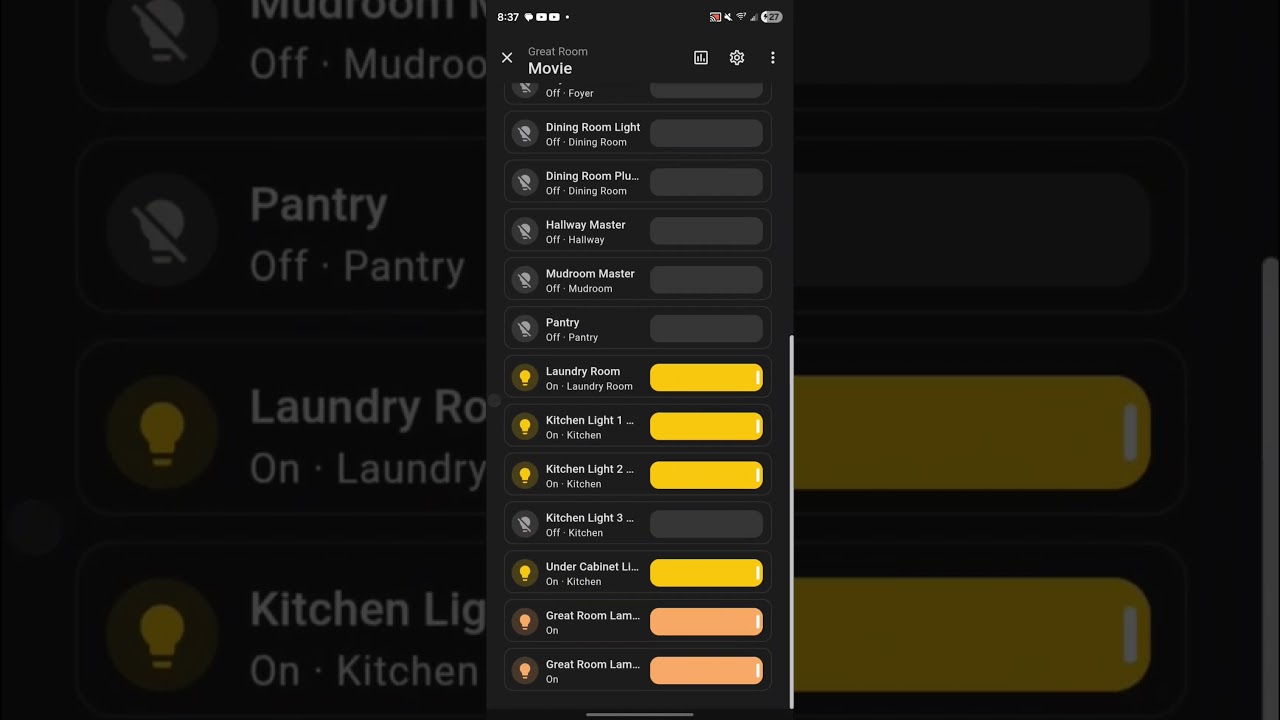
You can see how it turns off the lights 6 or so at a time. And then by the time it gets to the end, it stopped trying to turn them off.
Is there something specific you would like for me to test? I got some preflashed sniffers for a good price on amazon and I’m going to try to sit down tonight and do some testing. But it occurred to me that I don’t exactly know what tests to run or how exactly to sniff the traffic.
I think I’m going to start by turning off all of the other switches to cut down the traffic, but if you would rather I not do that because that isn’t a normal test scenario I don’t have to.
I also need to try to figure out why one of the switches I have doesn’t have a functioning air gap. pulling the air gap only disconnects the ceiling light from the switch, it doesn’t power off the switch. I found one thread somewhere that suggested incorrect wiring could cause this, but also that sometimes there are bad air gaps. In the event where I would turn off every switch not in this one group, that switch presently won’t turn off. It’s on the same circuit as the group, so I can’t independently kill it from the breaker panel.
I think he is asking if the devices are in a zigbee group and the group is being turned off or if the automation just turns off each device individually. I’d be interested to see if there is anything in the Home Assistant logs or the Z2M logs if you can reproduce what is in the video.
Regarding the device restart / route issues the key thing to understand is that Zigbee doesn’t “restore” its routing after a power loss.
When all devices lose power, the network doesn’t come back with the same routing paths it had before. Instead, each device essentially starts fresh and rebuilds its view of the network.
Importantly, Zigbee does not proactively rebuild routes between devices. Routes are created only when one device actually tries to send a message to another.
So even if everything is back online, there may not yet be a valid path between two switches until one of them tries to communicate. The first few attempts can fail or be delayed while the network figures out how to route the message again. Once that path is established, everything works normally.
That’s why pressing the switch a few times resolves the issue—it forces the network to rebuild the route between those devices.
Devices often:
prioritize / quickly rebuild routes to the coordinator (which is why control from the hub works after the switch restart)
or use different routing behavior
Device-to-device paths are made on demand so that is why they require a few clicks sometimes after a restart. I am going to check to see if there is a way to force a device to “ping” non-coordinator devices in its binding table but I think this would be outside the way the Zigbee SDK operates normally.
EDIT: To clarify, this is me turning on all of the lights included in the “movie” scene, and then running the scene. 3 lights failed to turn off, while home assistant reports 4 lights failed to turn off (they all 4 still show as on right now).
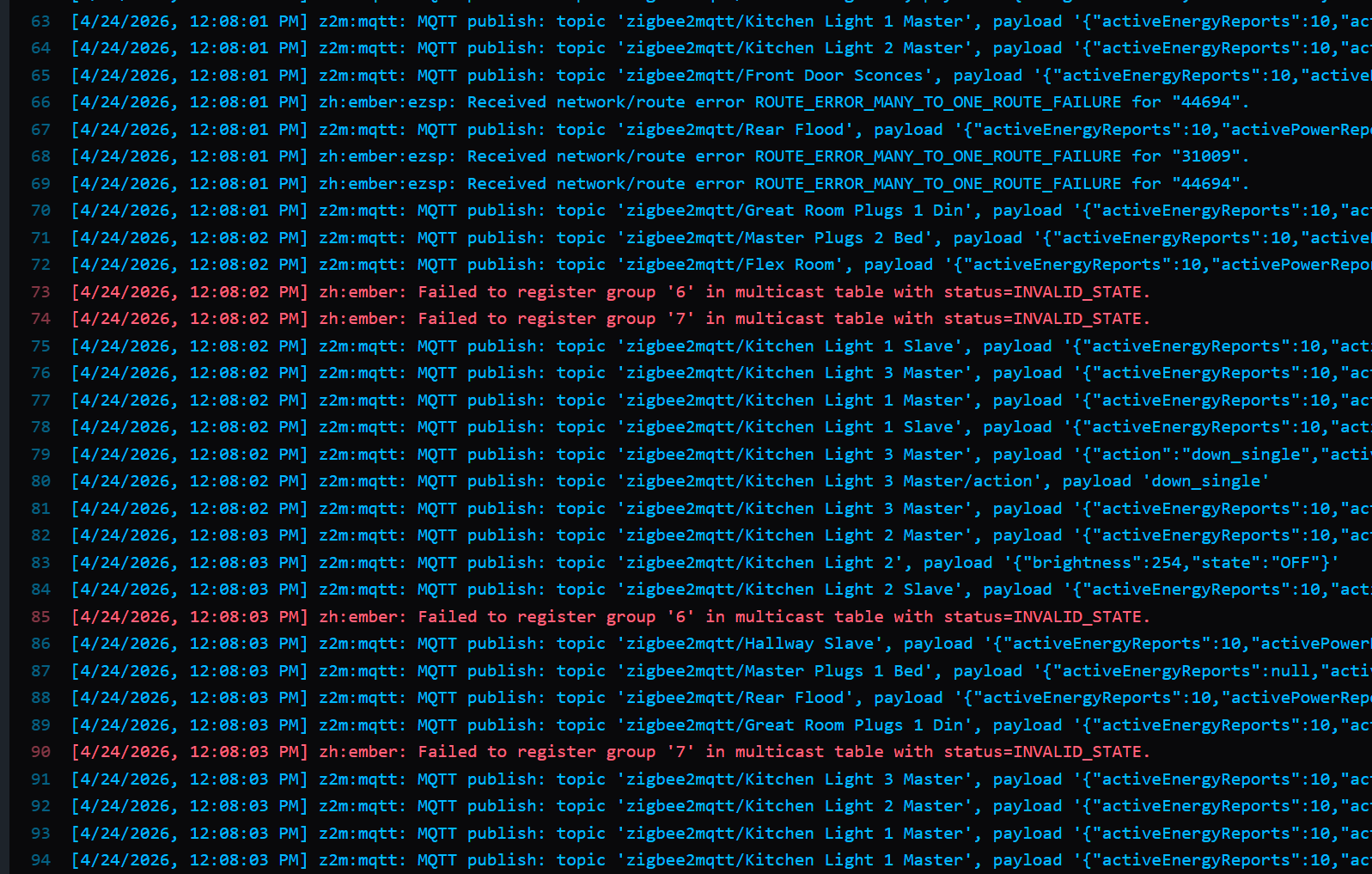
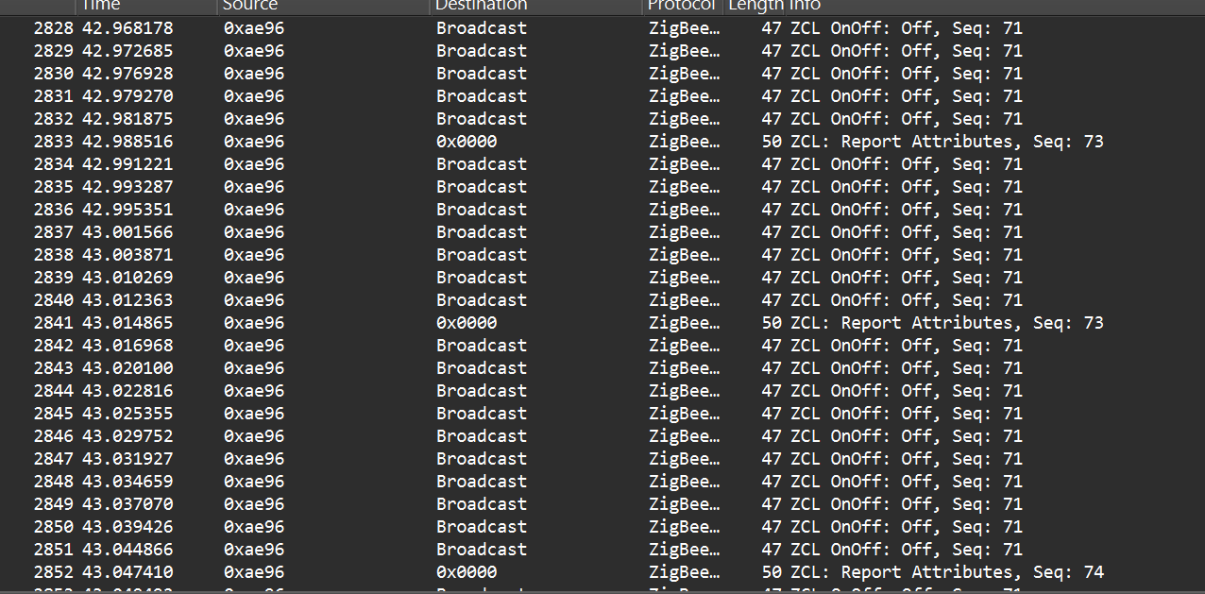
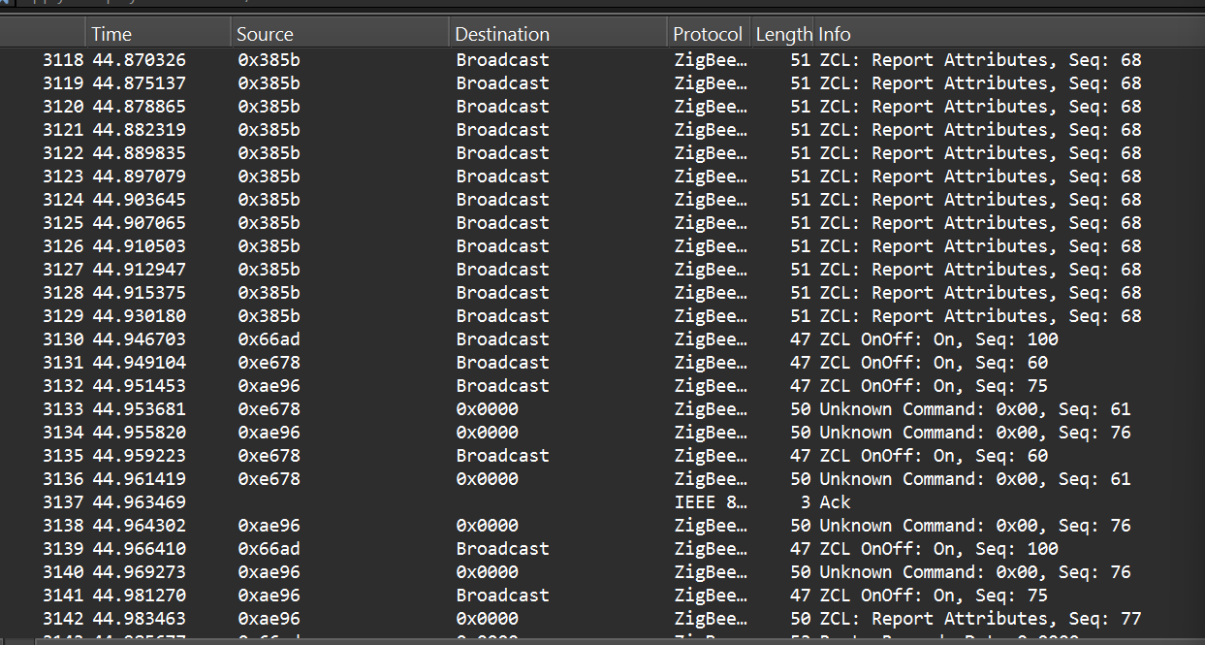
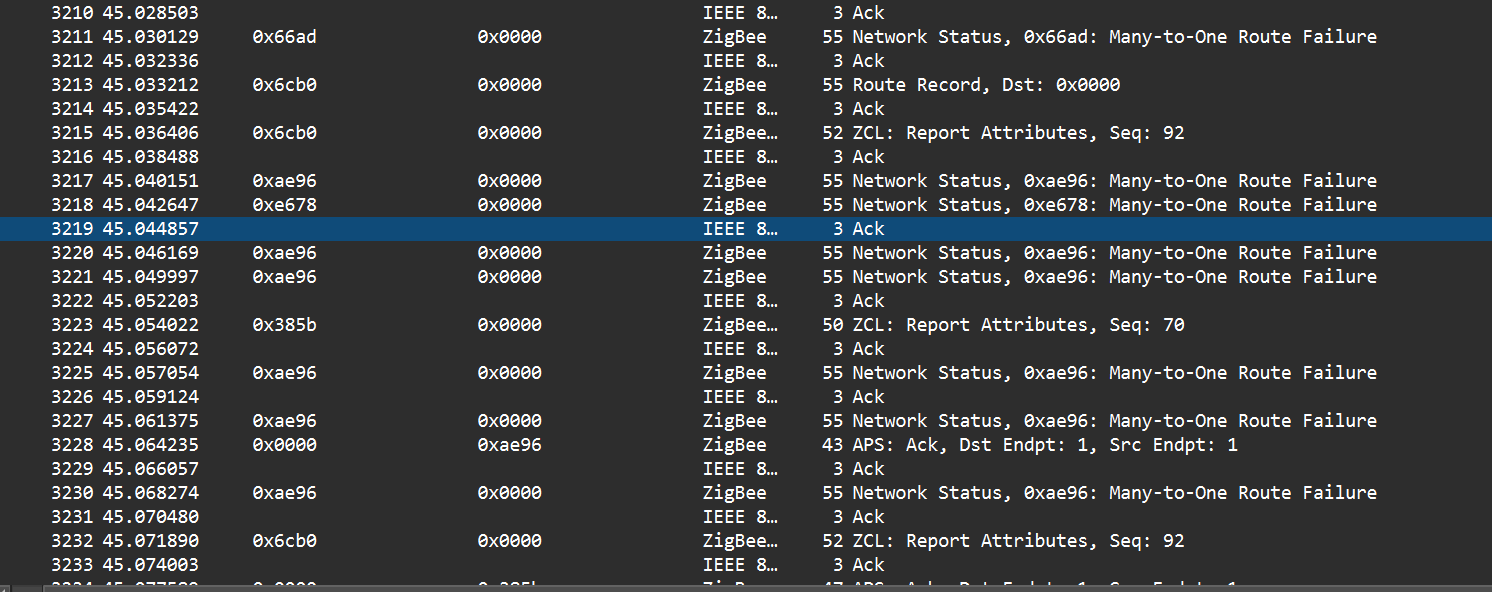
Does this tell you guys anything? I did not manage to capture those exact logs. I did capture different ones that had the same “many to one route failure”. This log in the screengrab left 3 lights on when I ran the routine. I went for a screengrab to capture the pop ups explaining that delivery had failed. Interestingly, the 3 lights that are left on do not include “dining room plugs”. The switch believes it is off (light bar is off), though home assistant does still show that it’s on.
Also, it’s different lights that fail to turn off every time. One time it’s kitchen lights 1 and 3 plus under cabinet lights. The next time it’s great room lamps (both switches and the 2 hue bulbs in the group). The time after that it’s hallway, kitchen light 2, kitchen light 3.
It’s also not like the bindings after a power cycle where if I toggle it a few times it finds a route to the paired switch. This never improves no matter how many times I run the scene.
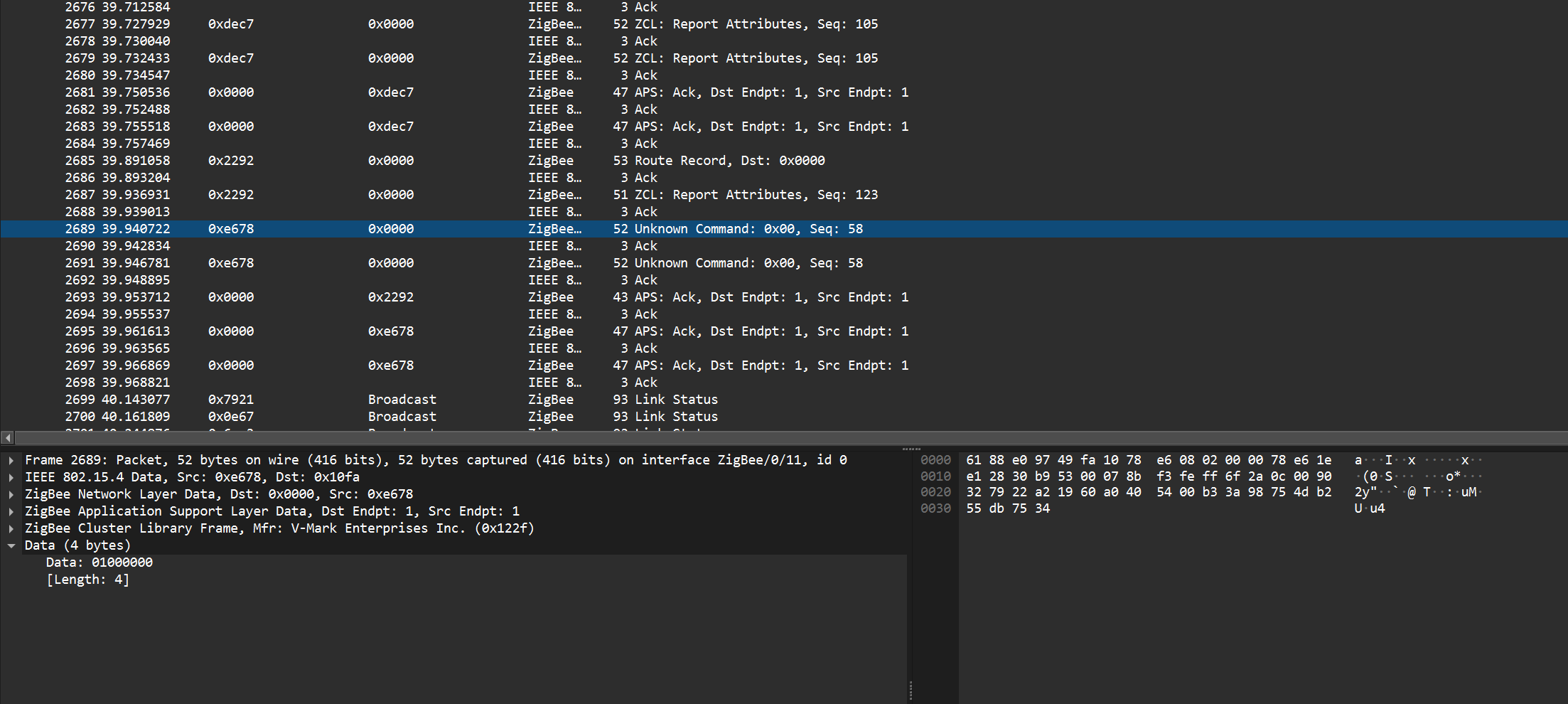
In the process of shutting down all of my lights from mains power, I happened across this in the logs. To me, this explains that even if “ping” isn’t just a thing with zigbee, and z2m is just saying that in the log message, there seems to be “something” it can do to check the status of lights.
To me, this explains why after a power outage, the switches all work the first time I try them from home assistant, but not from the switches themselves. Because the route is already being automatically fixed after a couple of “pings” from z2m. But since the switches themselves don’t do this between switches in a binding, those don’t fix themselves until I go to each switch and toggle them half a dozen times.
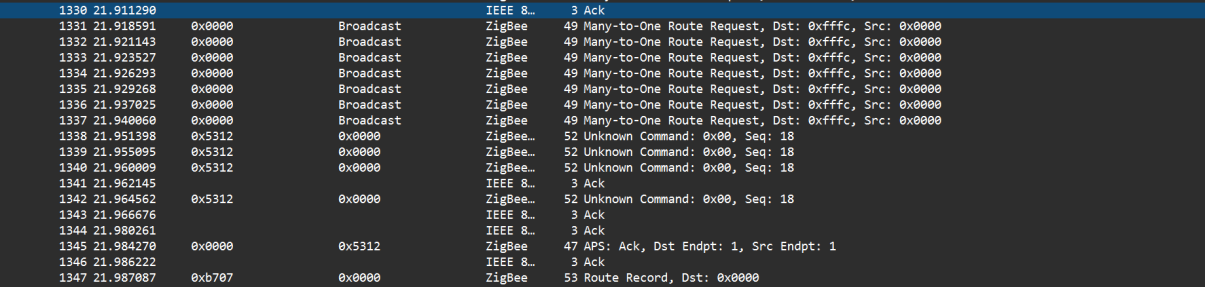
I have spent the whole day so far troubleshooting this stuff. I get this same “Many to one route error” in the logs any time there’s an issue.
My issues do not always remain the same. I spent 90 minutes trying to get back to the state where the groups would fail without the coordinator. Couldn’t do it. They worked fine every time. Also the individual bindings didn’t fail to the same degree that I have been used to with power cycling. maybe 1/3 of the switches failed.
So then my next idea was to unbind some individual bindings and re-bind them as groups. So I changed the other 2 sets of bound switches (3 in one set, 2 in the other) to group bindings, making sure to remove the individual bindings in the process. They do not work every time under any condition. I tried:
-Bringing them online without the coordinator online
-Bringing them online with the coordinator online
-changing nothing after the groups were bound
Especially the group with 3 switches, it just fails 20-50% of the time. It’s always a “many to one route failure”. The other groups (one with 2 switches, another with 2 switches and 2 smart bulbs) can also be made to fail and do also go out of sync on the dimming, but not as often as the group with 3 inovelli switches
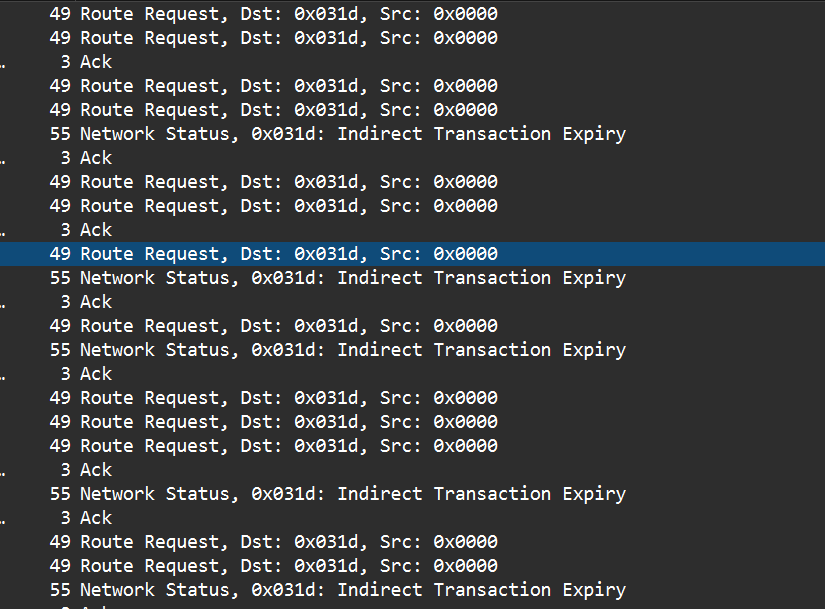
Also, when bringing them online one time, I happened to catch this “Route Error Source Route Failure”
Device 54057 is one of the slaves in the group with 3 switches
This is particularly annoying because it means that groups randomly either behave totally fine, or worse than individual bindings. I’m having problems with the 3 switch group that I never had when I had it set up as individual. Instead of needing to toggle it half a dozen times after a power cycle, I now cannot send more than one physical input per second, or it just fails. It seems to work every time if I leave it alone, walk up to it, and hit it once. but if I stand there toggling it on and off, as soon as my inputs get faster than 1 per second, it stops working half of the time. And this isn’t just a problem for not being able to manually flicker the lights at the switch. Multi taps are affected, as well as dimming. In the middle of ramping brightness, the switches will go out of sync. The master will keep ramping up until it recognizes that I let go of the slave a few seconds later.
It’s as if one inovelli device is trying to handle the traffic of every single device on the zigbee network. And it’s already so overloaded with all of the stuff that the switches report back to home assistant all of the time, that it can’t handle more than one extra input per second on top of that.
I will try to figure out the sniffer in a bit and go through all of this again.