Well - this morning I woke up to this switch finally going “non-responsive”. Paddle presses would not do anything. I pressed the “config” switch 3 times and that seemed to put it in pairing mode.
I paired it again with the hub (Hubitat) but it would not give me a “replace” option, so I added it with a new name (Kitchen Switch 2) and that’s when things got strange. It seems that the switch "replaced’ the old switch (I don’t see Kitchen Switch in my list of devices) and when I got to look at “In Use By..”, I see it listed as being used by MakerAPI - NodeRED and MakerAPI - Homebridge (like the old switch).
However, the switch will not respond to commands from the device page. the LED is not on and it will not respond to paddle presses either.
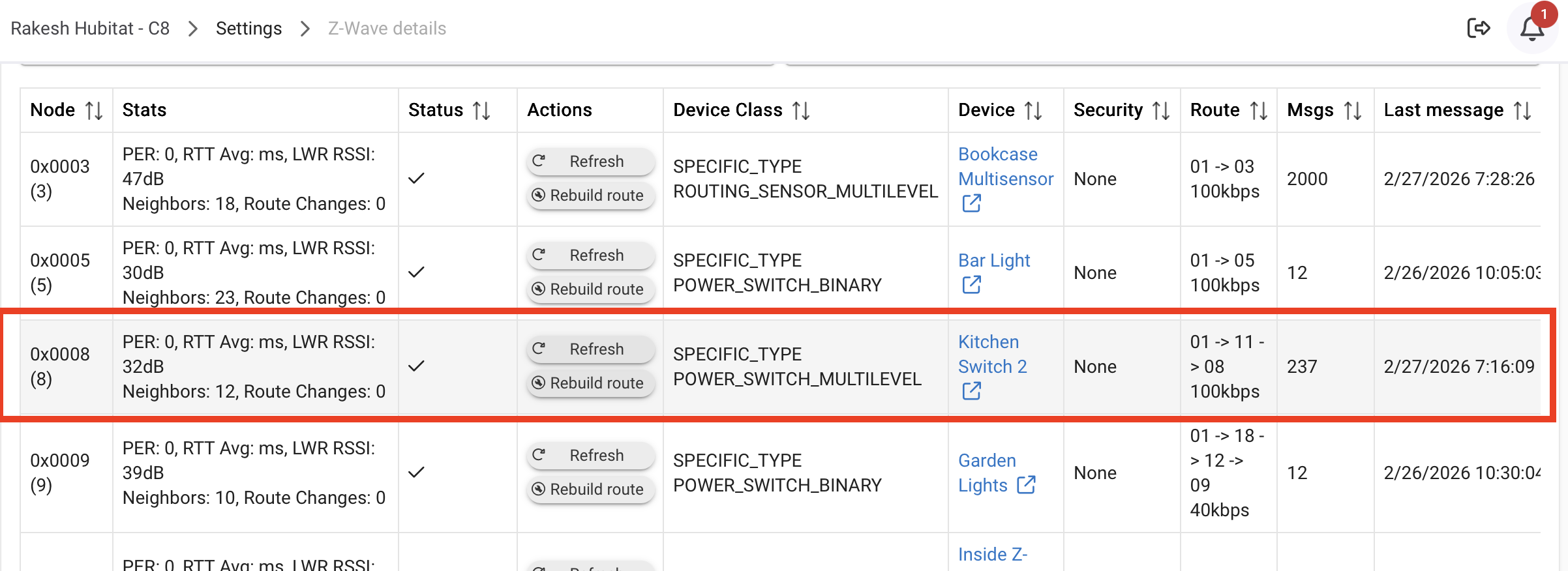
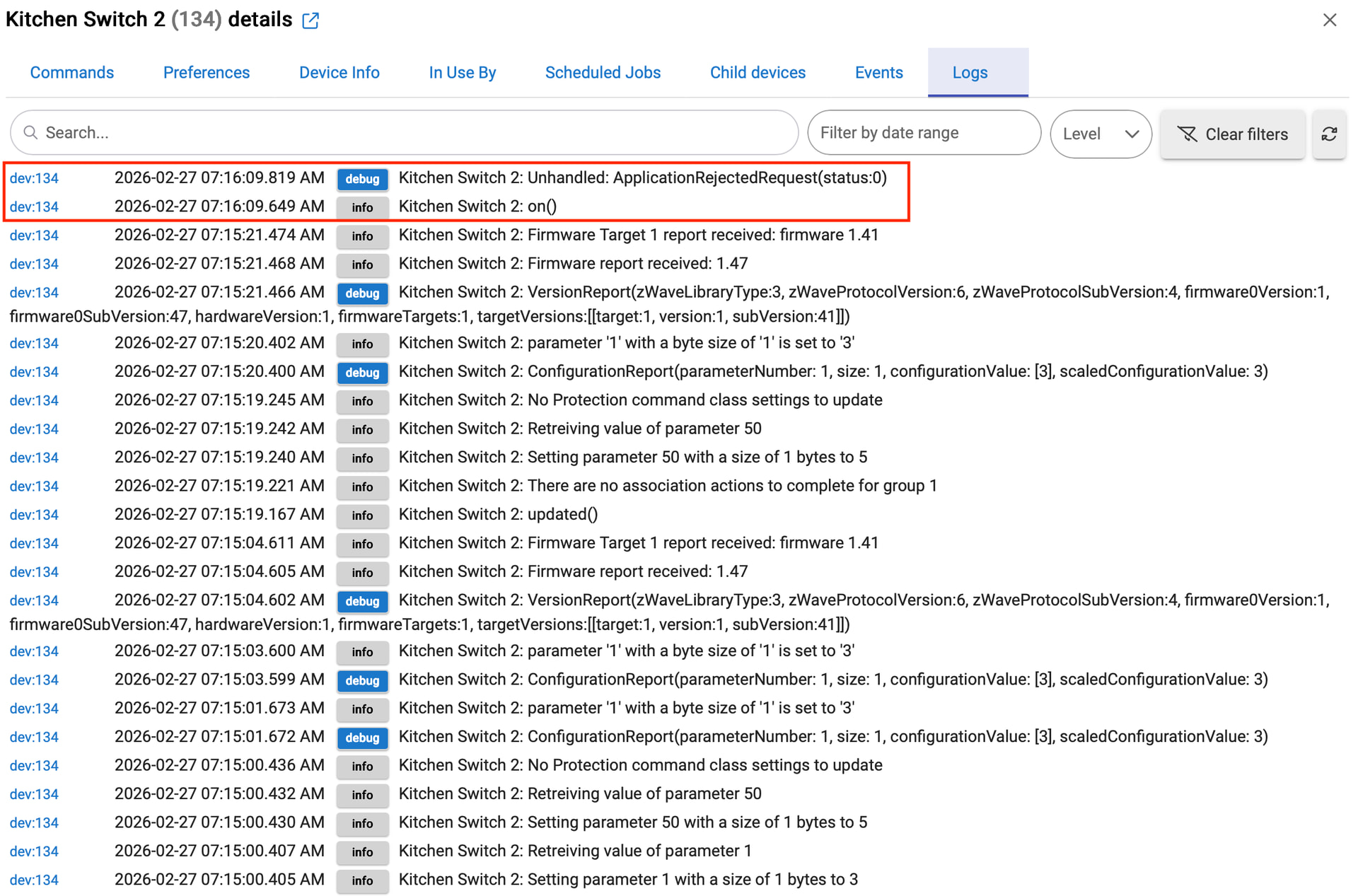
It does show up in z-wave details and in the logs. Any idea on what I can try next?
Sounds like the switch itself is dead. I’ve definitely had this happen to me before and there have been several cases of it here over the years. Generally it’s caused by some sort of power surge. Do you have a panel mounted / whole house surge protector? Those are your best defense for situations like that.
Yeah - that’s what I was thinking but it did go into pairing mode (blue LED blinking), so I’m puzzled by that.
No - no whole house. My situation is a bit complicated as I have solar and batteries. Also, there is another red series dimmer right next to it (in the same gang box) and that seems to be fine,
I was going to try that but I have a bunch of automations tied to the switch and the LED. I’m guessing that if I exclude the switch, it will “disappear” from the hub and orphan the automations? Or can I re-pair it as a new device (it that works) and then go back and fix the automations?
I’ve seen that exact situation on dead switches before. Something fails on the board that powers the light bar and the dimming circuitry but the zwave radio is still powered. I think it has to do with the fact that this model switch has two microcontrollers and the zwave radio is a separate one.
I can’t recall if Hubitat will recognize the device after it’s been excluded. A Hubitat user that’s done that may comment. I THINK the NodeID gets removed when you exclude, but you can match up the orphaned stuff to the new device. If you’re concerned about that, get a 2nd opinion, lol. @hydro311 Do you know?
My thought was if you’ve exhausted everything else, it couldn’t hurt to do that because you are hosed anyway . . .
Thanks so much!! Wonder of wonders- the switch now works (I excluded and re-paired it). However, there is some funky behavior (the led will cycle red/blue/green sometimes on its own). I have a couple of the newer z-wave switches that I had ordered and will replace these older ones so hopefully, this will work till I can an electrician to do it next week
That is the switch rebooting. I would double check connections to the switch to make sure something didn’t come loose. It could also be because the switch is partially defective at this point. Hard to say.

 - yeah, that I am!