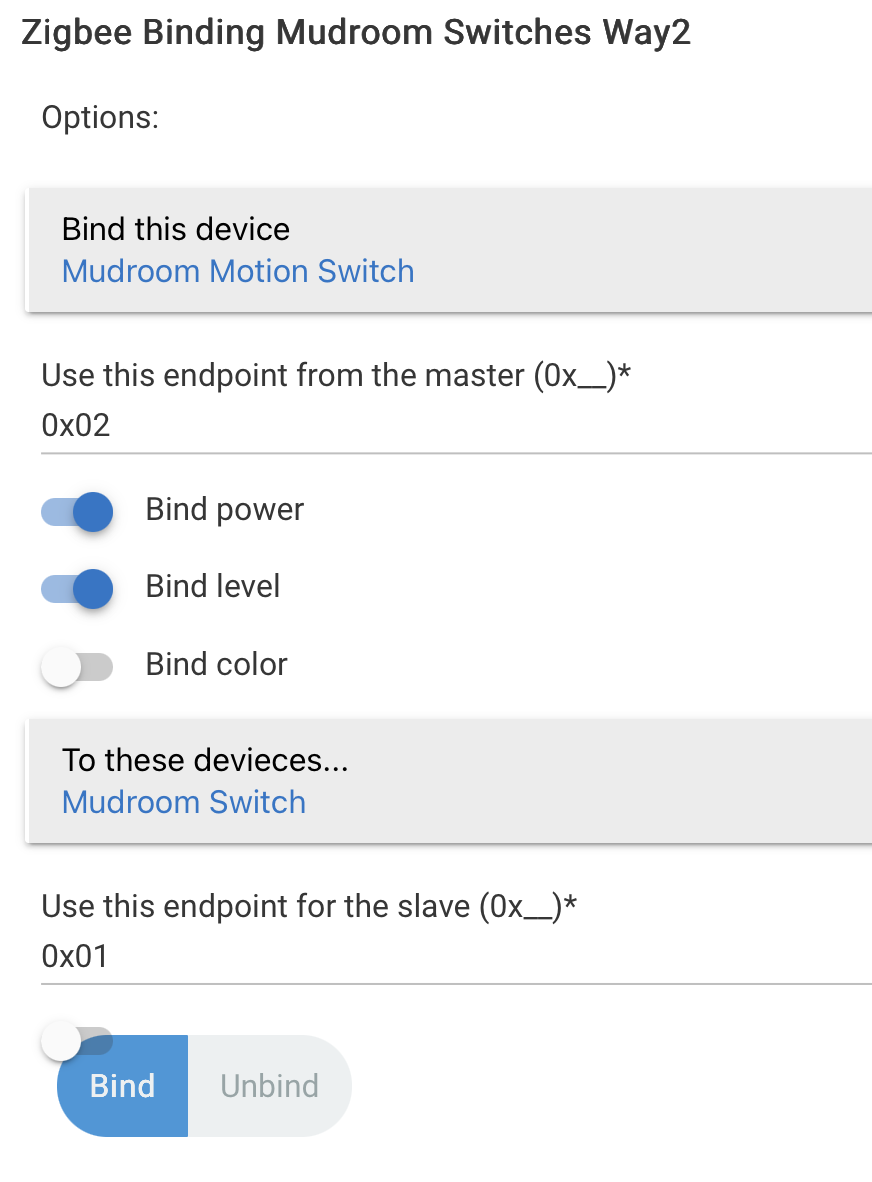
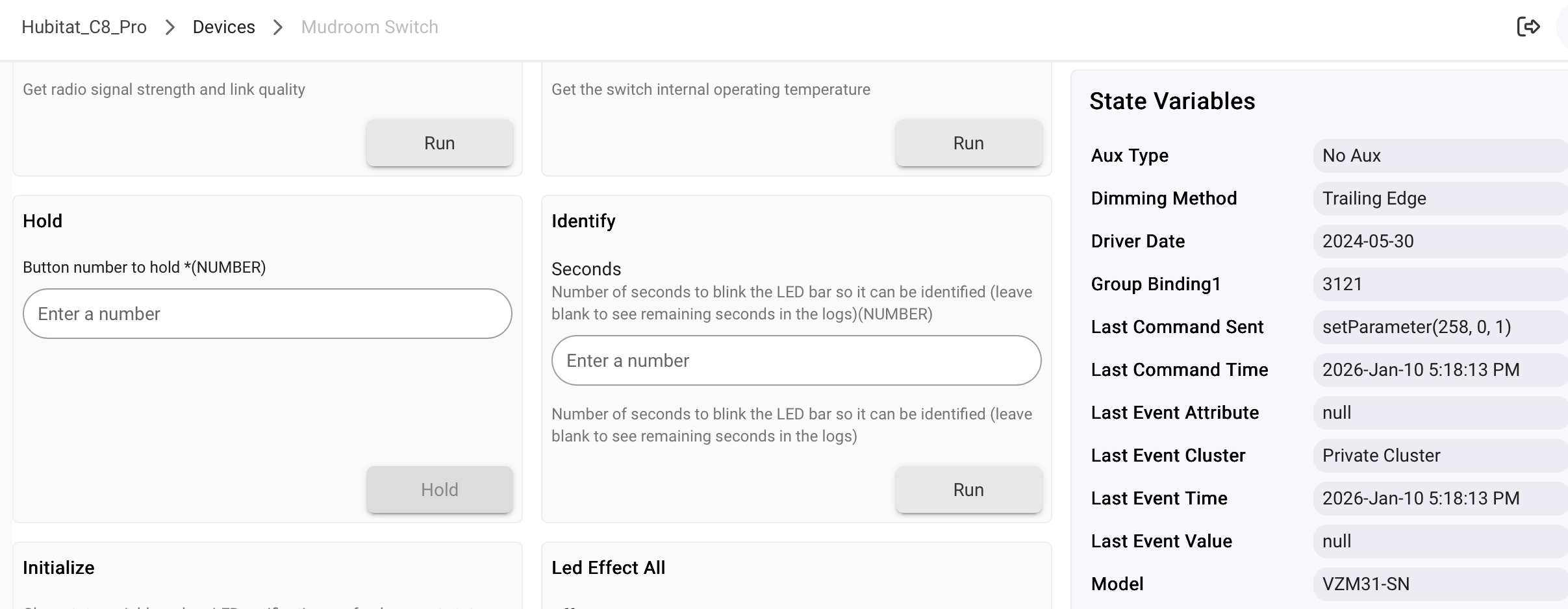
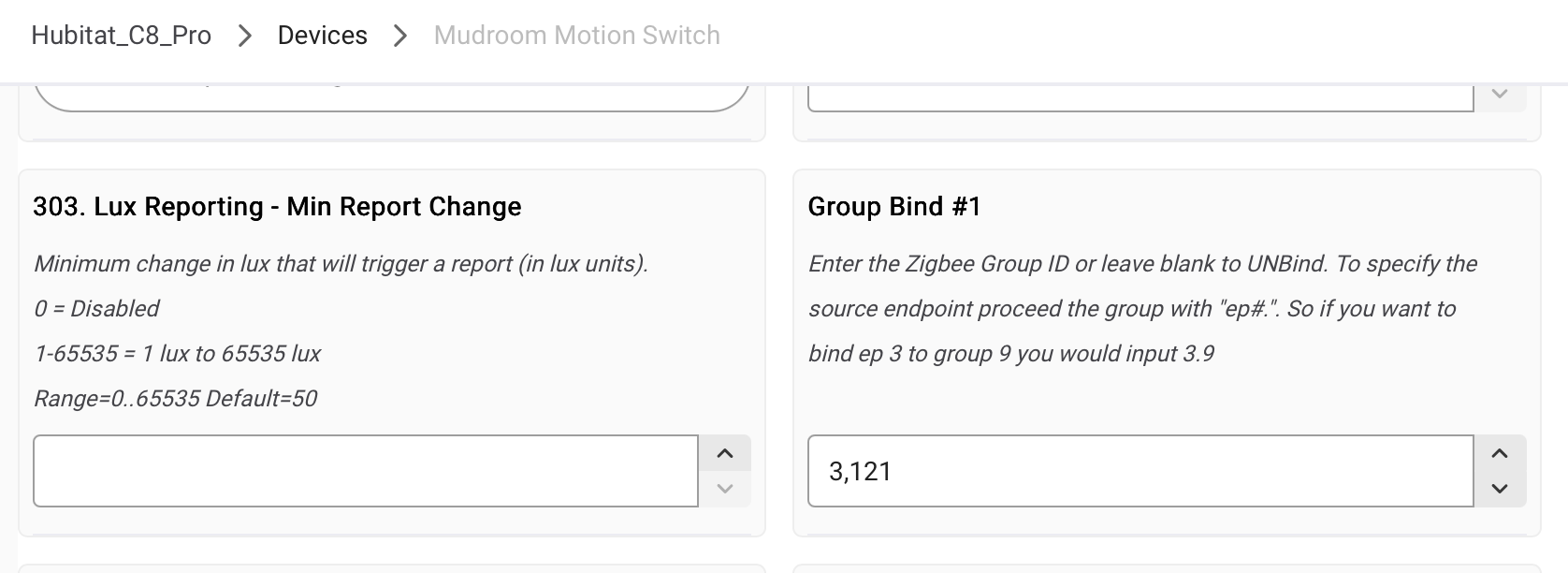
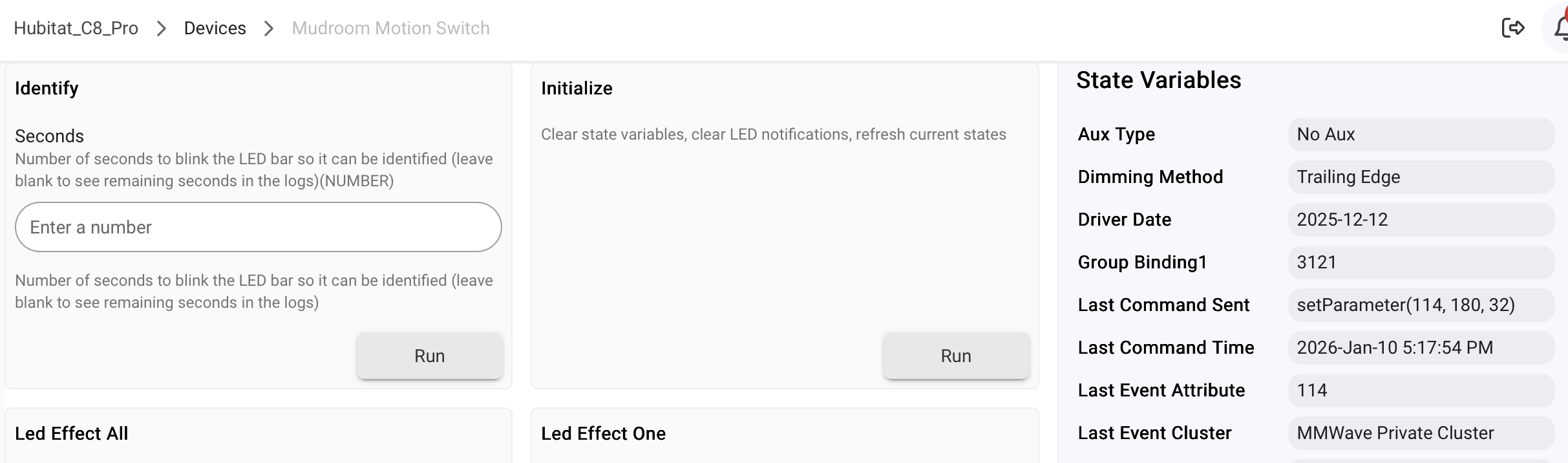
I have a 3-way setup between a blue mmWave switch and a blue 2-1 dimmer. First time I’ve done this. I have individual zigbee binding configured via the Zigbee Binding Hubitat app (two instances of the app, binding commands in each direction).
The zigbee binding appears to be working well, in that the switches produce the real-world effect of an actual 3-way configuration. The actual light toggles on/off as desired. But the “switch” attribute in Hubitat doesn’t sync between the two devices - are they supposed to? The 2-1 switch always has the switch attribute at “on”, while the mmWave switch’s switch attribute toggles between on and off as expected (even when the 2-1 switch is physically controlling the light).
A few potential culprits if this is not the expected behavior for the switch attribute:
Perhaps I have the zigbee binding configured incorrectly?
Or perhaps I have the Switch Type (parameter 22) configured incorrectly? I have both switches configured as Single-Pole (No Aux), on the rationale that this is a virtual 3-way and the other options don’t seem to fit (it’s not a dumb switch or an aux switch 3-way).
I have a couple switches bound in Home Assistant (using ZHA), and what you are describing is the behavior I see as well. The two switches physically control the light, but the switch states (and LEDs) don’t seem to sync. I just assumed that was the expected behavior and wrote an automation to keep the switch states and LEDs in sync.
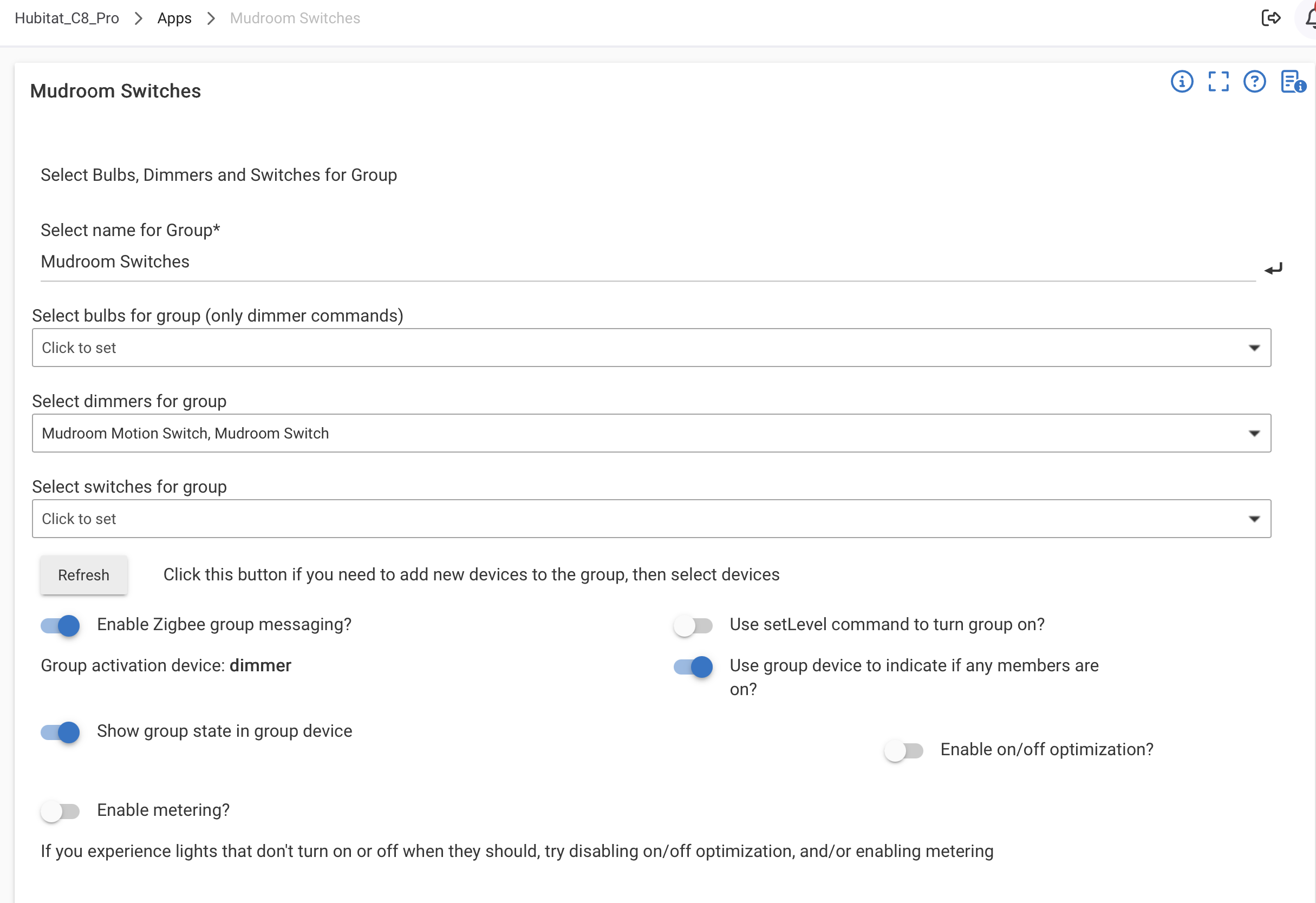
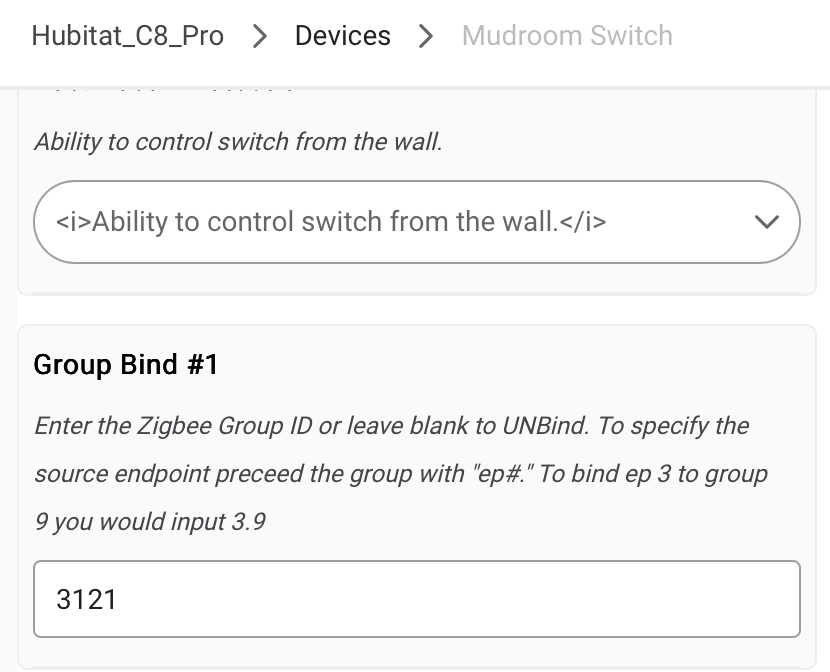
I recommend using a Zigbee group instead. Put both switches (endpoint 1) in the group. Bind each switch endpoint 2 to the group and then control the group directly from the hub. This should keep the state in sync everywhere.
Thanks for that tip. I’m new to Zigbee binding, so if I create this group, do I need to unbind the devices somehow before binding them to the group? Or do I still need the devices bound together so they act as a thruway (meaning the group binding is just for state). And (last thing I hope), would the group binding keep the LEDs in sync as well?
Yep, you’ll unbind the switches first and then bind them to the group.
And yes, the led bars will remain in sync when you do that. The best part of course, with group binding is that you’re not limited to 2 switches, I’ve got places with 6 switches all in the same group and they all stay in sync nicely.
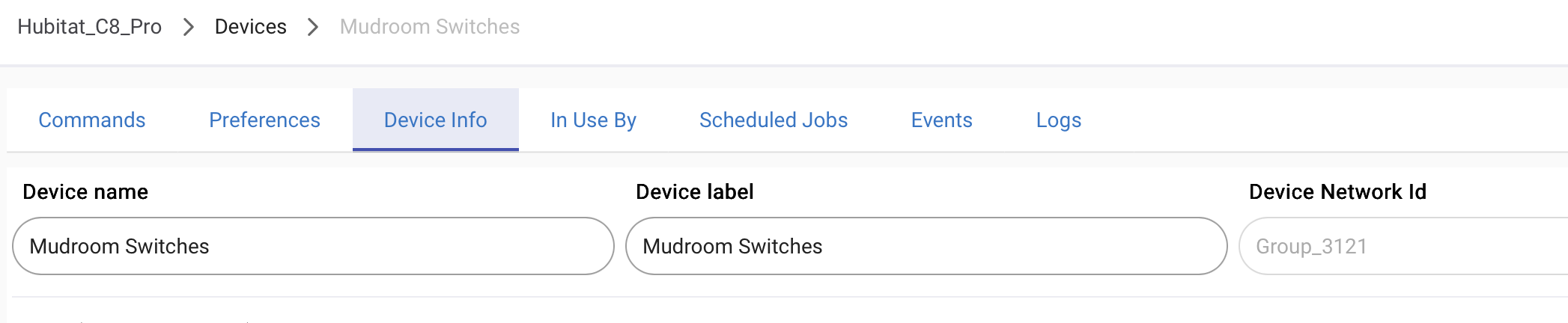
This seems to be following the group binding instructions here, which doesn’t mention anything about endpoints. I did nonetheless also try binding endpoints, but that didn’t work either. Any other ideas? Any problems with the configuration?