I have the following:
- Product: VZM32-SN (blue series smart sensor dimmer)
- Platform: Home Assistant (v2026.2.3)
- Region: North America
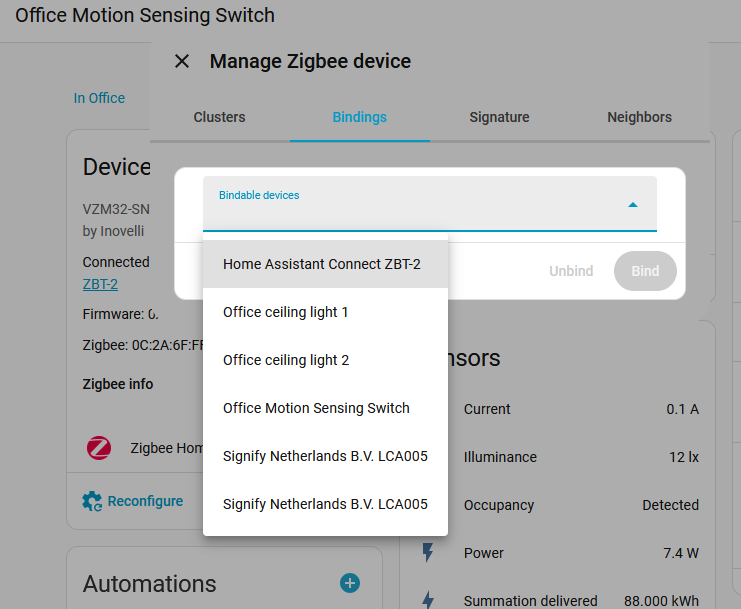
I am using a VZM32-SN, the blue series mmWave dimmer. I have successfully wired it in a single pole setup with a neutral wire. When following the instructions for binding my lights. I see no link to bind my light switch to my devices.
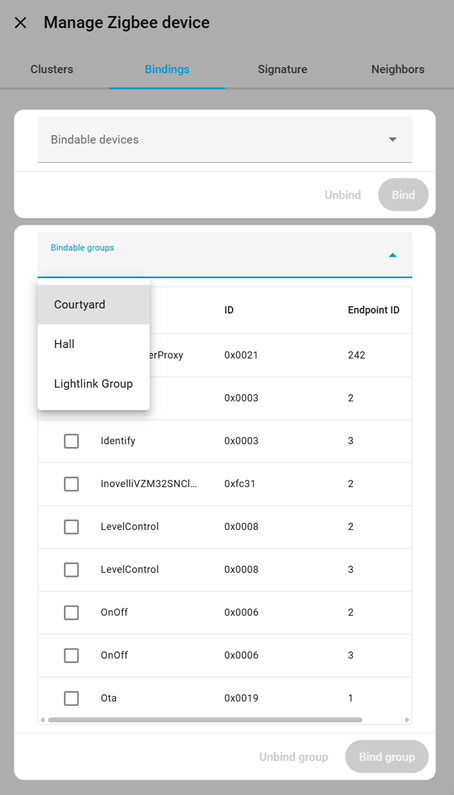
I was able to follow the Setting up Zigbee instructions for “Smart Bulb Wired to Smart Switch”. I was able to go as far as setting the cluster so that the switch is now in smart bulb mode, but it was under a different menu in the device. I had to click a “…” menu and then “Manage Zigbee device”.
On step 7 it says to go to the “Binding” section and click “Bind”, but I have no such section. The UI is completely different.
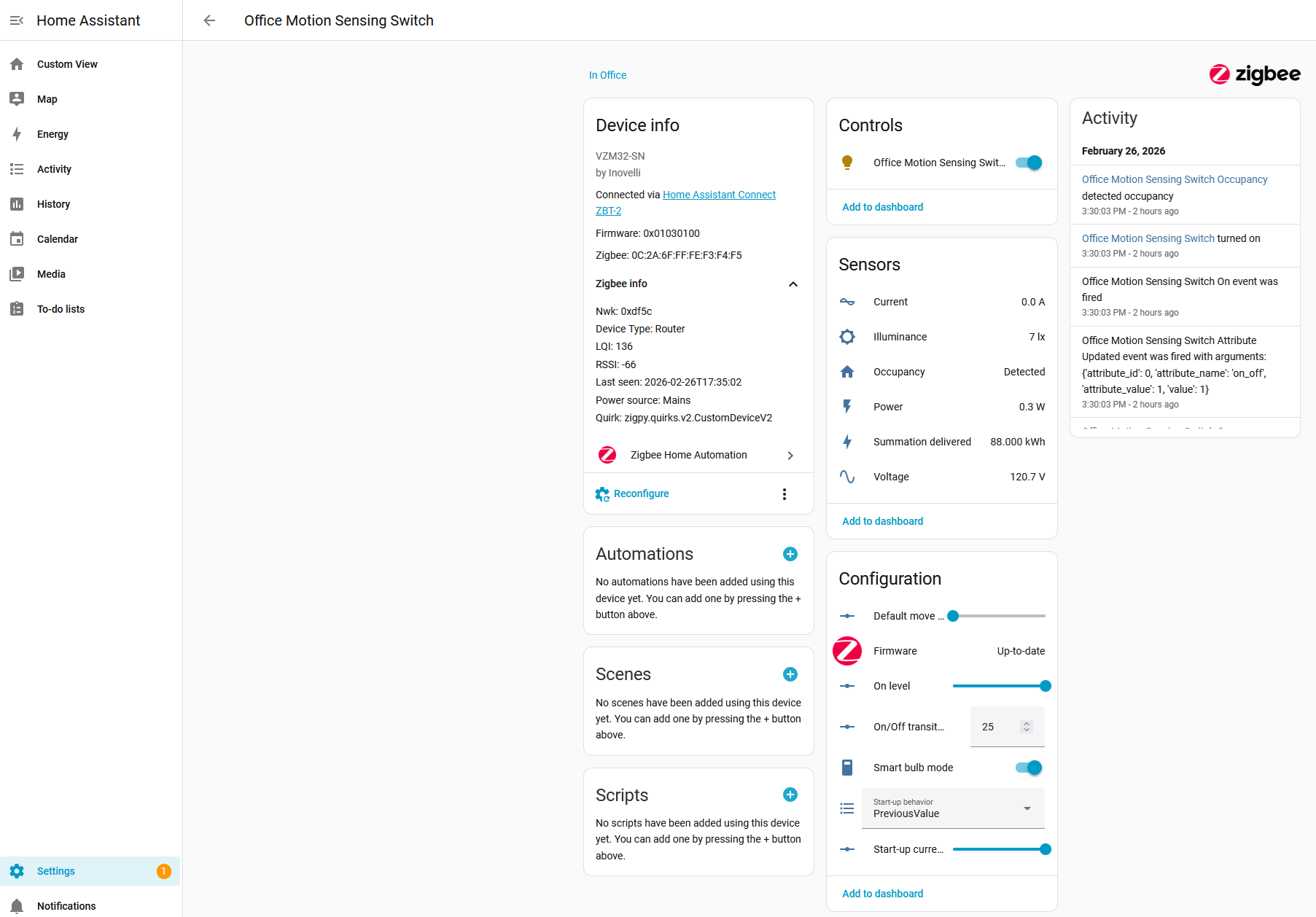
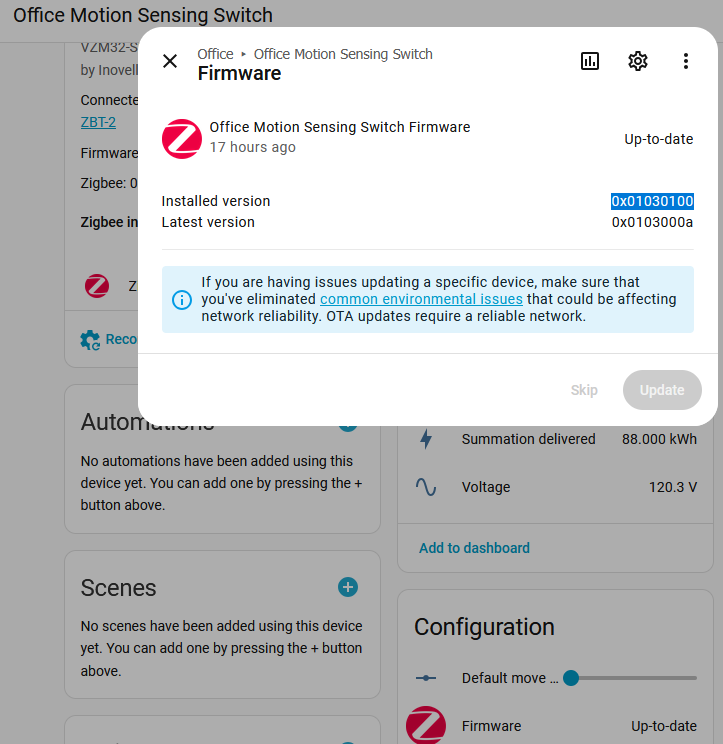
My firmware for the dimmer switch says it has version “0x01030100” and is up to date.
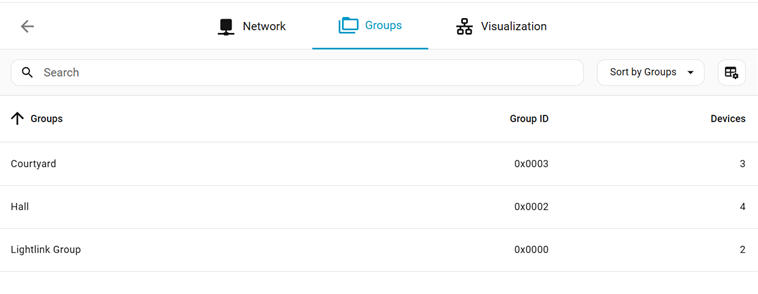
How do I associate my office lights group with the switch?
I know that my lights are powered at least. Before I had enabled smart bulb mode I could press the on/off buttons and see them light up, however they flickered a ton during the startup process. It’s what made me realize I was accidentally treating them like dumb LEDs. And I can turn them on/off via Home Assistant directly, but I want to interact with the physical switch and eventually turn on with a motion sensing automation.