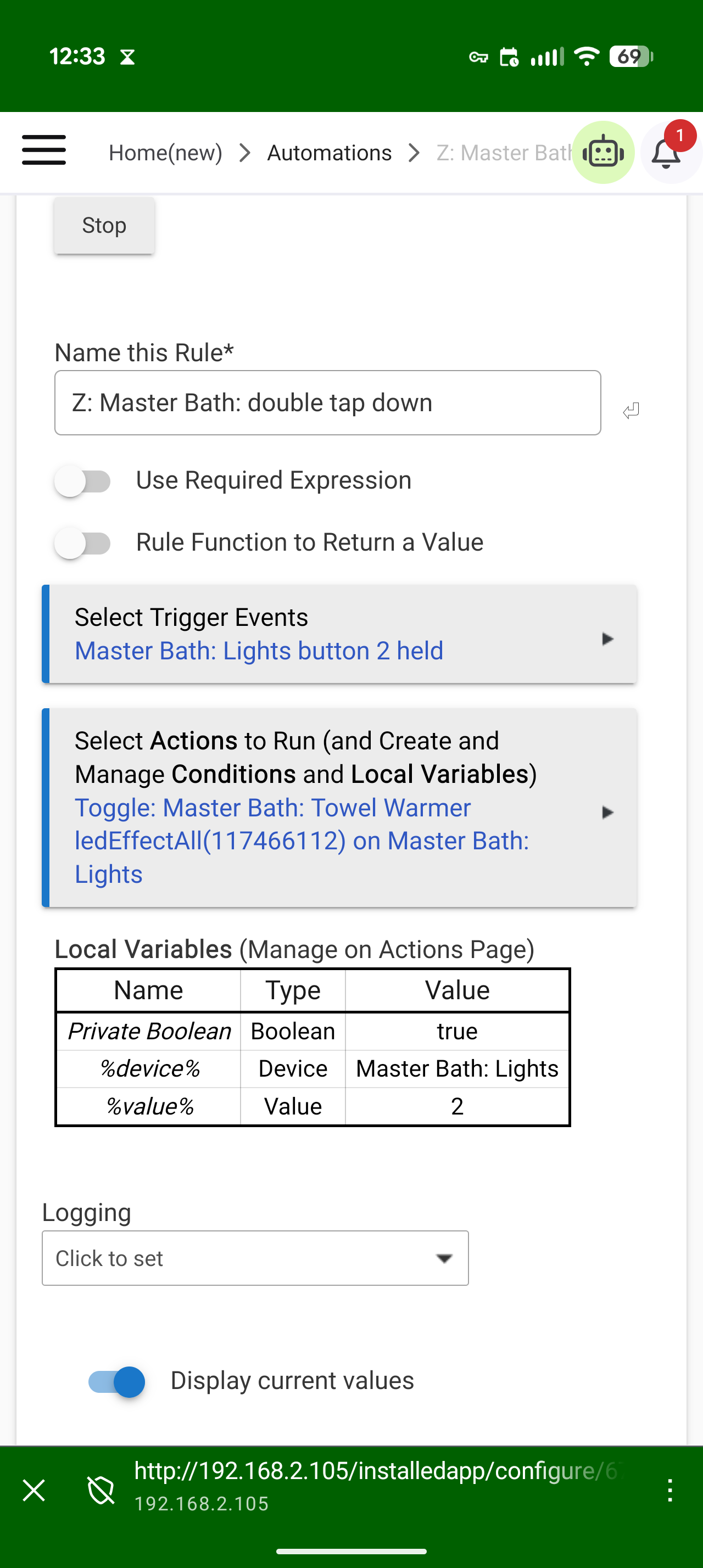
I’m using an inovelli Red series mmwave switch and I can’t seem to get hubitat to activate a led notification using the rule machine. My older inovelli switches just install a child device which is easy to activate. I understand these newer switches instead use run custom action. See screenshot for how I have it setup now. When the scene is triggered, it toggles my towel warmer as it should but the notification light on the switch doesn’t do anything. Why not? I got the parameter string from this website using the on/off+ dinner device:
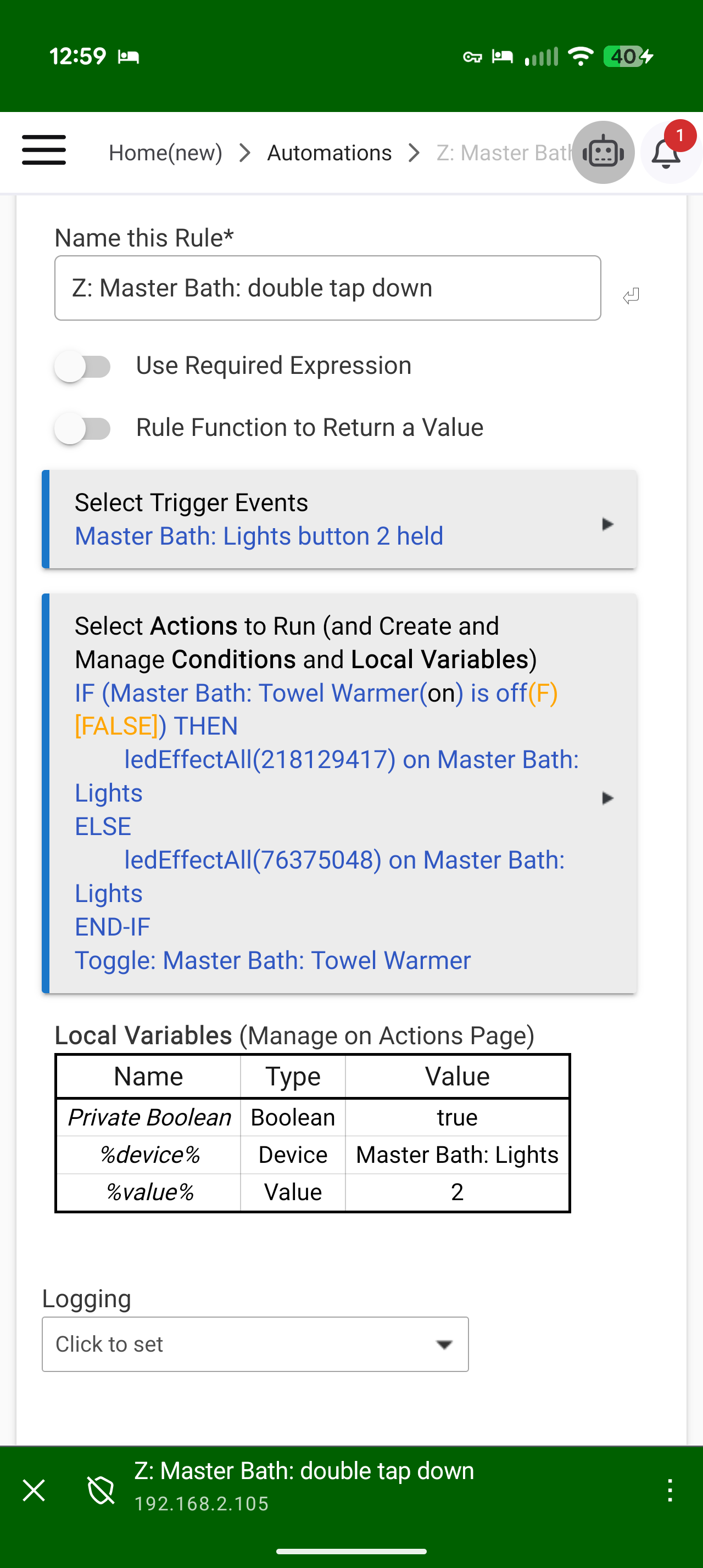
It’s not one single long string, it’s several separate strings so that they display separated by a comma in the UI (4 string entries for all LEDs, 5 for single LED): led# (this not need for ledALL), Effect, Color, Level, Duration.
Example from one of my ledALL rules:

Example from one of my single LED rules:

Edit - my examples above are for my Blues; although I don’t have any Reds, I’m guessing they work the same way, but I suppose there’s a chance they dont.
Thanks for the reply. According to the documentation that I was following the blue series you enter each number separately, but the red series you copy the whole string in the numeric parameter. But that didn’t work for me. The documentation is very confusing because it blends the red and blue series instructions together
Oof, nuts then… Hopefully a fellow Red user on Hubitat will be able to clear this up!
I can’t vouch for this community-developed app (no experience with it myself), but you may want to take a look – perhaps it could work…