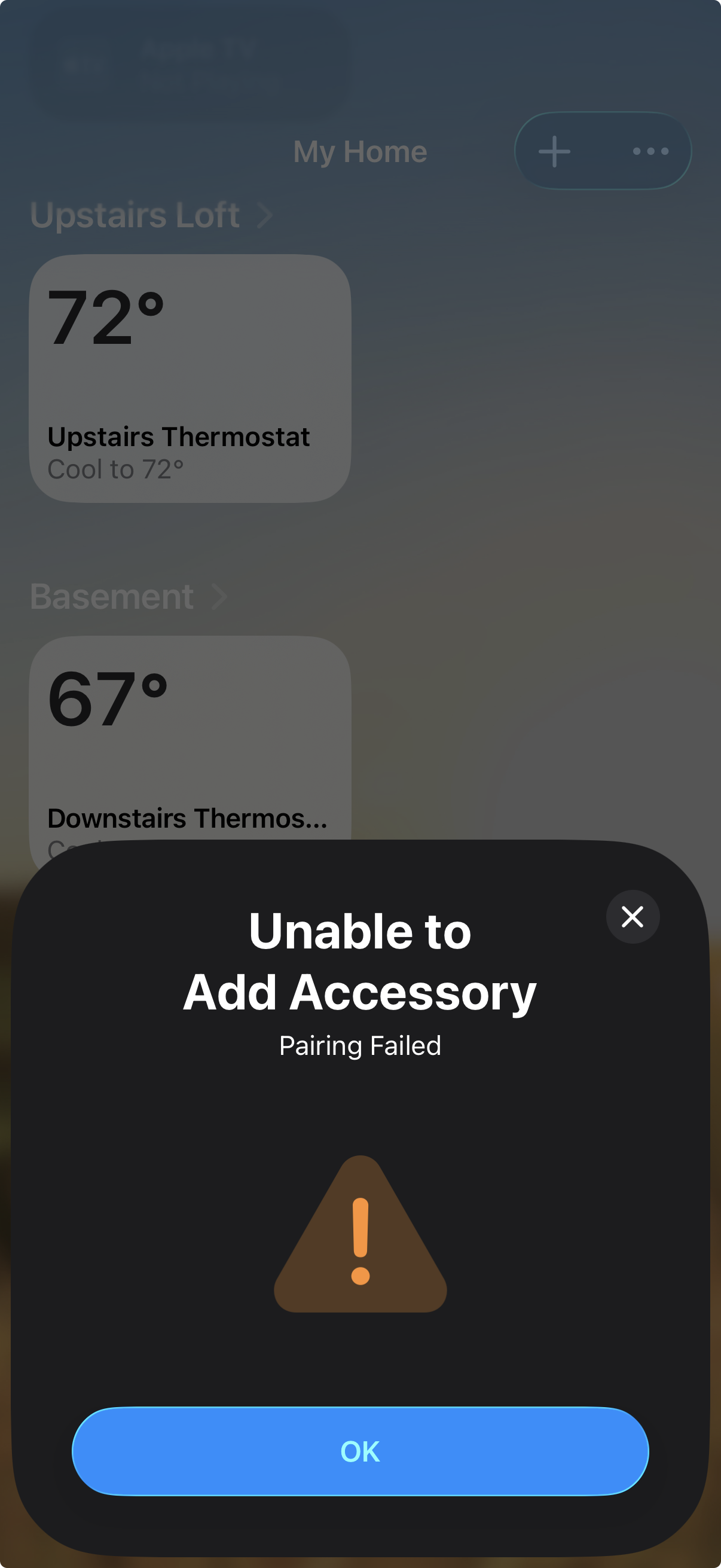
Hi, I just installed my first Inovelli white series wall switch to control an outside non-smart single pole porch light. I think its wired correctly because I can physically use the switch to turn the light off and on.
But when I try to pair using the Apple Home app, I get the below pairing failed error. Tapping OK just dismisses the dialog. Also, the product info links in the manual that come with the switch are dead (just displays a page the the text “Short code does not appear to exist.”).
Think I got a defective one off the factory line? Any help appreciated, thanks!
A few questions to get started:
- Do you have any existing Thread devices working or is this your first?
- What brand is your Thread Border Router?
- What version of iOS are you running?
- Which model Inovelli switch?
Thanks for your response.
- This is my first Thread device
- My Thread Border Router is an Apple TV 4k (3rd gen) I just bought last week
- iOS 26.5
- Inovelli White Series Smart On/Off Switch
Is the AppleTV the WiFi + Ethernet or just the WiFi version? Only the WiFi + Ethernet version supports Thread.
How far is the AppleTV from the White switch?
It’s the 128GB with Ethernet. The Apple TV is connected to wifi with the Ethernet cable.
The Inovelli switch is about 25 feet from the Apple TV.
The Apple TV is signed into your iCloud account and showing as your Active Home Hub… correct?
Depending on the structure of your home, you may be at the range limit for Thread (at least to get it to pair anyway). I would initially move the AppleTV close to the Switch (let it run on WiFi just for this bit) and try again.
Let me know what happens.
I moved the Apple TV closer, same result. Is there a way to reset the Invoelli switch?
Hold the Up Paddle and the Config button (the small one) down at the same time. The LED bar will turn green, yellow and eventually red. When it turns red, release both buttons and the switch will flash red and then reset. When the LED bar is back to blue it is ready. You only have ~15 mins after the switch is reset to pair it, so it is possible you just timed out of pairing mode.
Tried to pair after the reset you described, and no luck. Also cycled the power breaker switch to see if that would reset it, and no luck.
Not sure if it helps, but the pairing failed alert pops up instantaneously, like it’s not even trying to acquire a signal. Not sure if that behavior is useful in trouble shooting
Dumb question… you have Bluetooth switched on your iPhone?
Yes, Bluetooth is always on. What I did though is I rebooted my iPhone, and then it paired! It’s an iPhone 16 Pro, surprised that fixed it. Thanks for all your troubleshooting ideas!
Excellent… I assume that Bluetooth was “stuck” on your phone in some way. The symptom of an immediate failure when you tried to pair pointed towards the phone.
I recently added a new white series on off switch and also had problems trying to add it to App,e Home using my iPhone. I then tried adding it after several factory resets that didn’t work ( as well as air gap ), using my iPad and it worked right away. I believe the issue may have been because my iPhone was connected over WiFi using WiFi 6e. So possibly turning that off under your phones WiFi settings may be the solution. If you have another device like iPad then try that.