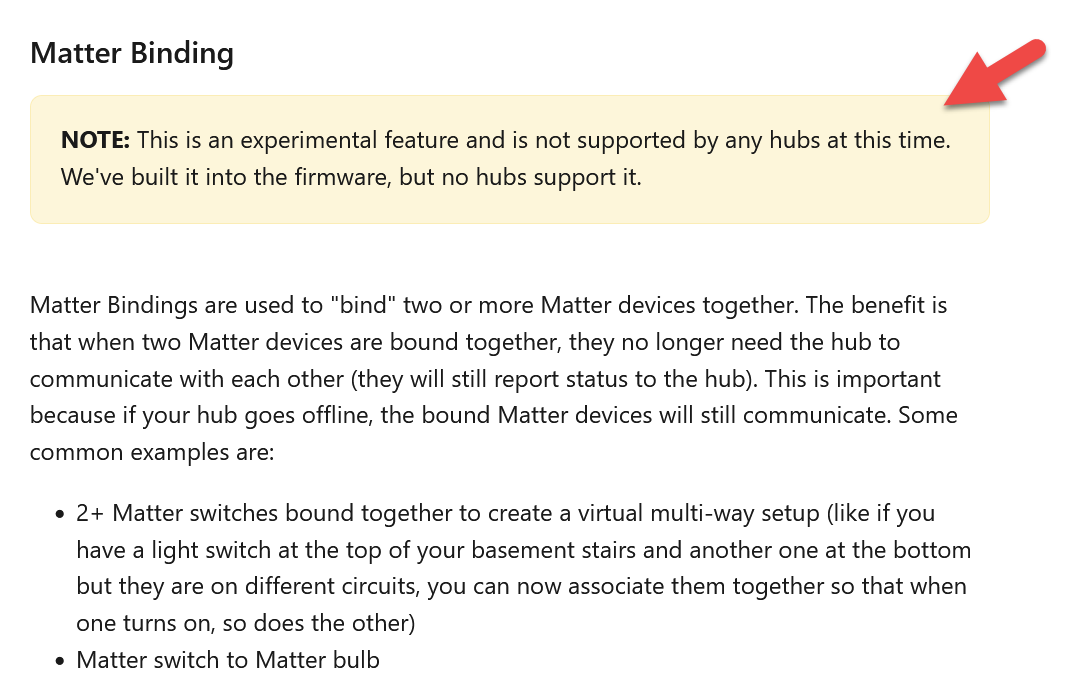
Hello, new to this forum and Inovelli. I’ve got a few Inovelli white series (matter) switches. Planning on using them to replace them for existing 2 and 3-way switch setups. Don’t want to mess with complex wiring and want to use switch level binding instead. I found this in the docs, but it doesn’t provide instructions on how to do it. White Series Dimmer Switch • Manual | Inovelli Help Center
Would appreciate some input on this.
Thanks!
If I recall correctly, support for Matter binding is built into the switches…but no home automation hub has the ability to configure Matter bindings at this time.
Matter implementations in the HA industry are still only basic, and there’s lots of development left to be done…
Understood. My question was how to bind two matter switches without a controller?
You can’t without doing custom work.
Is the below AI from Google wrong? I’m assuming it is based on this discussion
To bind a Matter bulb to an Inovelli White Series Matter switch, simply put your smart home hub into pairing mode, then activate pairing on the Inovelli switch by tapping the configuration button a few times, allowing the hub to discover and pair the switch; once paired, you can then use the hub’s interface to directly associate (bind) the Matter bulb to the Inovelli switch, enabling them to control each other without needing separate commands. [1, 2, 3, 4]
- Put your hub into pairing mode: Open your smart home app and navigate to the device addition section, initiate the pairing process on your hub. [2, 4, 5]
- Activate pairing on the Inovelli switch: [4, 5]
- Discover and pair the switch: [2, 4, 5]
- Bind the Matter bulb to the switch: [2, 4, 5]
Important points to remember: [1, 2, 3]
- Matter compatibility: Ensure both your Inovelli switch and Matter bulb are certified as Matter devices to utilize this binding feature. [1, 2, 3]
- Hub requirements: You will need a compatible smart home hub that supports Matter functionality to manage the binding process. [2, 4, 5]
- Check your hub’s instructions: Specific steps for binding devices may vary slightly depending on the smart hub you are using. [2, 4, 5]
Generative AI is experimental.