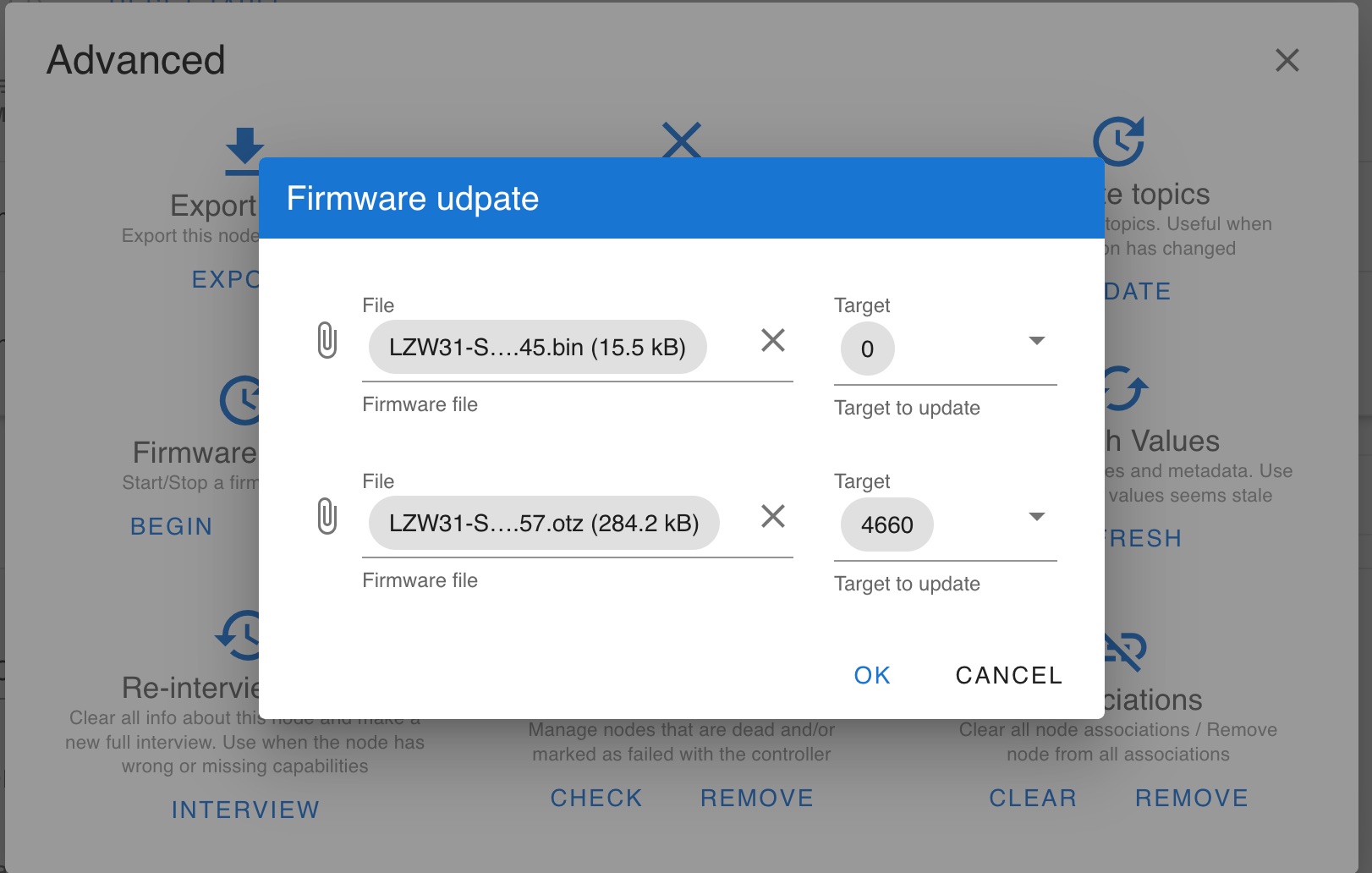
Is this right?
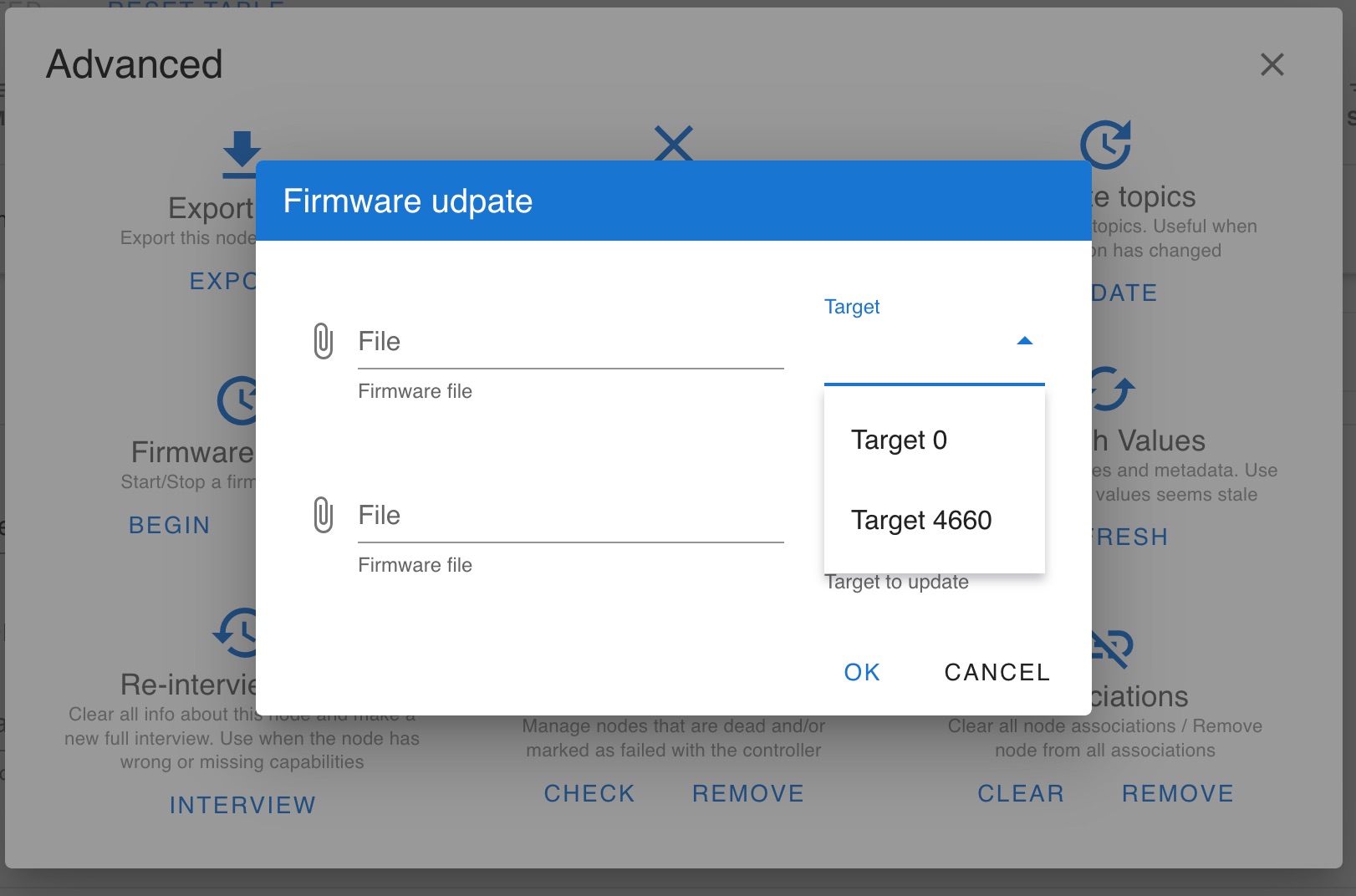
Asking because this doc: Knowledge Base Redirect – Inovelli has scary red warnings and suggests it should be Target 1 – no idea what 4660 is. There’s only Target 0 and 4660 available.
stu1811
October 26, 2022, 12:20am
2
Target 0=.otz .bin
Thanks for pointing that out - I missed it.
What about this 4660 thing? There is no “Target 1” to select from.
stu1811
October 26, 2022, 12:43am
4
I haven’t tried the multi firmware update. Do target 0 with otz ans then target 1 with bin.
Sorry, restating again - please see last screenshot.
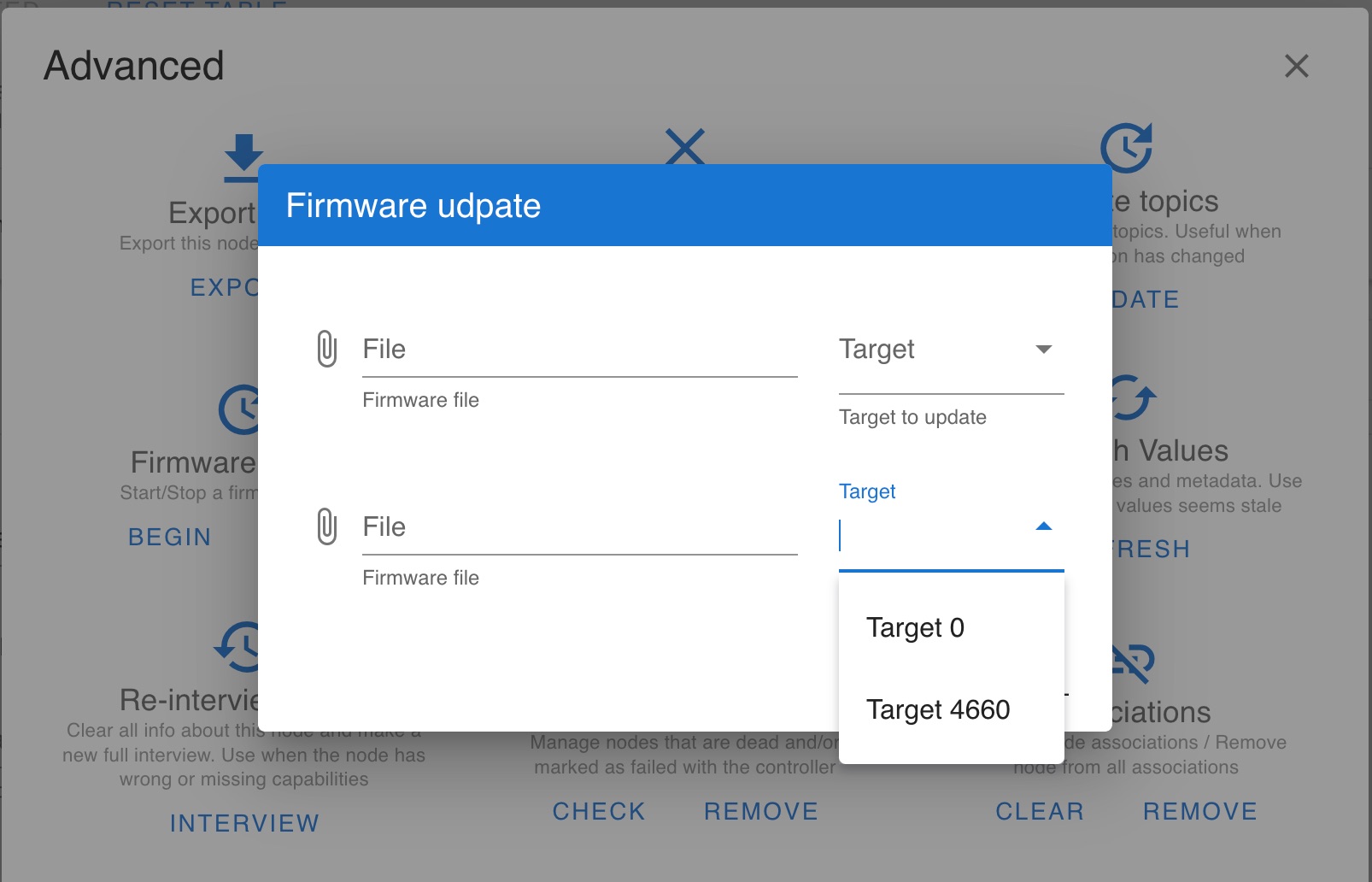
There is no “Target 1”.
Only “Target 0” and “Target 4660”
harjms
October 26, 2022, 12:46am
6
Does the upper drop down have a target 1?
stu1811
October 26, 2022, 12:50am
8
What is your addon version? Mine looks different.
I run zwave-js-ui in a docker container. I run 8.2.1
fwiw, just updated to 8.2.2 because it has a much more better firmware update process
Didn’t change the UI at all.
stu1811
October 26, 2022, 1:00am
11
Looks like a bug in the updater
opened 08:14PM - 25 Oct 22 UTC
closed 08:24PM - 07 Mar 23 UTC
question
Hi folks! I'm running the latest release of zwave-js-ui (within a current versio… n of Home Assistant, but this issue is directly observable within the zwave-js-ui element).
Previously, I had been trying to update one of my Inovelli | Red Series Dimmer | LZW31-SN dimmers. I have several updated by manually updating them with an entirely separate infrastructure.
On the last version, it would attempt to update, show `100` in the UI and claim both updates were complete in the logs, but after refreshing values, they were not incrementing to the latest versions.
- Tried a power cycle of the dimmer itself, no change, and the dimmer still responds normally/stays the same version in the UI (as well as in the logs).
- Tried to re-interview the node, no change.
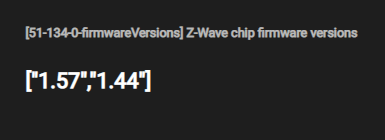
Now in the current 8.2.2 version it still shows the outdated version (1.56 vs. 1.57) and now no longer shows a firmware update is available for it:

When looking at the values for the version *on the affected dimmer* it shows:
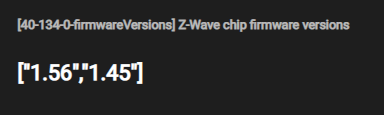
By comparison, these are the values for a dimmer I updated externally:
In the UI if I try an Advanced -> Manual firmware update, it also now shows targets oddly:
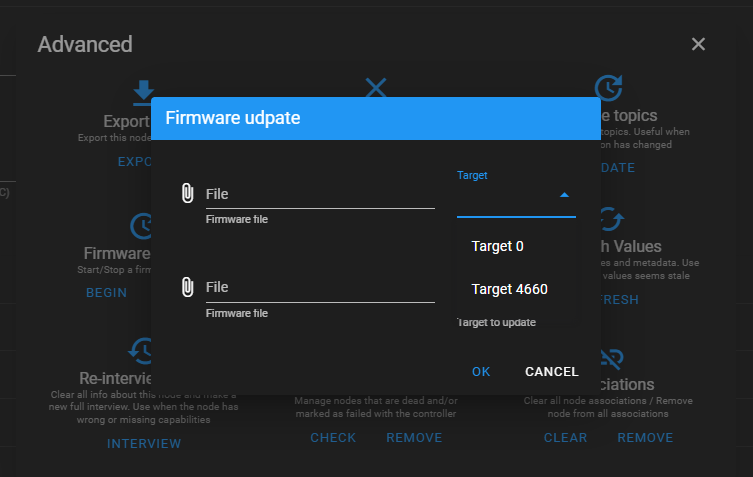
- Before 8.2.2 it showed Target 1 and Target 0.
- Now it shows Target 0 and Target 4660
On a previously externally updated dimmer it only shows one target now:
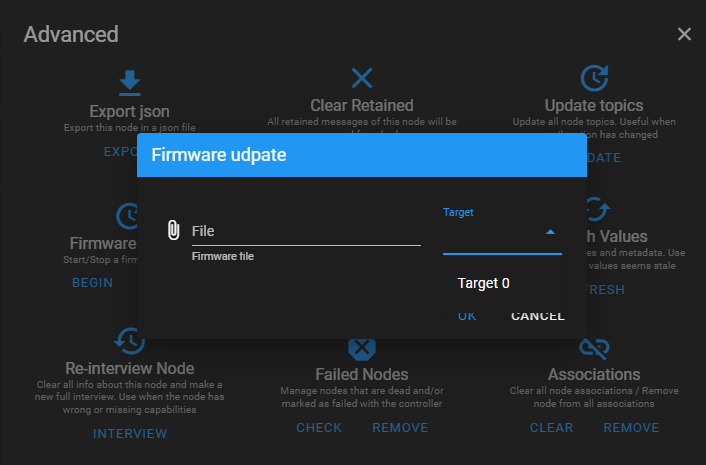
Any dumps / logs I can grab for you?
PJF
October 26, 2022, 2:38am
12
Maybe manually type 1 in there and do it one target at a time or try both with a 0 and a 1? I can type 1 and it stays but I didn’t try an update.
I see the same thing. I’m hesitant to manually type 1 myself and try, but it does seem possible. It’s also odd as this info is supposed to come from the switch itself.
I was in the same situation a few minutes ago. I just typed in ‘1’ and the update worked as expected.
which switch do you have? i tried with my black series dimmer (no neutral) and it failed
Red series dimmer w/ neutral on zwave-js-ui: 8.4.1 and zwave-js: 10.3.0.
my switch believes its been attempting to update for a few days now…i tried abort, resetting HA & Z-wave js…any other options to get it out of this funk before excluding it and resetting to factory default?
PJF
December 7, 2022, 8:47pm
18
What is it doing exactly?
Maybe try an air gap.
ended up excluding, factory reset, include and now it upgrades successfully when manually typing in the targets
Glad to see you were able to get things working. I’ve had switches stuck in update mode before. Usually flipping the breaker / cutting power would clear things up.