I tried searching for an answer and probably missed it but hoping someone can help me out here.
My understanding is that with groups and binding, the VZM31-SN’s physical buttons can control the fan/light through the VCM36 module. I’m running Home Assistant and using the Zigbee2MQTT addon.
My expectation is to have the main paddle would turn the light on/off only. And then the control button would cycle the fan 33%/66%/100%/off
I followed the guide here and everything seems to be setup on my end as required.
The paddle will turn the light on/off like I expected. But the control button is also turning the light on/off and cycling through the fan speeds.
Is my expectation wrong or is there possibly something I’m setting up incorrectly by following the guide? Or is there a different setting that I need to use to make this all work?
High level (can post screenshots if needed):
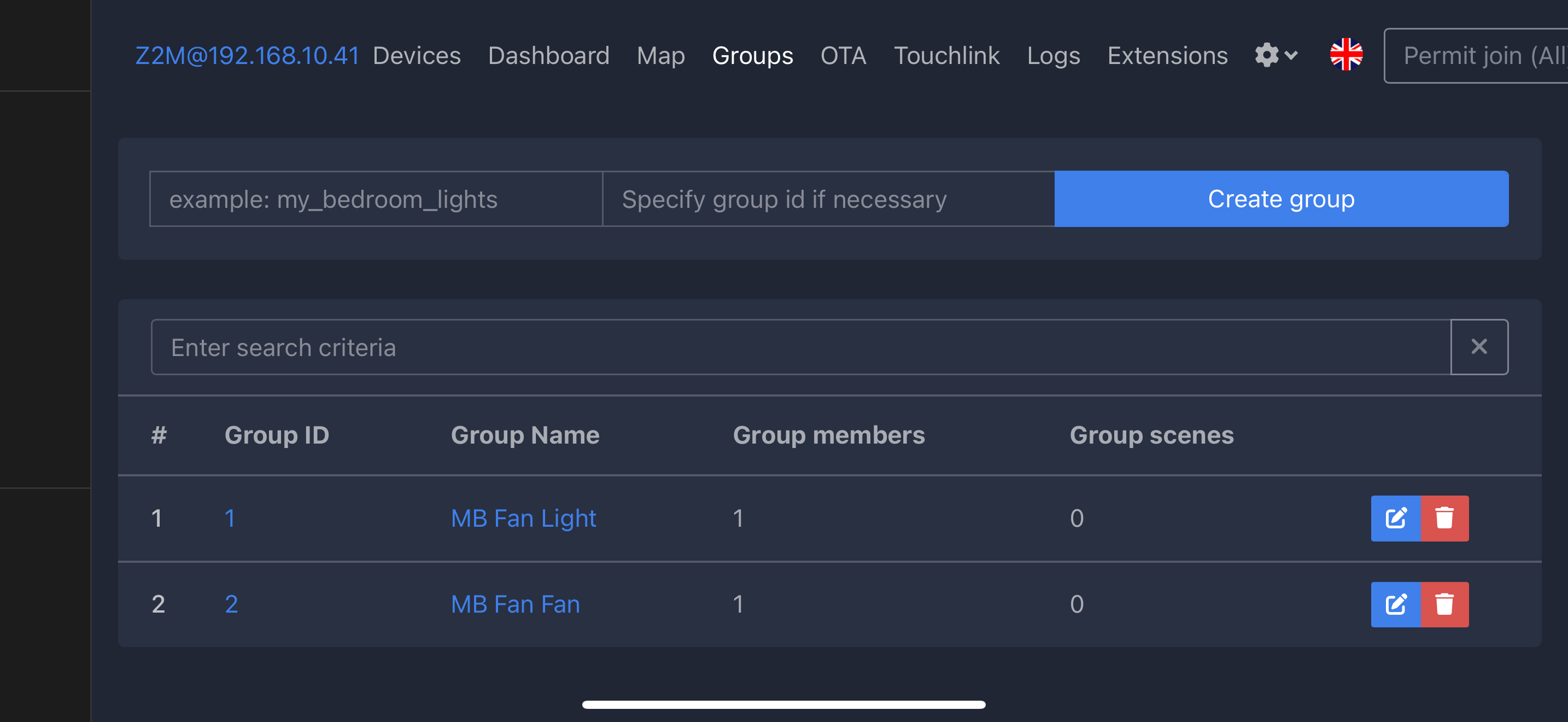
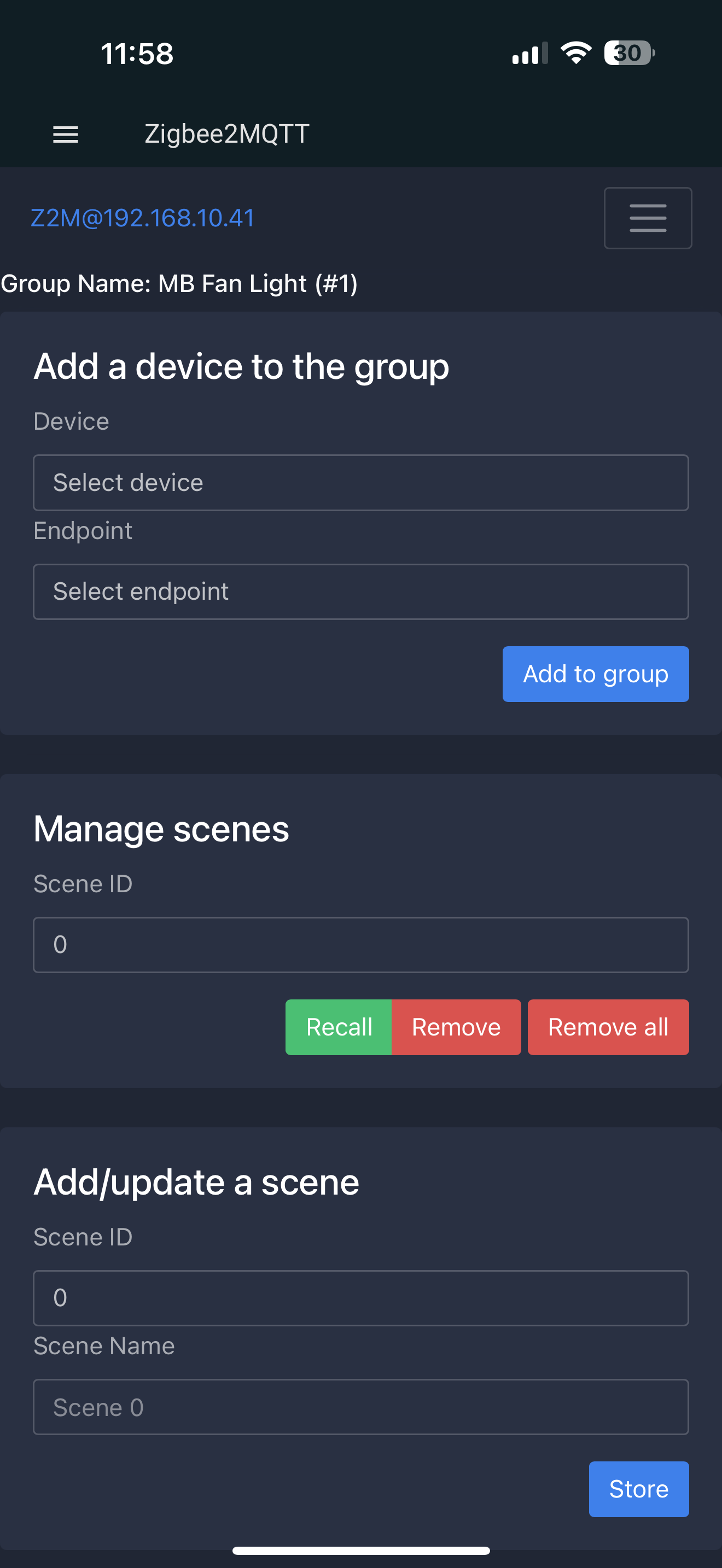
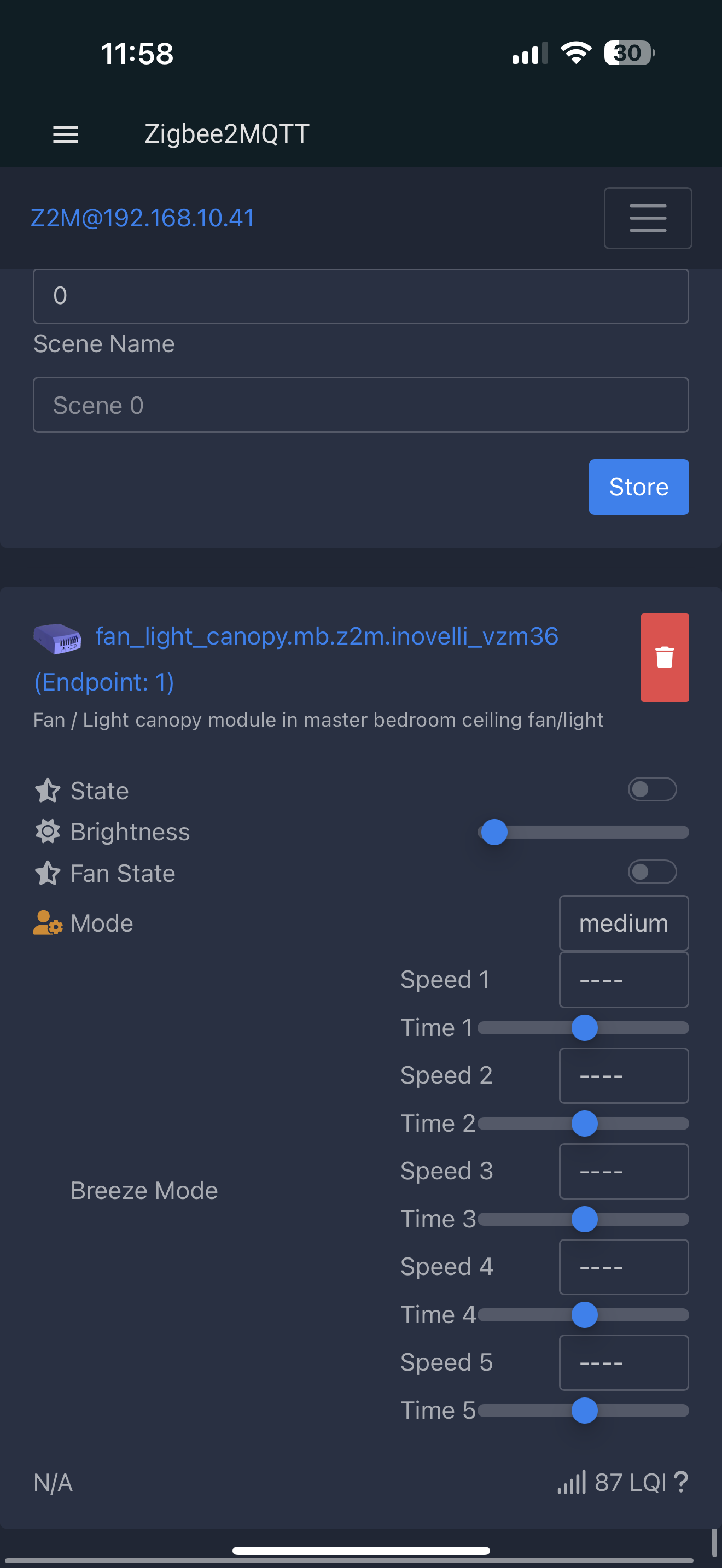
Group 1 - Fan Light - has the VZM endpoint 1
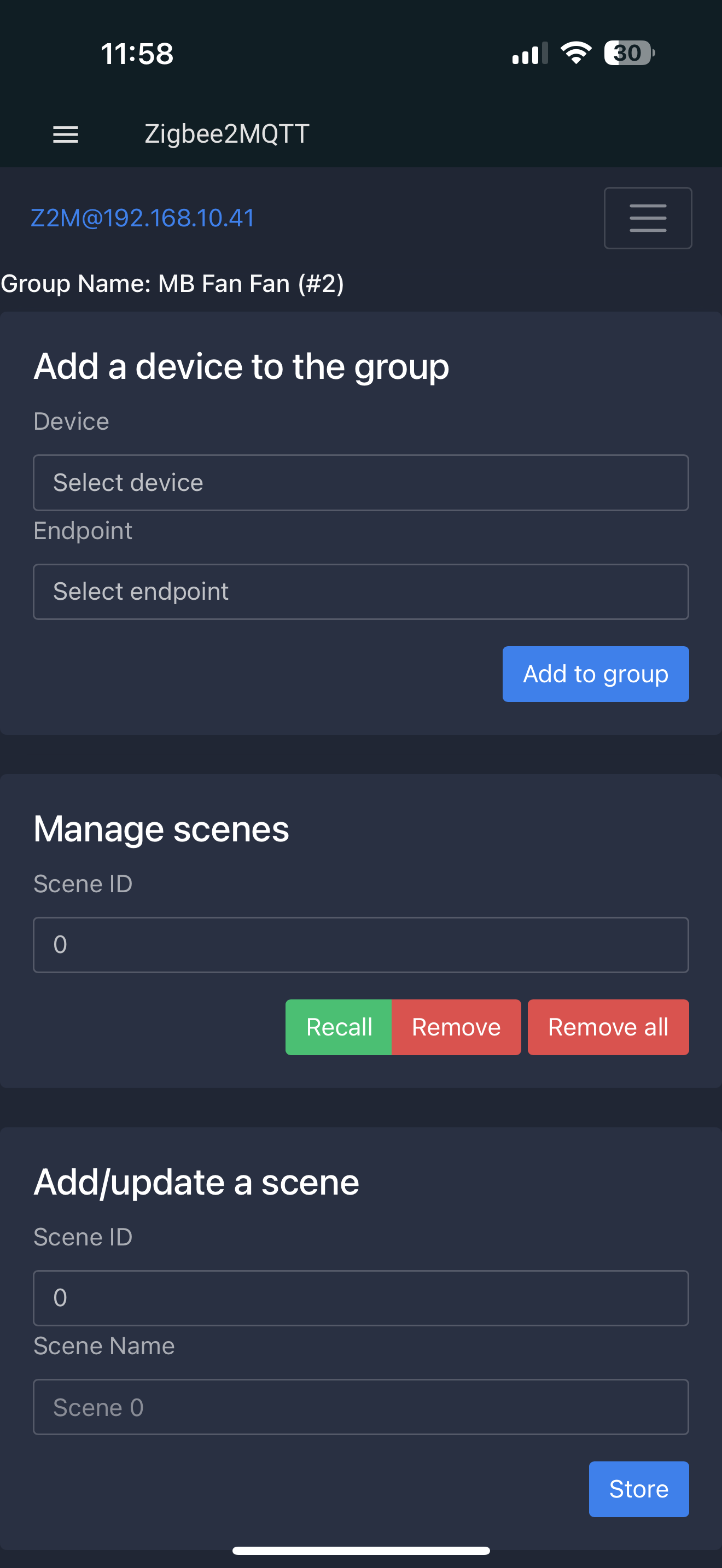
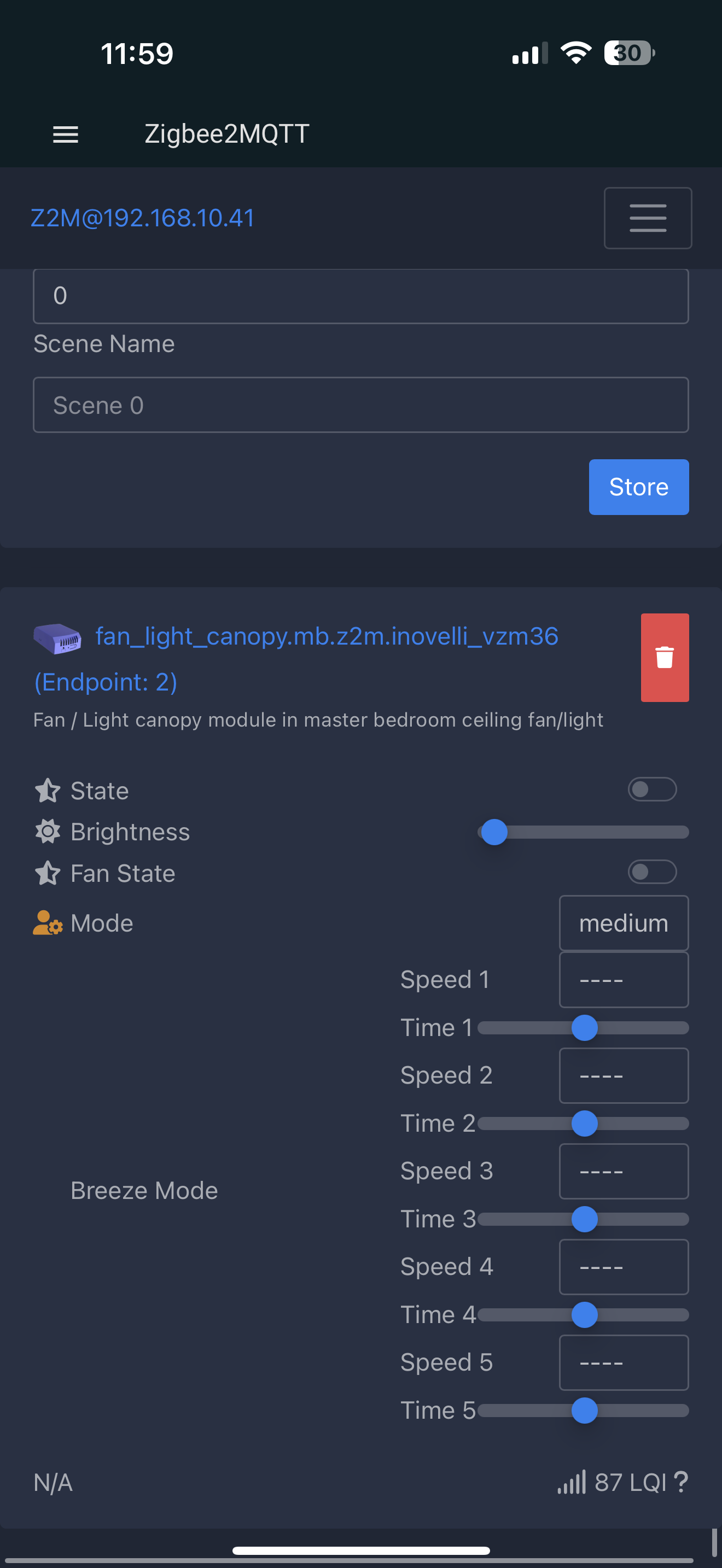
Group 2 - Fan Fan - have the VZM endpoint 2
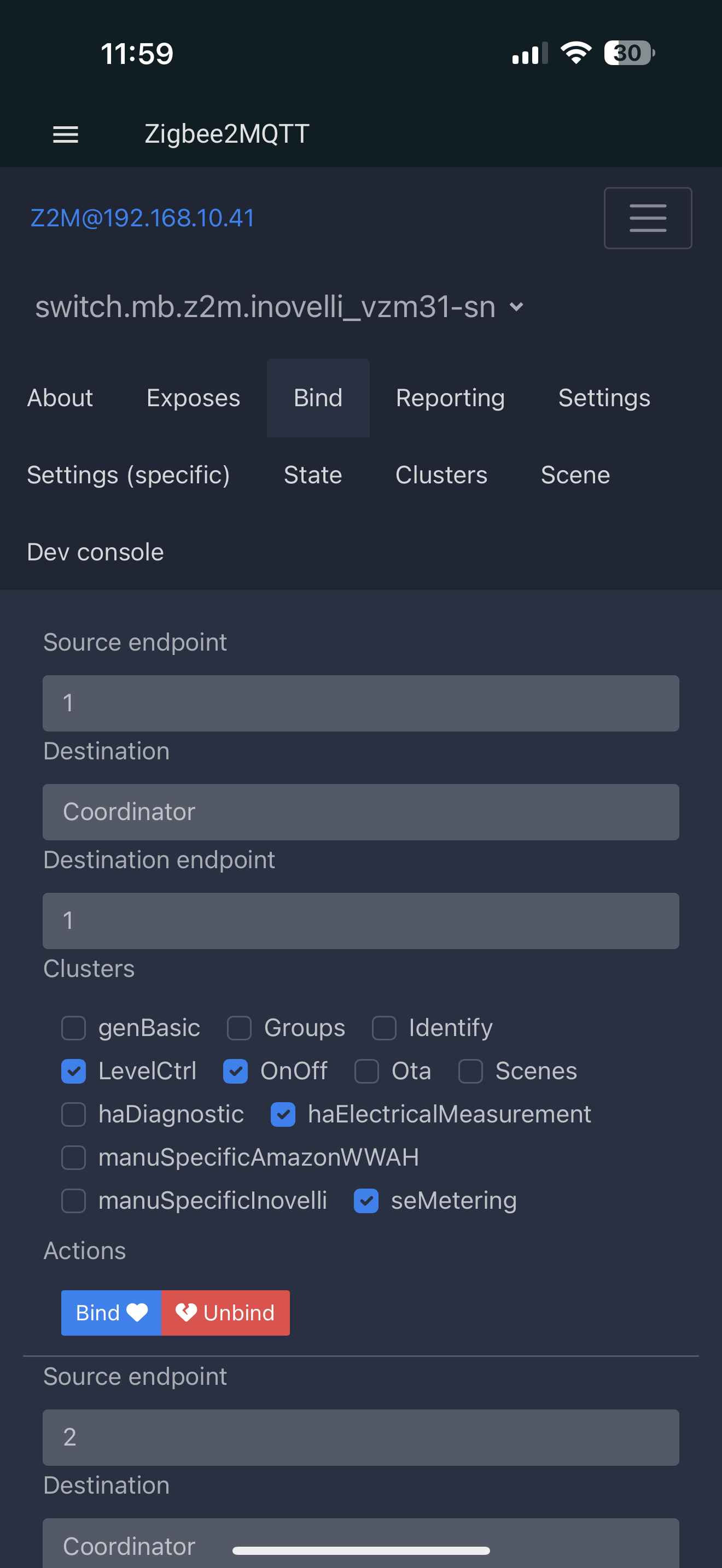
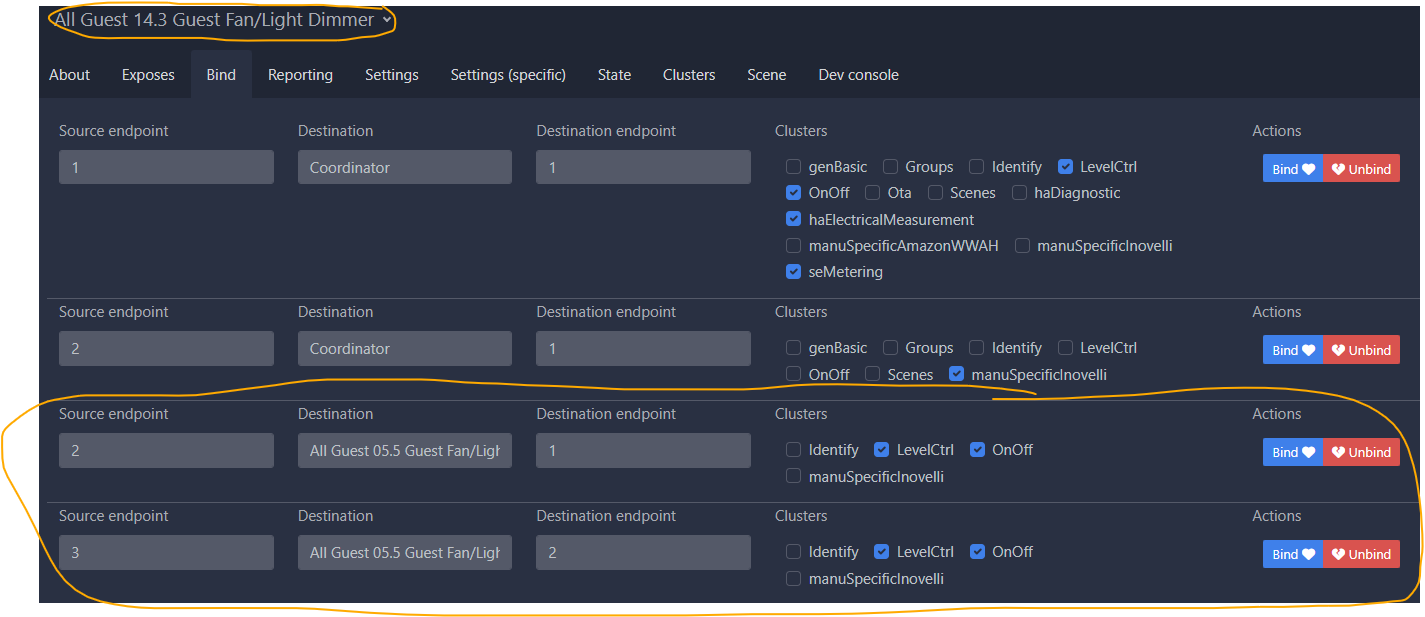
Bind 1 on VZM31-SN - has source endpoint 2, group Fan Light with LevelCtrl and OnOff selected and bound.
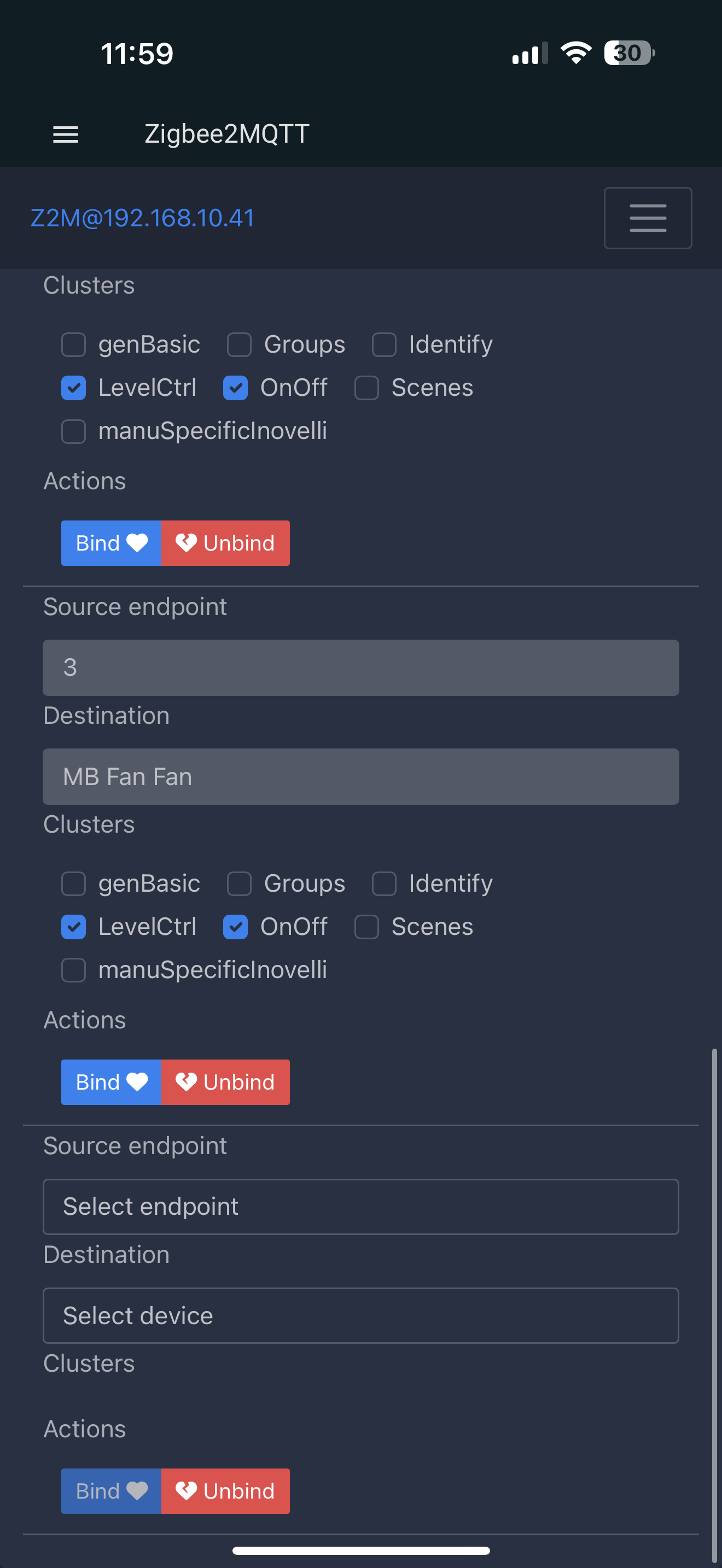
Bind 2 on VZM31-SN - has source endpoint 3, group Fan Fan with LevelCtrl and OnOff selected and bound.
VZM31-SN has firmware 2.18
VZM36 has firmware 1.01
I’m using HomeSeer, but like Home Assistant it’s using Zigbee2MQTT, so from that perspective, it’s the same.
If you’re binding one switch to one canopy module, there is no need for groups, though properly setup, I don’t think groups would hurt.
In my one switch to one canopy module setup, I only have the switch bound to the canopy with no groups.
Are you able to control individually control the light with the rocker and only the fan with the control button? I don’t know if I just misunderstood if this was possible or if I’ve done something wrong on my end.
From what I understand, endpoint 2 should only control the light. And endpoint 3 would only control the fan.
So when I push the control button that is bound to endpoint 3, I don’t know why I’m getting the light turning on as well?
Yes. I control the light with the rocker and the fan with the config/favorites button. The fan button does not affect the light at all. It works whether or not my hub is running. I originally set it up to cycle with the config button, but I have since switched it to multi-tap. It works fine either way.
On the switch, endpoint 2 is the light and 3 is the fan.
On the module, endpoint 1 is the light and 2 is the fan.
Incidentally, I have another canopy module that is controlled by two switches using a group. That also works with or without the hub. But the switches’ led bars are never in sync nor is the fan cycle. Each switch only knows its own led and fan cycle status. Which is why I switched to multi-tap so all my fans work the same.
I don’t know that it matters, but I did the bindings on the switch only. I did not do any bindings on the canopy module.
Ok so I went back and changed the binding to be directly to VZM36 instead of groups.
Pushing the rocker turns the light on/off as expected.
And now pushing the control button does nothing… unless the light is on and then it works.
That made me think that the overall power is being cut based on the light switch status. I remember seeing somewhere that you can set the switch into Smart Bulb mode so that it provides constant power to the fixture. Went in and changed that to Smart Bulb Mode and that did the trick!
While you may have gotten things working correctly, you have an issue with your wiring. Are you powering the canopy module with a conductor attached to the Load terminal of the dimmer? I’m asking because you turned on SBM to resolve your issue.
The Blue dimmer is only rated for light (resistive) loads, not motor (inductive) loads. So if you are powering the canopy module via a conductor attached to the Load terminal, you are putting an inductive load on the switch, which it is not rated for. This can lead to overheating, which is obviously dangerous, as well as premature failure.
The fix is simple. In the switch box, remove the hot conductor going to the canopy module from the Load terminal and attach it to the 2nd hole of the Line terminal. This way, the canopy will remain fully powered and the loads will not be running through the switch. Just remember that the fan box is not powered full time and power must be cut by flipping the breaker.
Going off memory (but will check tomorrow). It’s a single pole installation.
The power coming into the box is going to in the line terminal on the switch
Then the fan/light is going into the load terminal in the switch (which ultimately is powered into VZM36 module).
Then the power is going out of the box on the 2nd line terminal on switch.
That’s clearly wrong. And I just went back and looked and I followed the wiring instructions on the switch and not the canopy. So I’ll need to change that tomorrow and get it wired correctly.