VZM32-SN 5-way wiring

As I understand it, 5-way wiring is the same as 4-way just with another 4-way in the middle, so I have mine wired up that way from the wiring schematics for multiple smart switches (all 4 are VZM32-SN).

My issue is that once powered on in smart bulb mode the lights stay on whether I turn the group off in HA or not. So i have a setting/wiring wrong somewhere. Since this is my first 5-way wiring install I wasn’t sure if it is normal for them to be setup in series for power (ie load switch powers on/off the next switch, and so on for the other 3 switches)

I have the 4 switches in a group in zigbee2mqqt and can change settings via the group without issue. I’ve enabled smart bulb mode as that’s what I believe I have to have them set to from the instructions. I’ve tried both aux/single pole mode just to see if that made any difference.

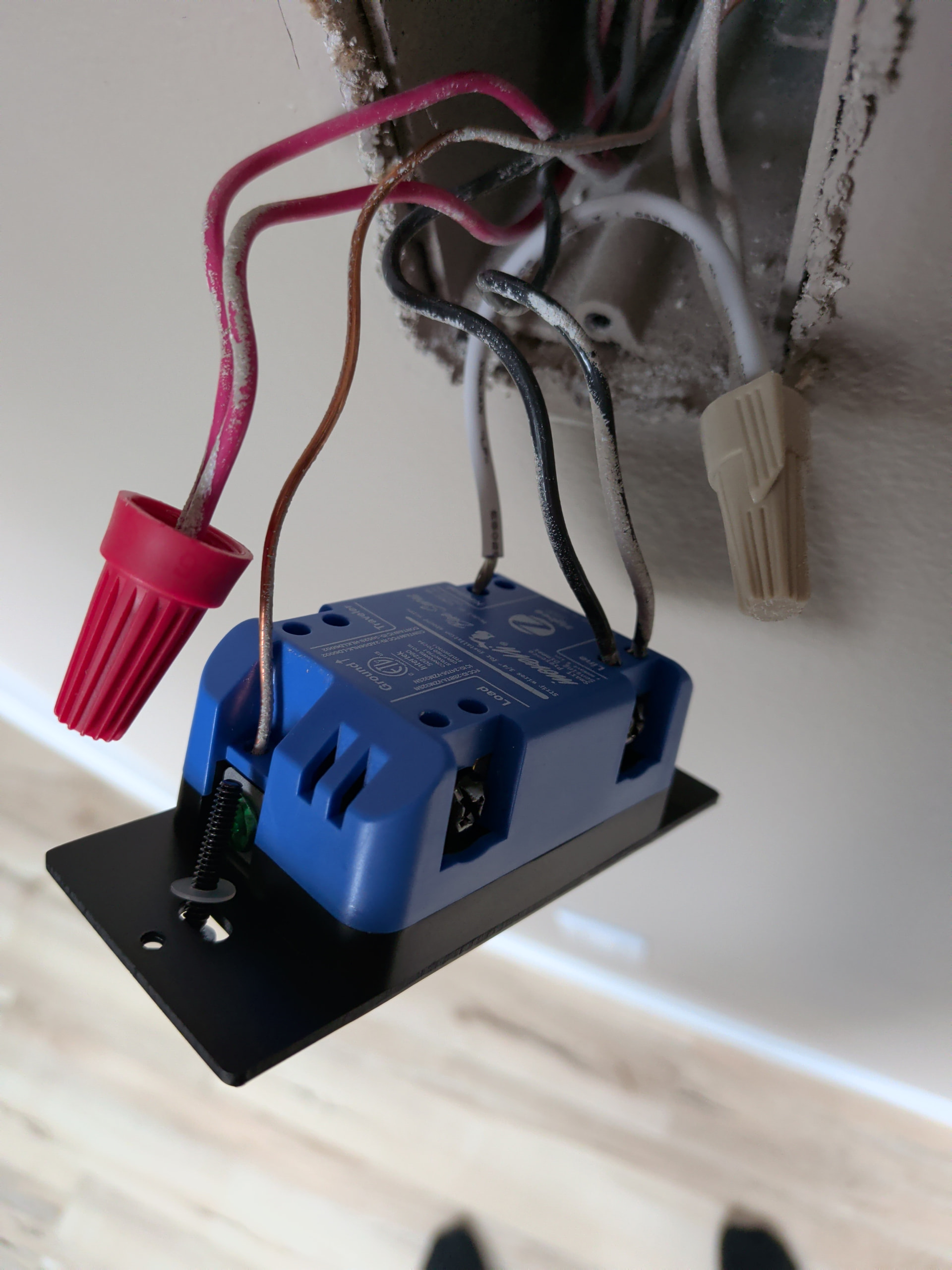
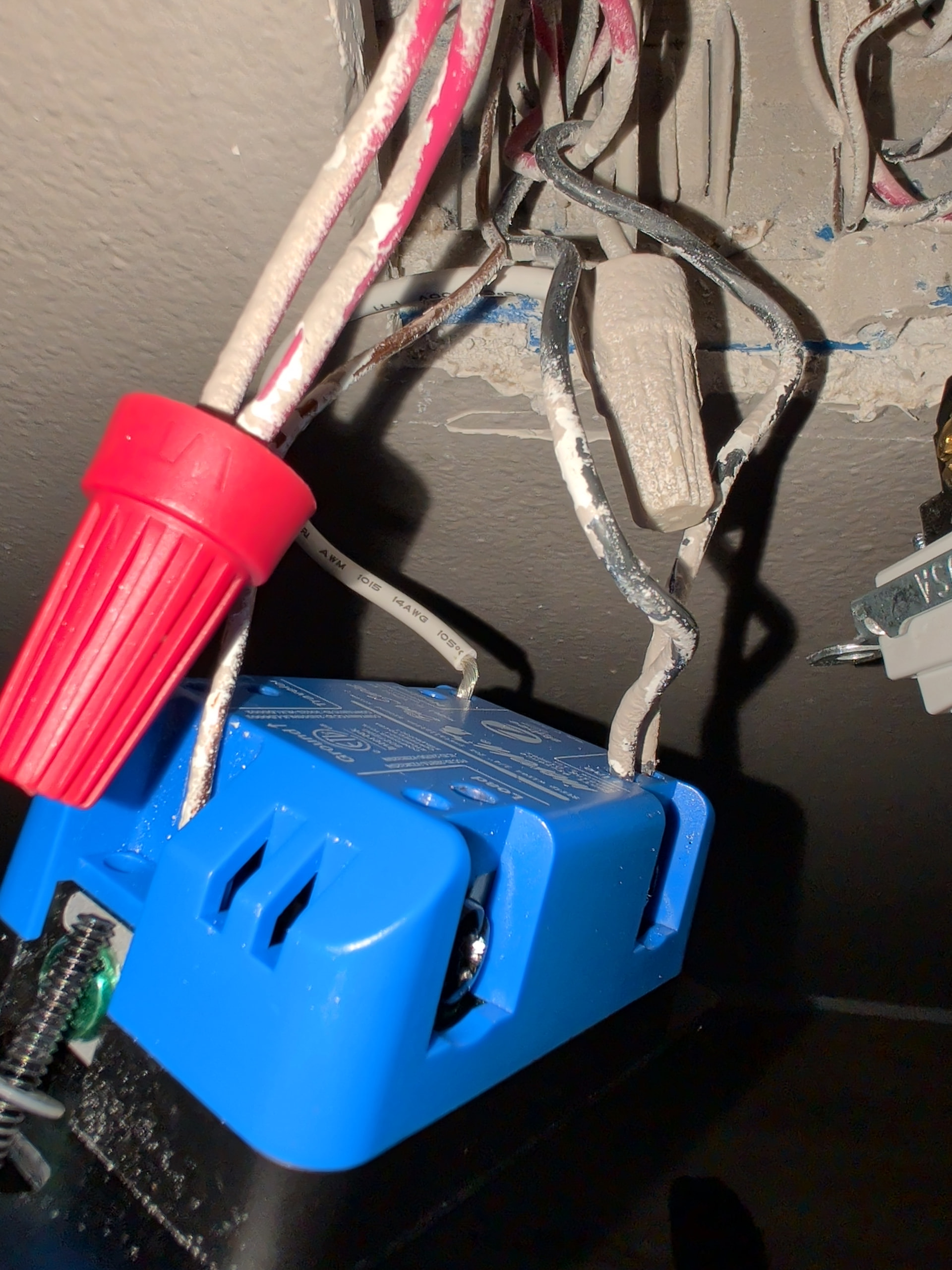
This is how the load switch is wired:

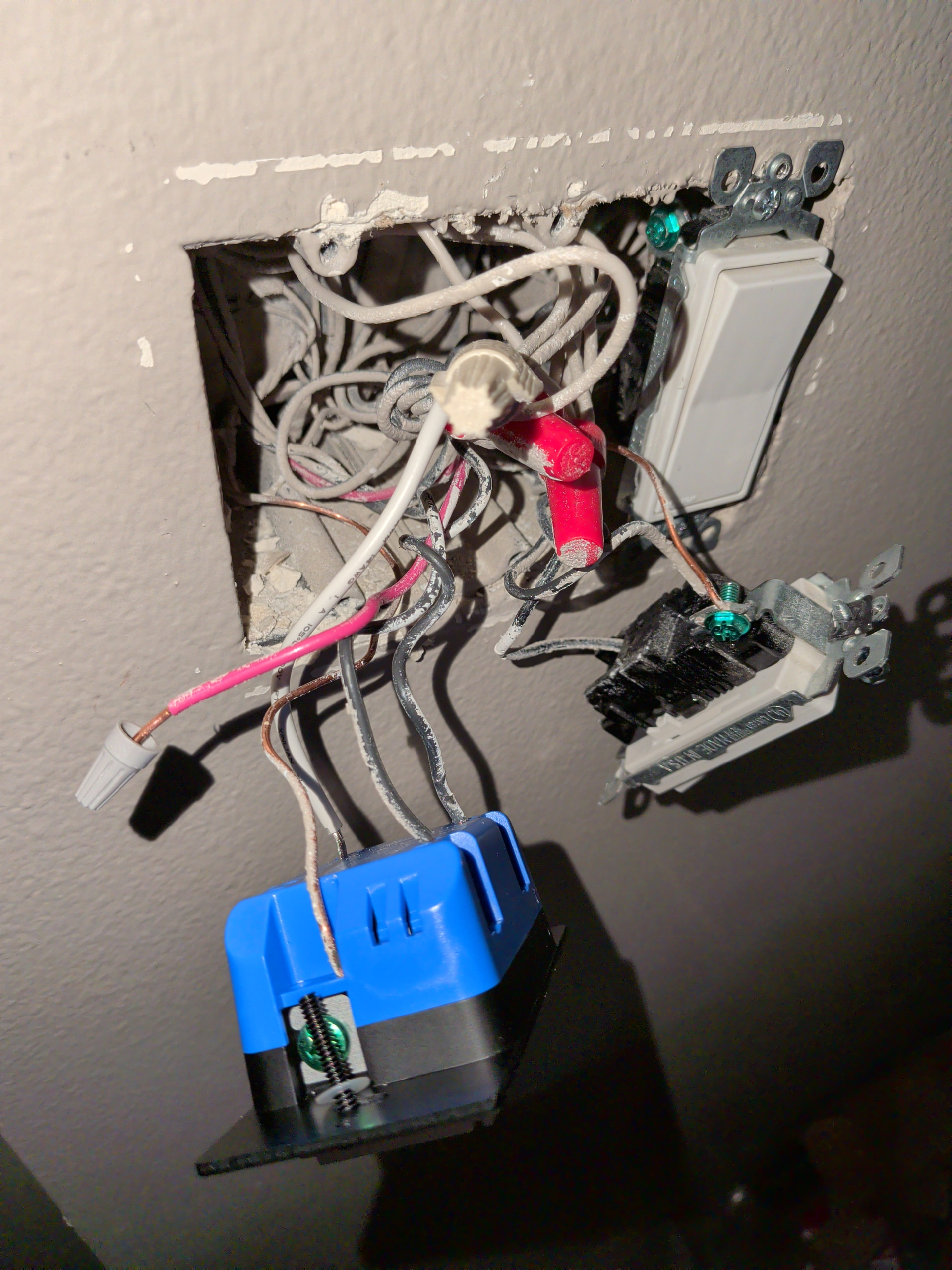
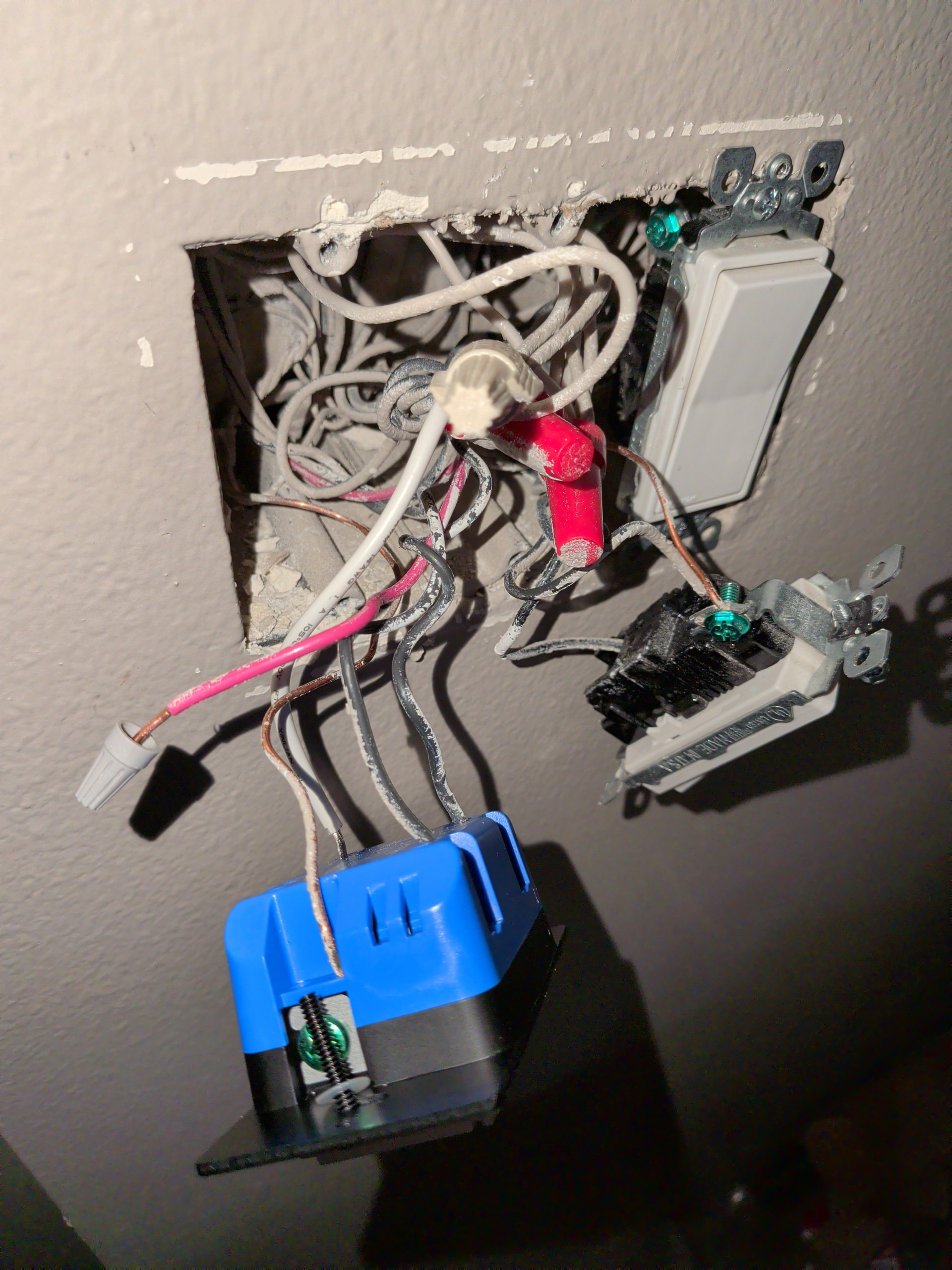
and the inside of the box, these aren’t great, hopefully helpful though:

here’s the remaining 3 switches wiring:

Any help is greatly appreciated

ETA: I did use a voltage tester to determine the load wire with everything unplugged and wire nutted.

Ok, lets call your switches 1, 2, 3, and 4.

Switch 1 is the main switch with the load attached. If not using smart bulbs, then this switch needs to NOT be in smart bulb mode, as this controls the actual on/off state.

Switches 2-4 can be in smart bulb mode, but it probably doesn’t matter.

EDIT:

Power from the panel should be feeding each switch, and only the light should be connected to the load on Switch 1

EDIT: I see you already have them in a group and functioning, so feel free to skip this part :grin:

As far as binding goes, this is where I have less experience, as I haven’t bothered using 2 full fledged dimmers separately on the same lighting circuit. I think the best way of going about this is to add all 4 switches to a group and then bind Endpoint 2 of each of the switches individually to the group. If anyone else chimes in with a better/proven solution, I’d probably go with their solution.

-

If these are all VZM32s, you may end up experiencing issues with motion detection. Again, no experience with this setup, but this is based on other posts I have read through…

Again, I haven’t played around with multiple mmWave switches on the same circuit, so I’d hold off on taking my word for it and modifying anything til it proves to be a problem.

This is based on the default setting of Occupancy for the mmWave Control…

While the light might turn on at the detection of any of the switches, as soon as one of the switches turns off, it will likely turn off the light even if other switches still detect motion.

If you set it to Wasteful Occupancy, it will turn on automatically, but will need to be switched off. This should cause fewer issues as it won’t turn off when one of the switches stops detecting motion.

If you want it to both turn on when any of the switches detect motion and off only when ALL switches stop detecting motion, you will have to get a little creative with a Home Assistant automation. You could set all the switches to Disabled so the detection doesn’t trigger the switches at all, but I would probably suggest the Wasteful Occupancy as at least this turns the lights on for you with minimum delay. You can then monitor the Occupancy status of all the switches and when all are clear, you can use that as a trigger to turn off the lights.

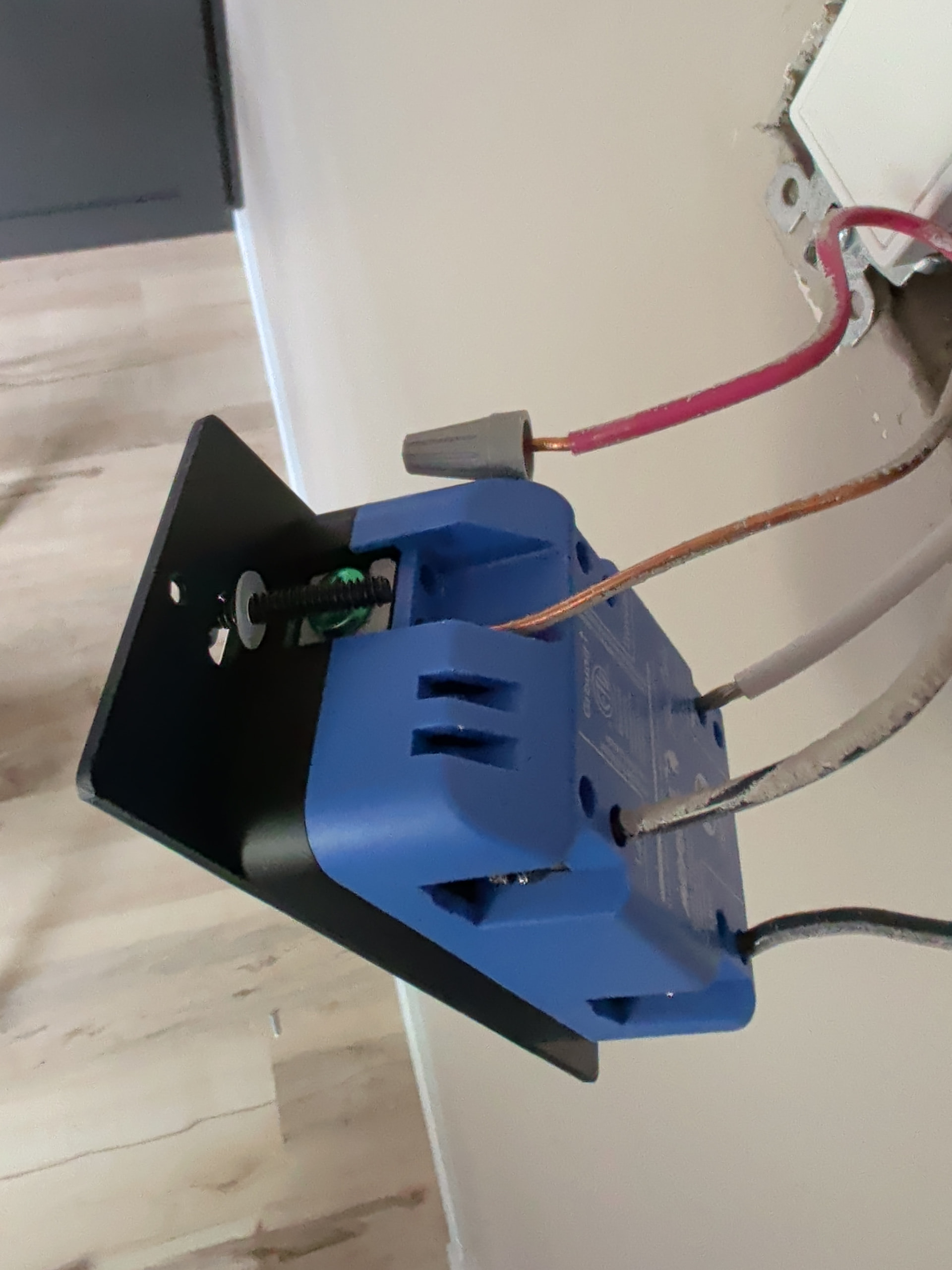
I assumed the same, but just reconfirmed that these appear to be in series for power. If I remove load from switch 1, there is no power according to the voltage tester on any wire in switch 2 box. if i replace it, the 2 black wires return power and power switches 2-4. If I power off switch 2, switches 3-4 are powered off and so on.

edit2: this happens when switch 1 is not in smart bulb mode, that is why I initially had them all set to smart bulb mode

edit1:

they are, but I bought them for my previous house so I may swap some out for non presence switches since 1-3 are in the same hallway and could cause issues like you said.

What is available in the box with Switch 1? Does this have both power in from the panel and the load wire going to the light?

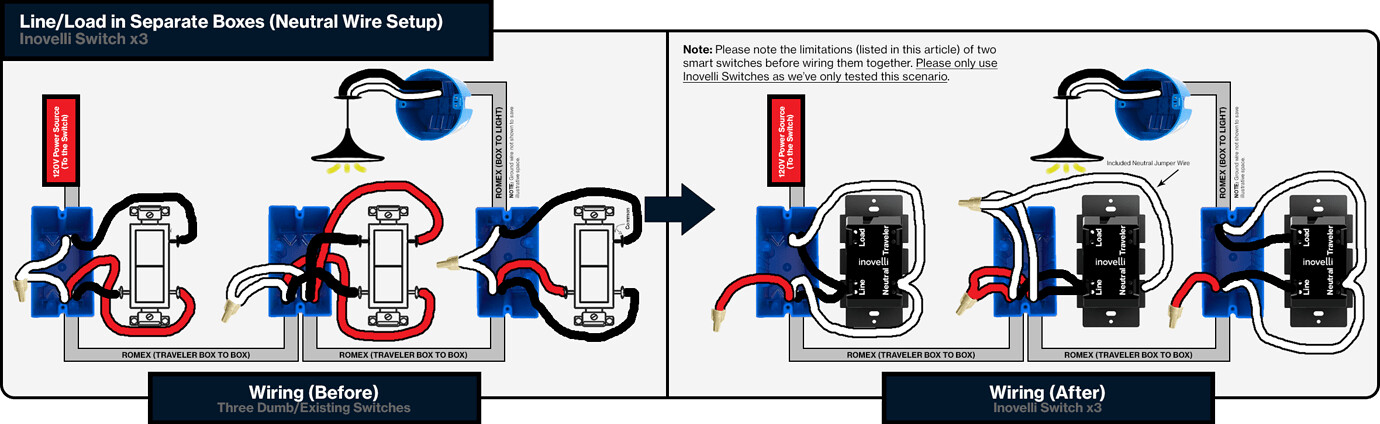
Or does the power come in to Box 1 and go out in Box 4? This is similar to the wiring diagram you showed…

-

If the second, which position is your load connected switch in? First (left most in the diagram) or last (right most in the diagram)?

EDIT: Looking back through your post, is this switch also connected to a Load wire?

I believe so, the only wire that is live when everything is unplugged and wire nutted is the load wire in switch 1. but that switch also powers on the light and subsequent switches

none of the neutral wires were connected to the old switches. This is Possibly where I misunderstood from the wiring diagrams.

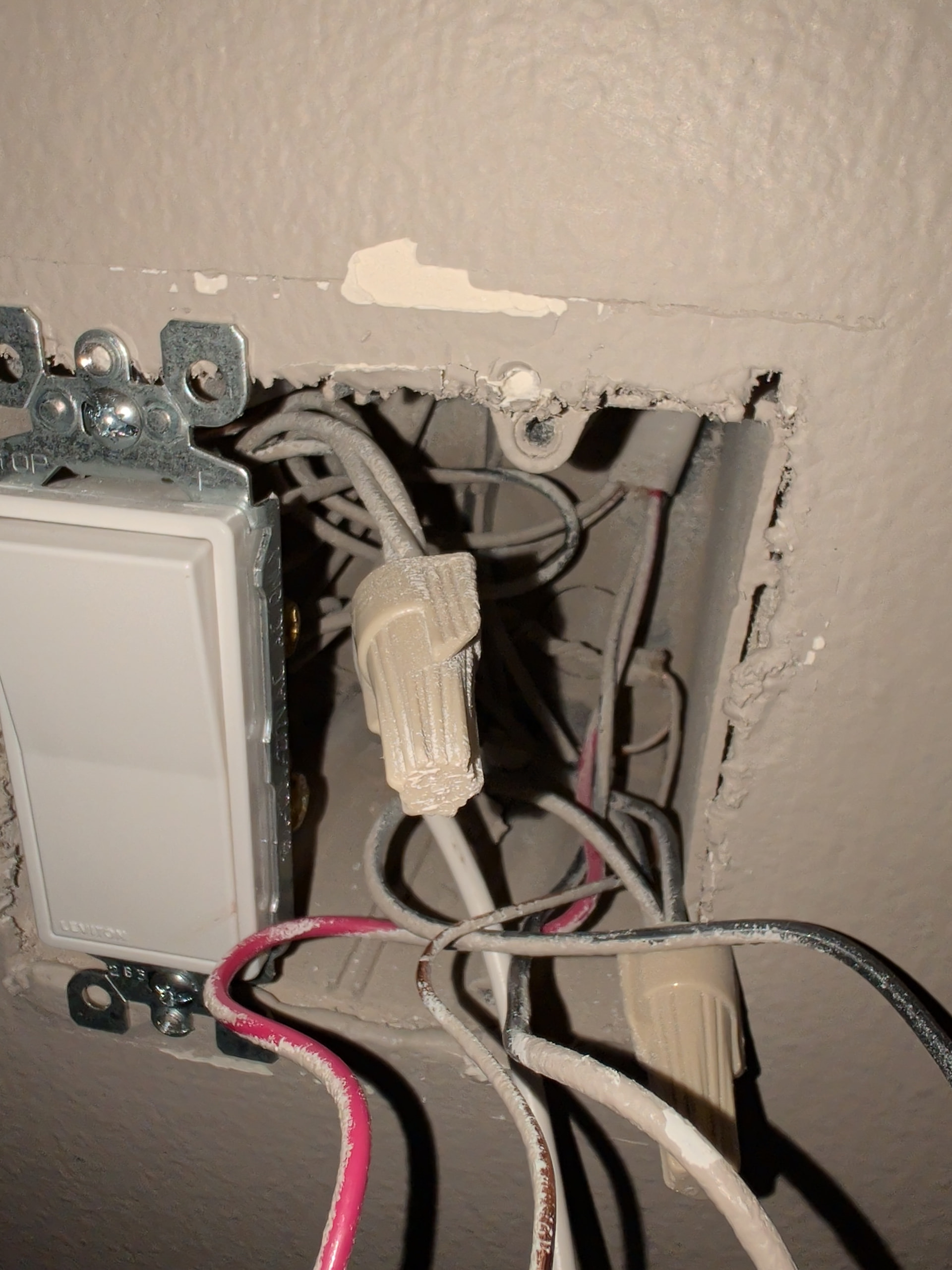
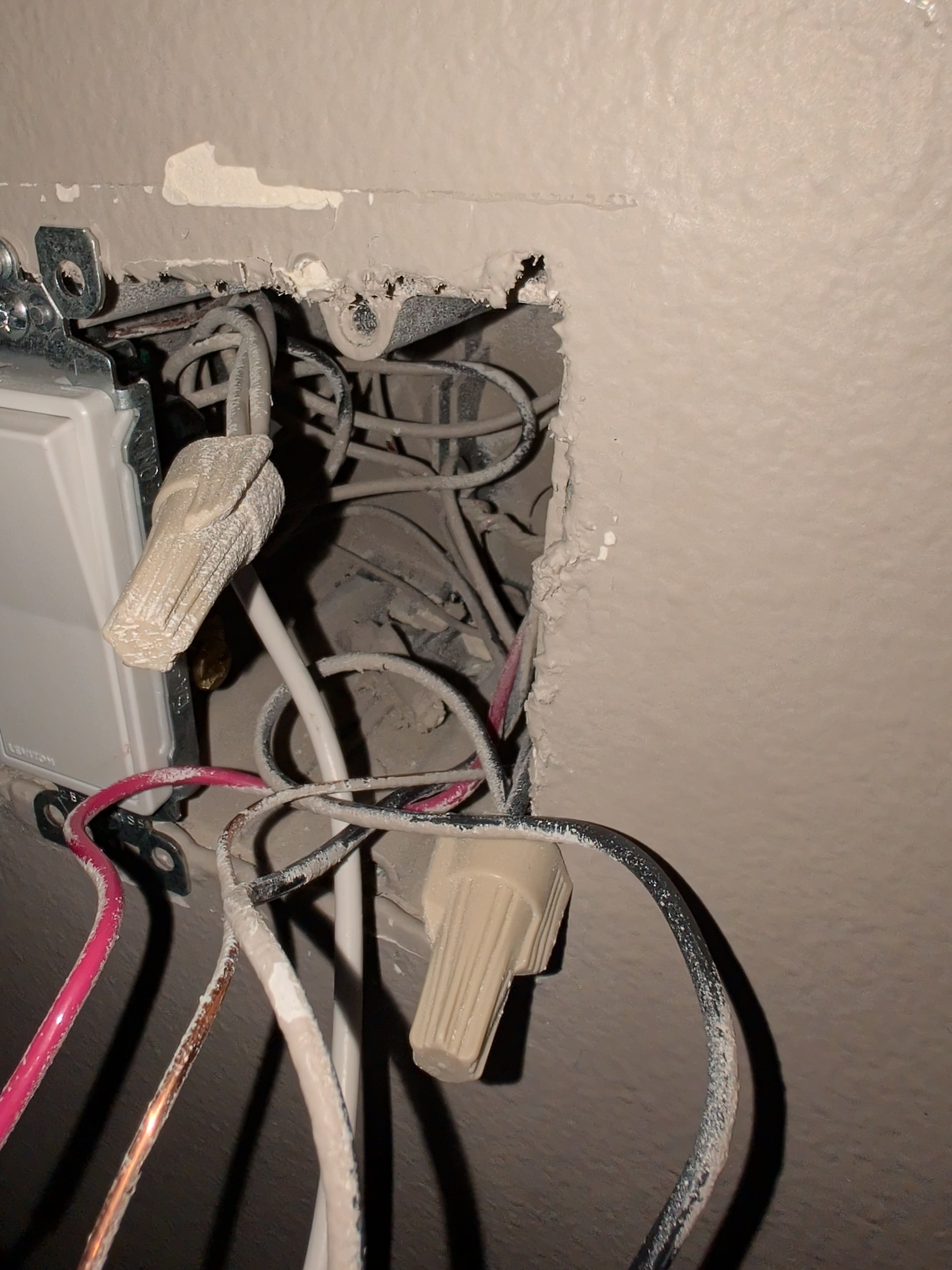
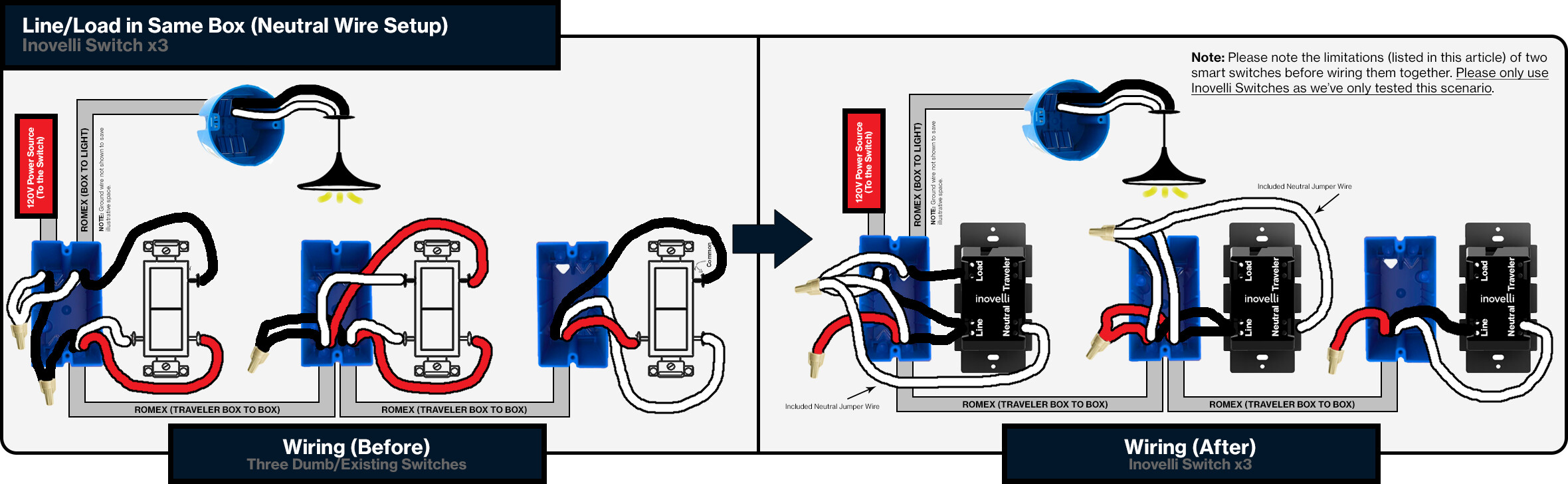
the before wiring setup is this one I originally had in the post:

so does that mean I actually need this wiring schematic?

it was, this must’ve been the photo I took yesterday before relooking at the diagram. Both black wires are in the line connector now. this is switch 4 in the ‘series’ but also the one closest to the breaker panel so I assumed it was the one with power.

Ok, a hopefully simple question that might clear things up…

Were the white wires in your multi-way circuit already neutrals going between boxes? Were the travelers the black and red wires?

If so, the load is in box 4. The “common” wire on that original switch is the load wire going to your lights. This will make the switch in box 4 the main switch and the load wire in box 1 will need to be connected to the line terminal on the switch.

Again, this means that that switch will need to NOT be in smart bulb mode.

Let me know if that makes sense, as it is a bit early (I just woke up) and I want to make sure I’m explaining it properly.

Yes, as far as I can tell. there were white neutral wire bundles in each box, red and black wires were the only wires connected to the original switches.

Yes this makes sense. and appears to have been my issue. I thought I tried this originally, but probably had everything in smartbulb mode instead of disabling it on switch 4. All switches appear to work properly and stay powered on when one of the others are switched off.

Only weird thing now is that the lights are switched off after a time, but I’m thinking this is either auto off or something with the mmwave settings. I’ll play around with them.

Thank you so much for your time and patience! I greatly appreciate it, I have a couple more 5-way wirings in the new place I want to make smart.

Again, I think this is down to the issue I tried to point out in my first reply. The switches only turn on the lights when occupancy detection goes from “clear” to “occupied”, and any switch that goes from “occupied” to “clear” will turn the lights off. Switches that are still reading “occupied” don’t keep the lights on and won’t turn the lights back on, you would have to go back in front of the specific switch that stopped detecting occupancy so it can detect you again… but then if a different switch stops detecting you, your back to square one.

Again, I think to make this so it isn’t an issue, you will need to change each switches mmWave Control to “Wasteful Occupancy” and create an automation in Home Assistant to turn off the lights when all of the 4 switches report that occupancy is “clear” instead of just one.

Thanks for the reminder, I do remember you saying that. I’ll try that.