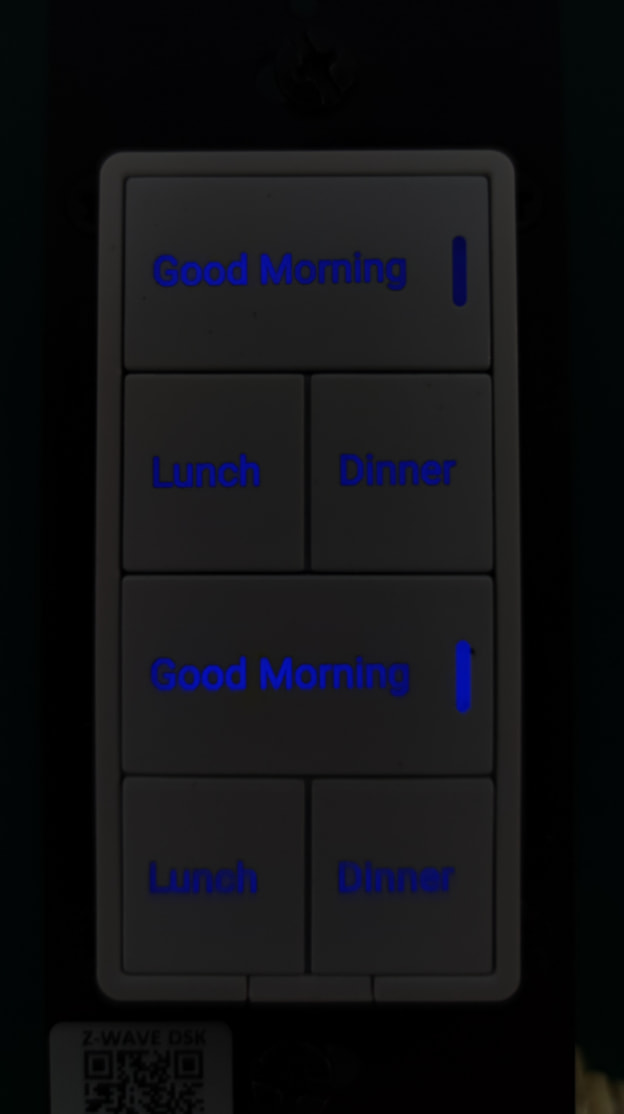
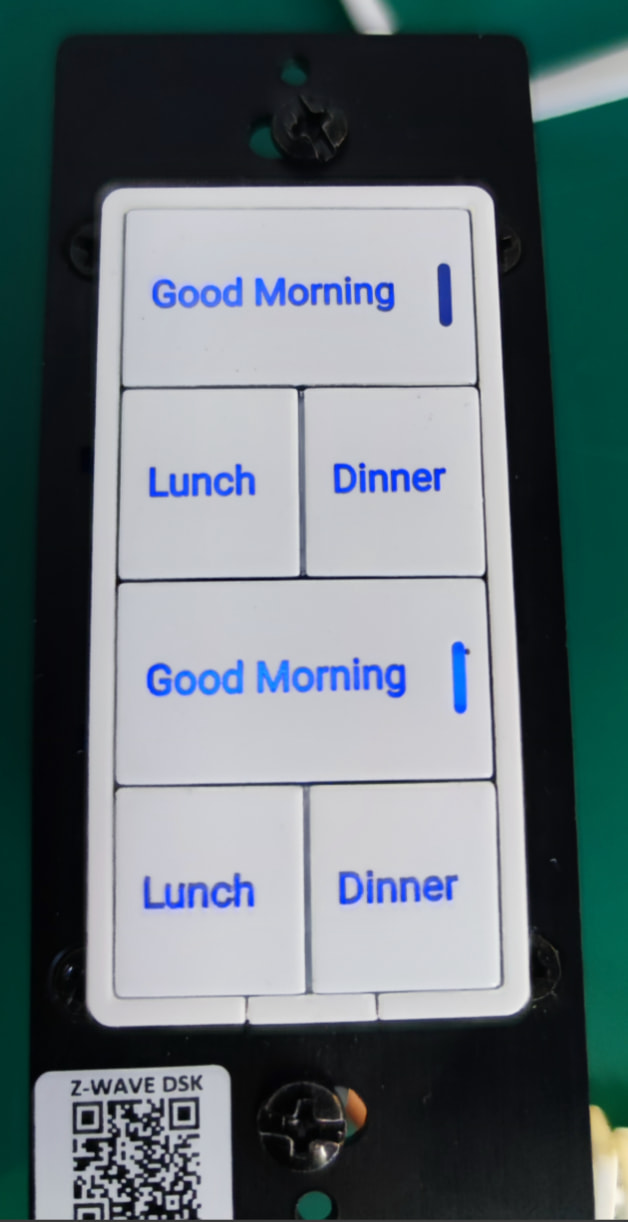
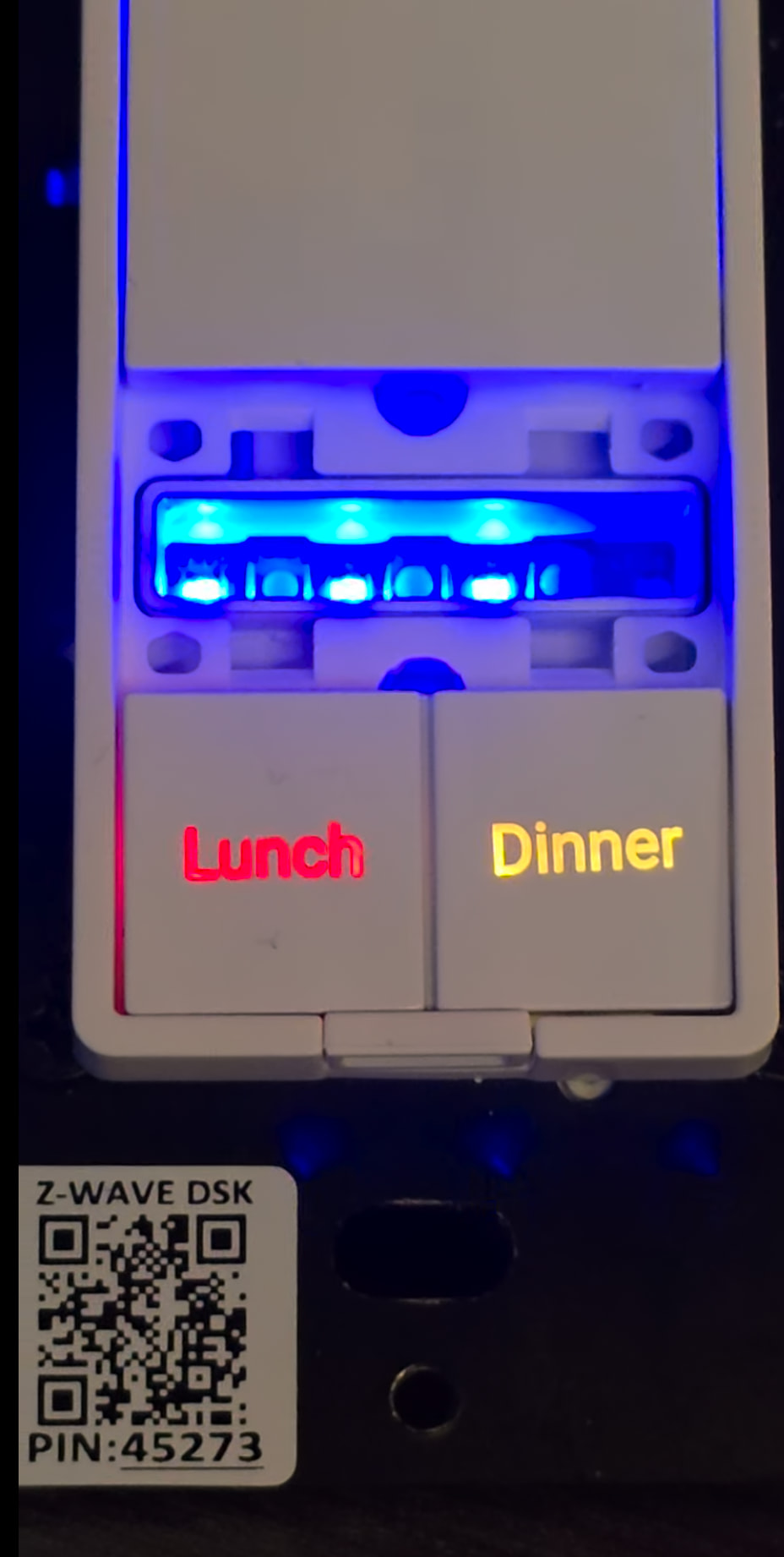
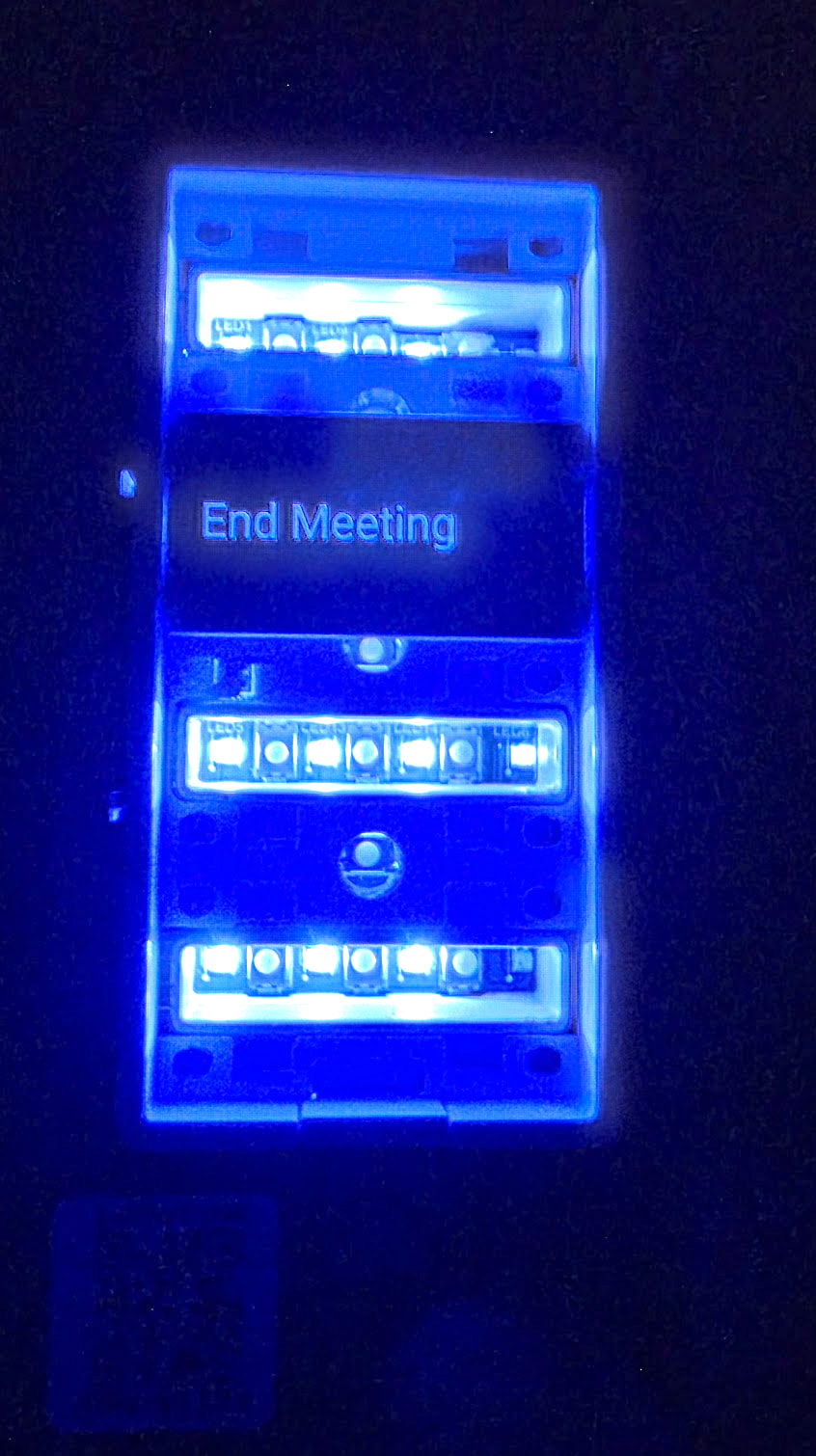
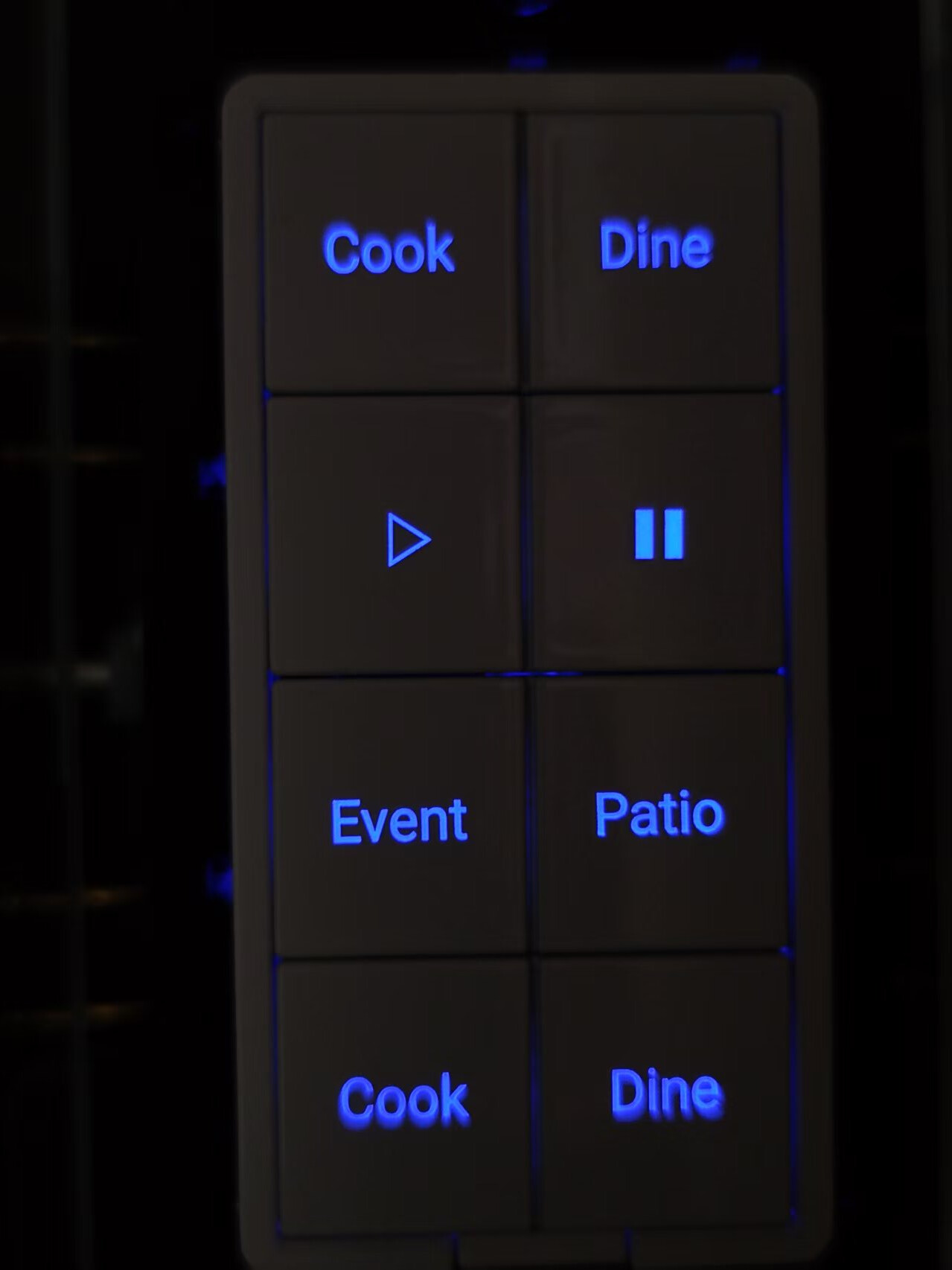
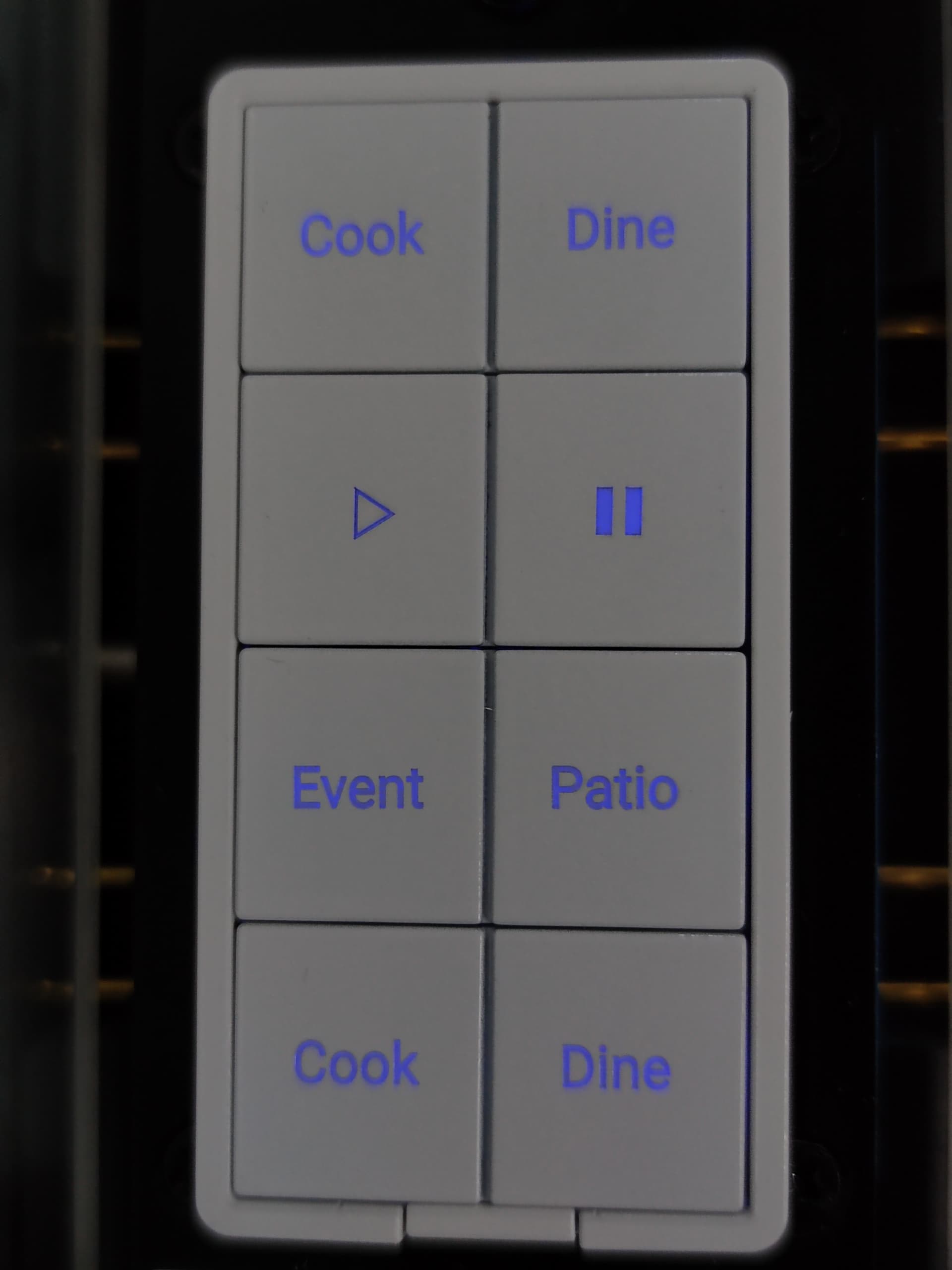
The samples received were honestly disappointing. The light diffusion still wasn’t solved and, somehow got worse.
However, this prompted me to learn Fusion 360 and I think I’ve solved it, but I’m waiting for them to return from Chinese New Year to stress test it.
Samples:
–
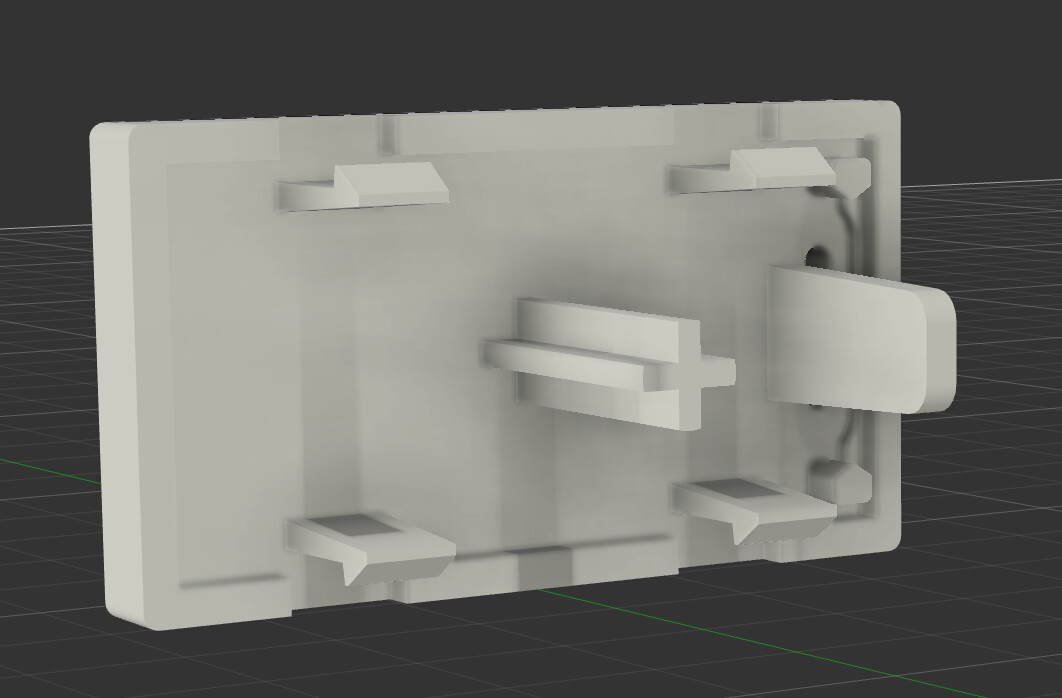
The issue lies in the fact that we’ve told them repeatedly that a cylinder (“+” sign) in the middle cannot dissipate light correctly unless there’s some sort of diffuser that mixes the light properly.
The design was as follows:
–
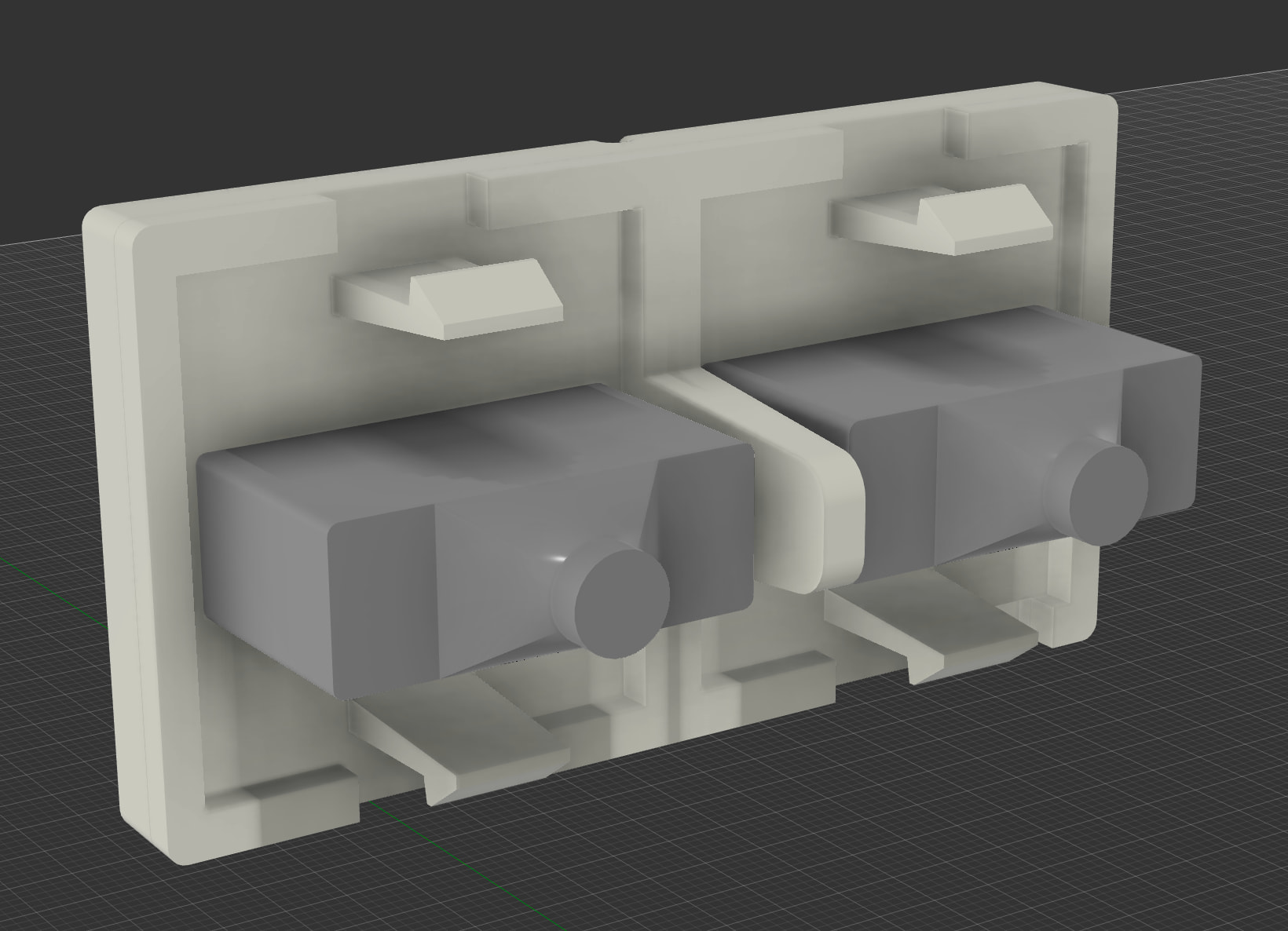
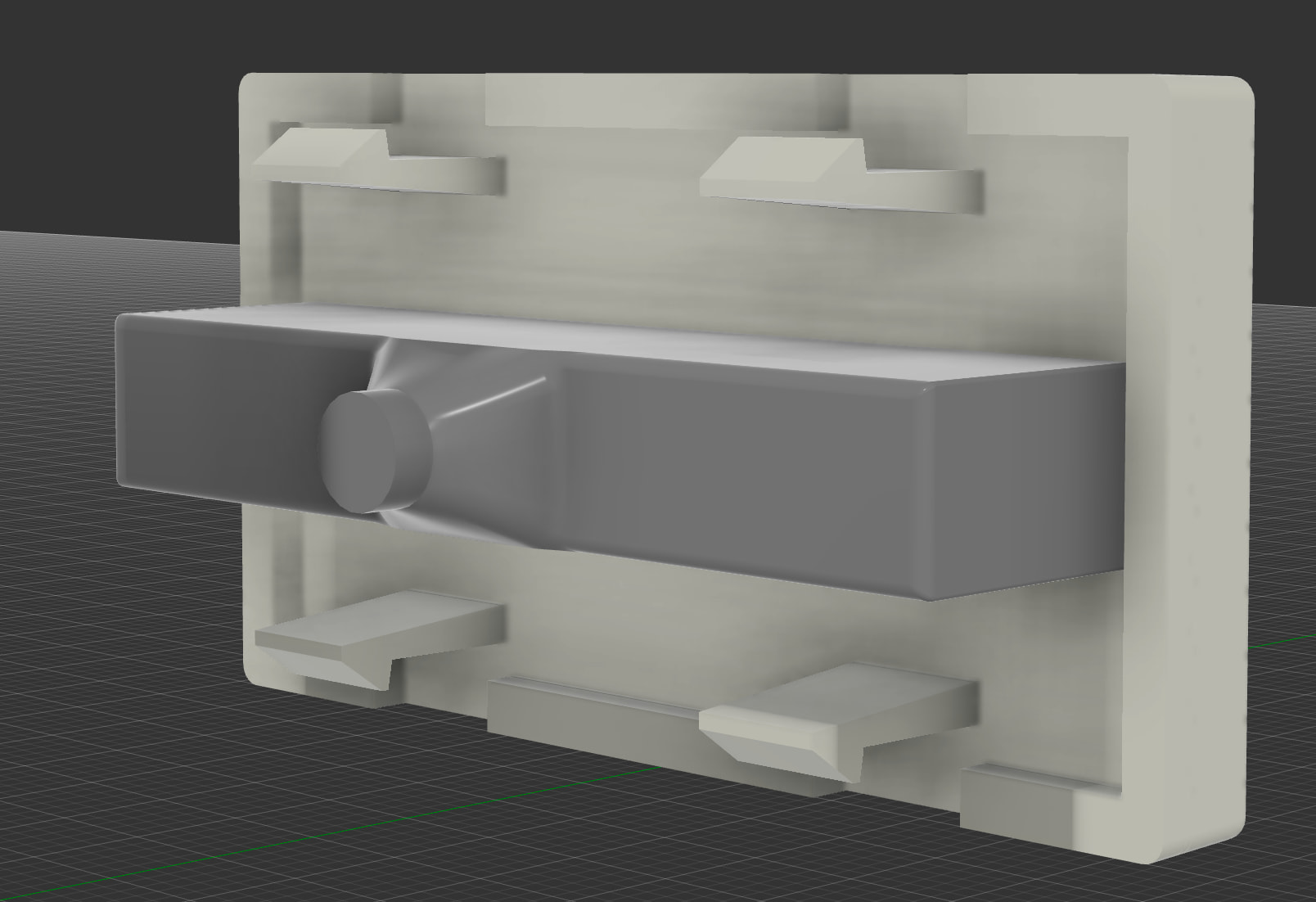
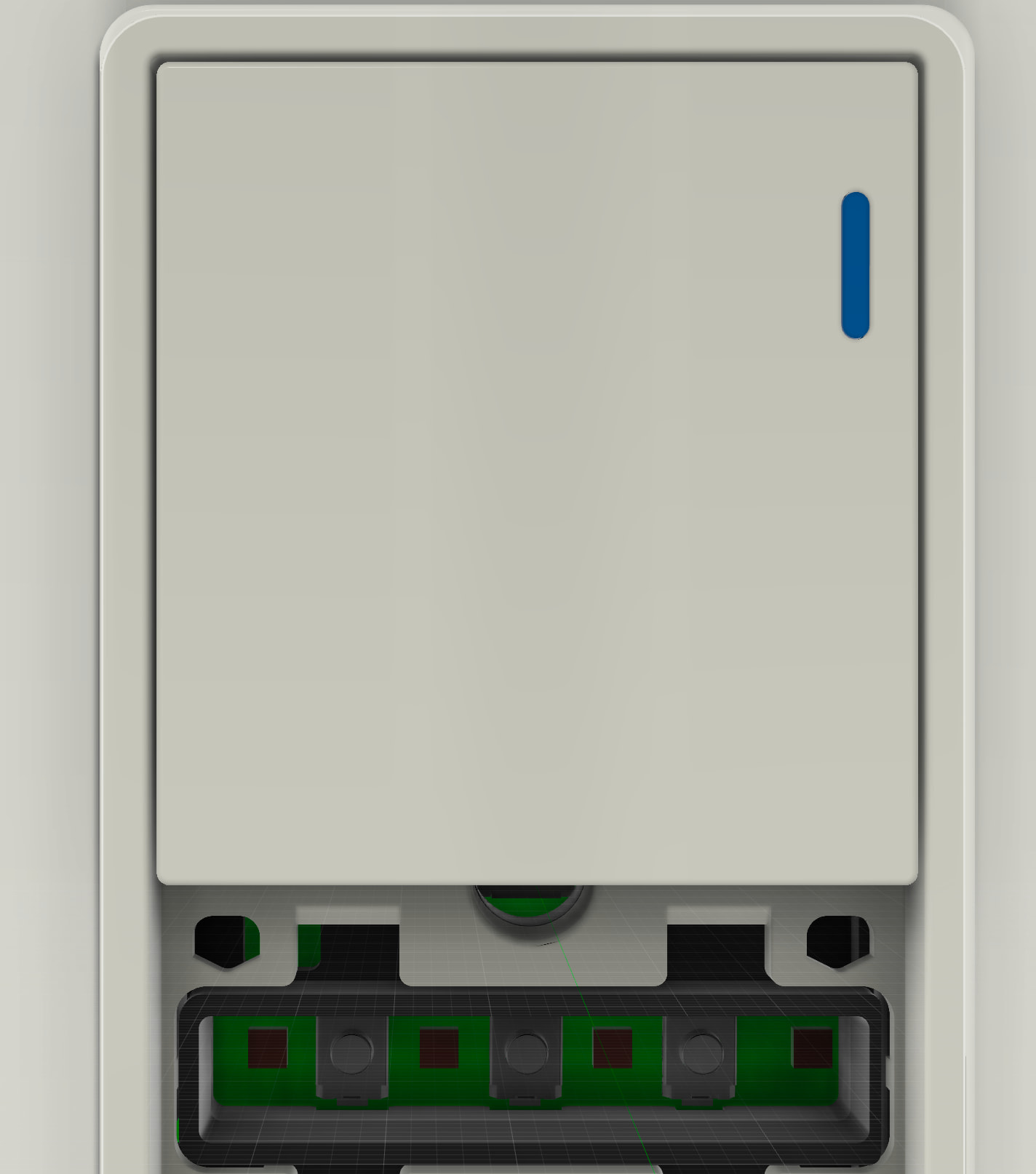
What I’ve been testing over the past couple weeks is the following design (note: I colorized the diffusors to make it easier to see – they are actually translucent):
Also note that the above and below are slightly different as it doesn’t have the LED notification on the side – but the same principle will apply (using a light box where the text is needed).
The results are much better (note: ignore the red bleed on the outside, I did not have the blocker in, I just was trying to test the smooth dissipation):
–
The challenge is that there are different button combinations and so we had to create the PCB as follows:
LED → PCB Button → LED → PCB Button → LED → PCB Button → LED
With the direct shot of the LED’s to the back of the plastic button (the one that you are depressing down to activate a scene), it caused too many shadows with the cylinder there.
Using a box type diffuser that moves the cylinder as close to the PCB button as possible was the solution I went with in hopes that the light would hit the initial diffuser and then scatter within the box to create an even light for the words to come through.
It seems to have worked.
The challenge now, is manufacturing two different plastics and adhering them together. This is where my knowledge lacks. I’m told this is possible by the engineer, but I’ll know more when they return.
 (I’ve worked as that too)