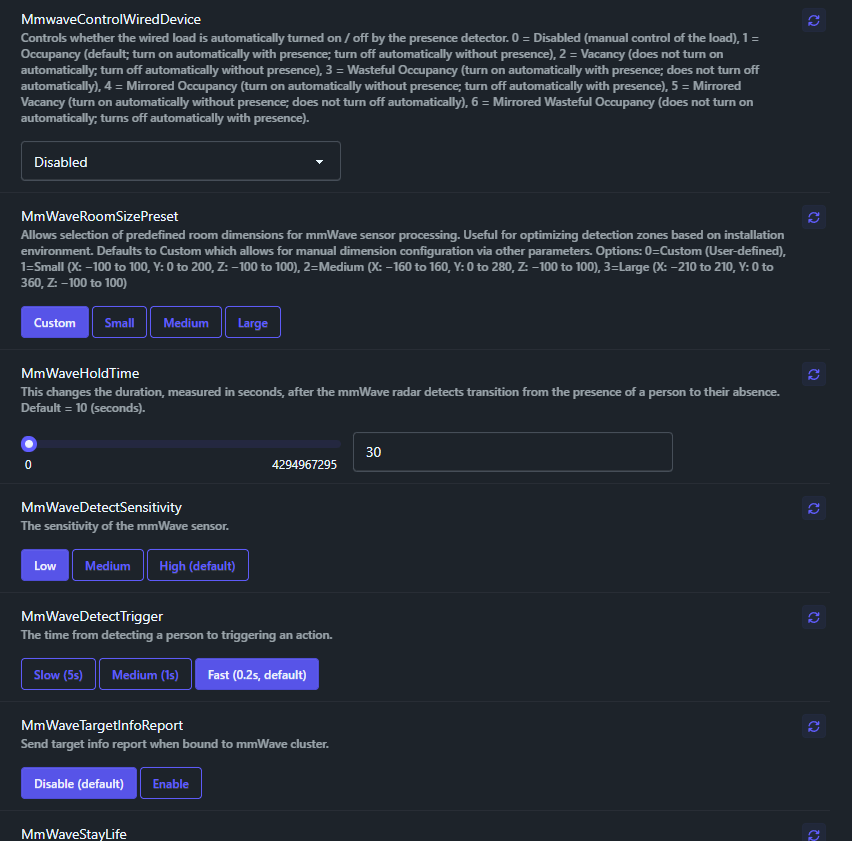
I’m not sure what your experiences are, but my anecdotal evidence is very different. My entire extended family (besides me) are electricians. They avoid any automation like the plague, because they don’t want to deal with supporting any of it after install. They don’t do commercial regularly, but otherwise span the gamut from small starter homes to large tracts of townhomes and apartments to deci-million-dollar custom homes. And plenty of smaller old work jobs (adding a switch or outlet here and there, fixing oddly configured things, etc.). The deepest they get in any sort of automation is using Lutron Caseta with a Pico remote directly bound to a switch so that they can add a 3-way without needing to run wires all over. One of them got certified on Lutron Radio RA 2 for one mega-home, but has since not used it. Another uses very small motion sensors to trigger accent lighting in bathrooms. That’s it. It’s just too expensive (in time) for them to try and support anything more complex. Which to some extent is your point. But I can’t imagine a use case that they would ever want to install multiple occupancy switches in the same gang box without the context of a more advanced automation system with a hub. For basic “turn on all the lights," all the lights that they would want to come on would be on the same switch (why have multiple switches if there’s no intention of switching them on separately??). For a location covering multiple rooms (end of a hallway, or separate sections of a large combined living/dining room, for example), you would want to configure precise detection areas, which means a hub is involved, and if you’re doing that, you can do what I mentioned before and use a single mmWave switch with multiple areas, and automations to control the other switches.
In the commercial arena, I have less personal experience, and my experiences are simply from being highly observant of many office buildings I’ve worked in over several decades, or any other public commercial space I find myself in. 90% of the time, it’s like you say - they want it set-it-and-forget-it. No complications. Which again means not a bank of switches. We’re talking a single switch in a bathroom or a conference room. Then for the larger projects (gymnasiums, auditoriums, libraries, museums, large retail stores, airports, etc.) there’s not a “regular” switch in sight. These things have far more “industrial” building control systems with separate sensors or timers controlling large swaths at a time, usually with centralized switching. And like @cfoos1 pointed out, they are certainly not using z-wave, zigbee, or matter for these systems, and are not Inovelli’s target audience.
So overall, I don’t want to discourage any possible use case for Inovelli - I really love them! - but I also want to avoid any notions that the product is terrible because it can’t reasonably work for some specific use case that is pretty niche, even if for that person it feels mission critical. Not every technology is a good fit for every situation, and decisions need to be made. As I’ve gained experience with these switches, I’ve added some in places I didn’t originally expect, and not added some in places I had originally expected. I use other technologies where appropriate, and view my system as a whole. I love being able to bind devices together so that basic functionality (read: turning on and off and dimming things locally, not automatically turning lights on upon presence or in different lighting conditions) works without my central hub, but have no qualms about relying on the hub for more advanced automations that need to take multiple sensors into account. I realize there is a spectrum there of people that don’t want to do anything that won’t work if the hub is down, and others that do everything in their hub (or worse, relies on cloud systems), and their entire house stops working if the internet goes down or their hub goes offline for whatever reason. I personally think the sweet spot is somewhere in-between.