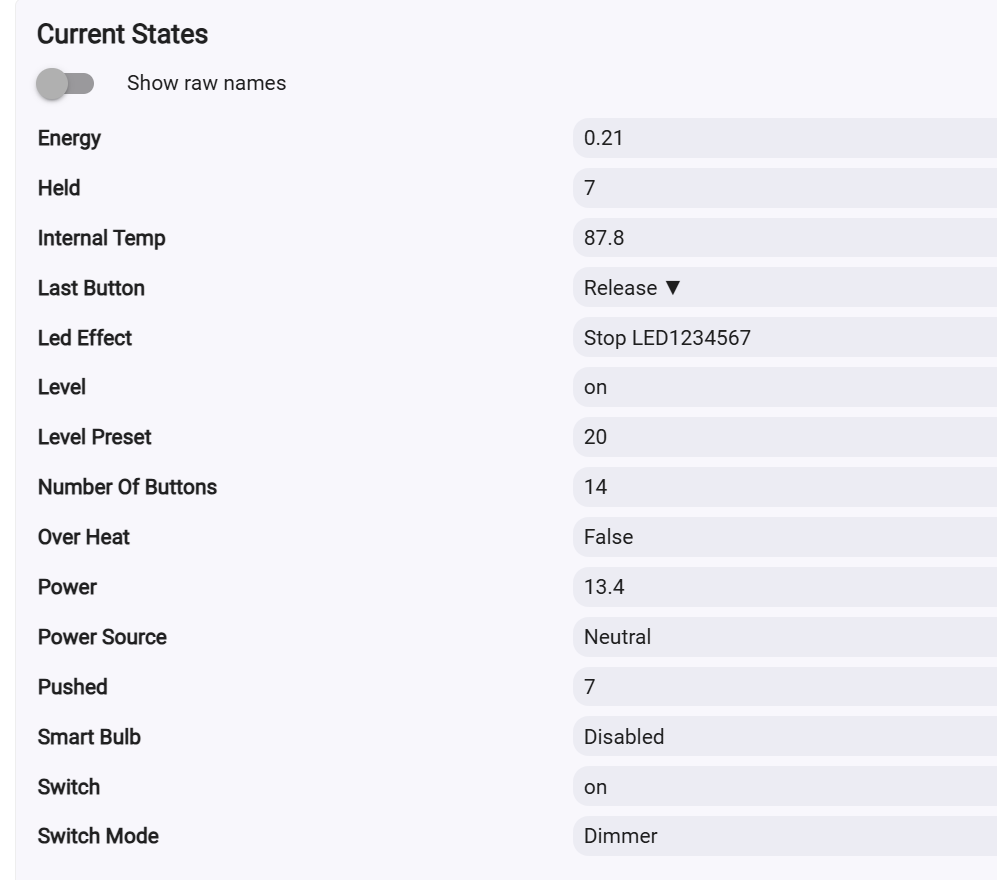
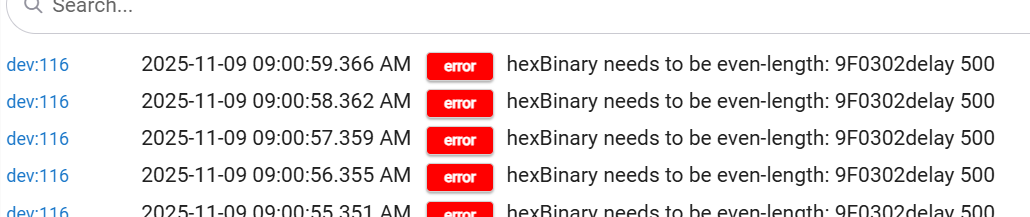
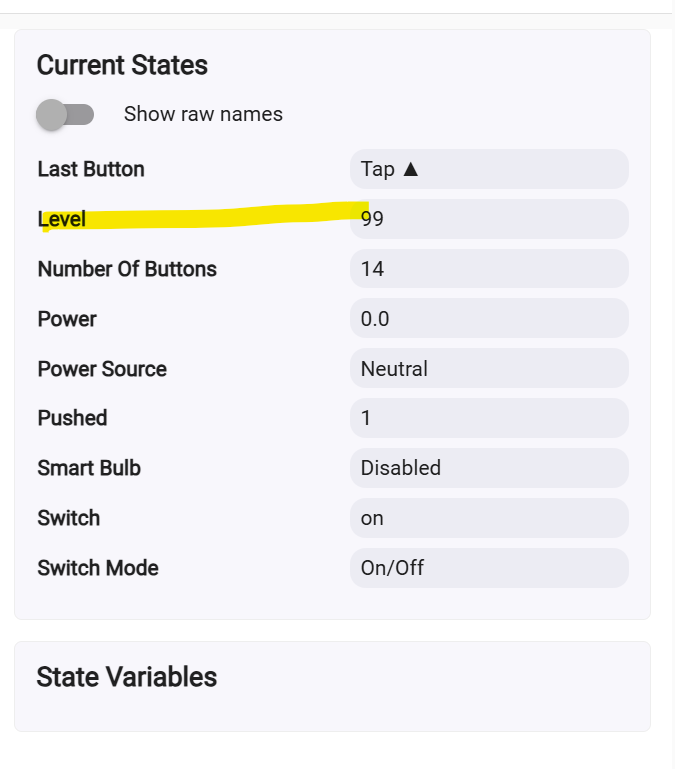
on C8 pro. I have an Inovelli red VZW31-SN. It’s wired up with a neutral and looks fine on my zwave and set up as LR. Works fine on a couple tule machine where it sets to a certain dimming level when another button is pushed, physical switch works fine as well. Oddly cannot adjust the dimming level on the hub though. I cannot override the NaN. Set it temporarily as an on/off switch, then back to a dimmer but no luck.
I changed to a driver built in Hubitat, works as expected when dimming via hub
As I mentioned over in the Hubitat forums, the first thing I’d do is make sure you are/were using the latest Inovelli driver if you aren’t and see if the problem persists, assuming that is the driver you want to use — or share the version you have, at least (as is being asked for above).
It would probably be helpful to provide the same context here that you did there, so I’ll link to the discussion for anyone who finds it helpful:
There are screenshots there for anyone who may find that in particular helpful.
If you still have problems, hopefully the additional information will help it get figured out!
I am using the most recent gen2 driver which I uploaded from Hubitat package manager when it was released. I see the release date as 10/16/25 and it’s the most recent driver on the Inovelli site
Inovelli Dimmer 2-in-1 Red Series VZW31-SN v25.10.16 (driver)
I’ve used this driver since I had the switch installed over a year ago, but on older versions and did not have this issue. Oddly I can set the dim level via Alexa skill on Hubitat and works as expected .
I played around a bit more on the Hubitat UI, I can set the dim level and switch adjusts accordingly, but it does revert back to NaN on the level afterwards. so it works, just kind of odd. I’m not a tech person but my guess is the new hubitat driver that was released in Oct 2025 is showing on for level?
You don’t need to guess; it’s in your screenshot that you shared on the Hubitat forums, and I pointed this out there as the source of your problem.
As I mentioned there, I’m guessing they just have a small typo or mixup in the driver. I don’t use theirs (I wrote my own) but can look at this if no one has any ideas. But I’m guessing it should be a straightforward fix once aomwonw finds it!
I don’t see that driver on the Inovelli site for Hubitat drivers. Is that a building version from Hubitat? If so, the built in red series dimmer driver works as expected but a lot of the configurations are not available.
Never mind. Found that driver and switched it over. Still had the same issue where it shows NaN on Hubitat. Can override the level and it changes the light accordingly, but shows the level stats as just “on”. Yes it is correctly set as a dimmer.
Hmmm, I am not seeing that with the vzw32 driver on the vzw31. Because of this I thought I could take the fix from that driver, but if it isn’t working for you then I will have to do some more digging.
I updated the vzw31 to reflect the differences that are in the vzw32 driver and they are both working for me. @mrd617 Hope that does it for you, but it is strange you didn’t see a difference with the vzw32 driver.