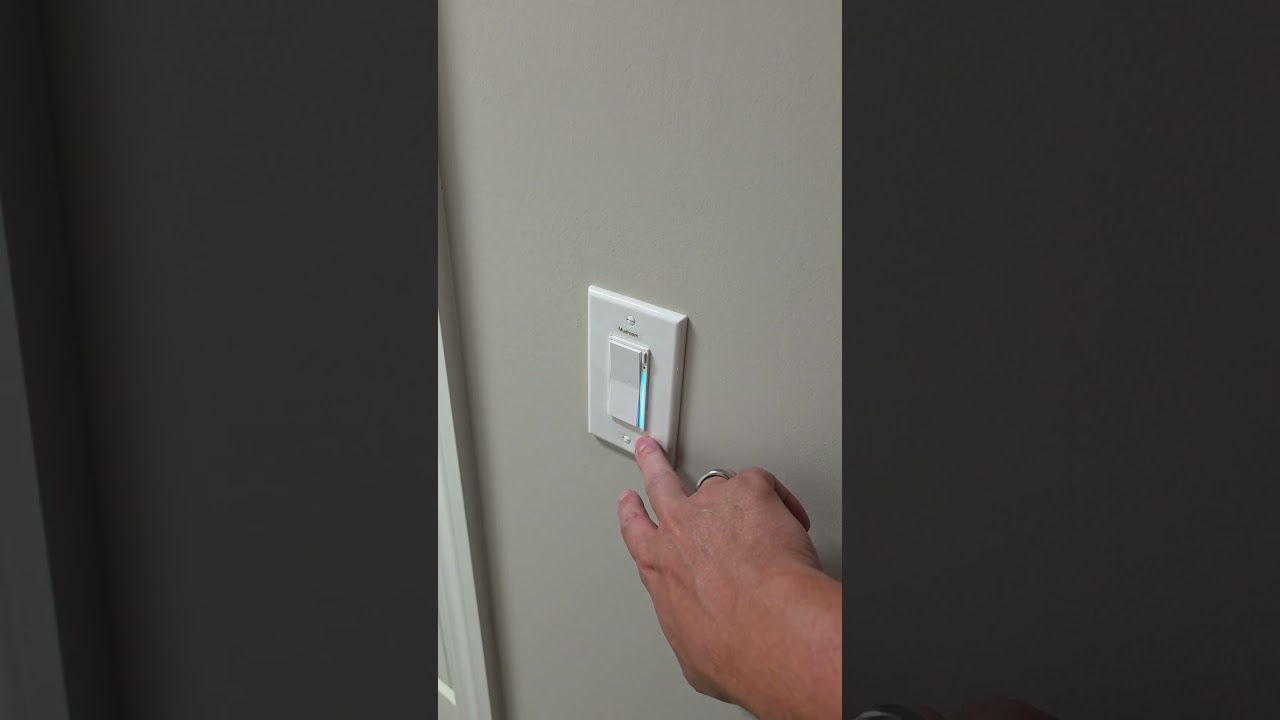
Yes I did notice it dimmed when disabling smart bulb mode. I then did a double tap up to full brightness and it was off.
I also made it happen the other way. From on at 100%, I could dim down to something like 90%, and the light would come on. Then increase back to 100% and it would turn off.
Here’s a video. again, an air gap cures it permanently until the next time on backup power. Also the same switches dont do it every time.
@agordon117, I realize you say nothing about the powerwall settings can be changed, but I figured I’d ask: have you asked Tesla to change the output frequency to use when on backup and it wants to shutoff solar production? They used to use 65+Hz on AC to force AC coupled solar inverters to go offline. This caused problems with UPS systems (for those following along, yep, even through it’s a whole home UPS, if you don’t want to have your computers hard rebooted, they’ll still need a UPS), so if you request from their support team they’ll change it to use 62.5Hz or 63Hz instead, which is inside the limits for most UPS.
I don’t believe the above applies if you’re on PW3s with DC coupled solar, but it definitely applied for PW2s when paired with Enphase microinverters.
The reason I bring this up is I could definitely see the hardware in the switch freaking out when both the power blips and the frequency changes.
This isnt a power wall, this is powershare. There is no solar or solar inverters. I have seen the installer facing settings and there is nothing that can be changed about how this system works unfortunately. However, with no solar inverters I doubt they are doing what you pointed out there
Ah, ty for pointing that out. Was worth a shot in the hopes that it could at least explain what’s causing the switches to go wacky
You do bring up an interesting point to me though. Like what if it isn’t a neutral transformer thing. What if it’s a voltage thing? What if the voltage is too high until more things are starting to come online, so when it takes its voltage reading initially to get the line voltage, it is different than when everything has stabilized? Or it could be the other way, voltage starts too low and takes a second to come up.
@EricM_Inovelli make sure you catch that post above with the video. I didn’t tag you in it so want to make sure you see it.
@agordon117 I see the video. Very strange behavior. I’ve made the head engineer aware of this issue as well, but he hasn’t been able to dedicate any time to it yet. I will keep prompting him about this and the other issue and hopefully something can be figured out.
@EricM_Inovelli I had setup an automation to set the default max brightness for every dimmer to some lower number (I tried 225, 200, 175) and it didn’t bring the lights back on like I had expected. That was the only easy bandaid I could think of for this that wouldn’t turn all of the lights on when changing the brightness value.
Running this automation did cause the lights to dim, because then when I reset it to 255, I could increase the brightness of the lights that were working and observe them getting brighter.
So whatever the issue is, it seems to be independent of the “P10: Maximum Dim Level” setting. I still have to dim the switch down to ~90% for the light to come on regardless of this setting.
I have been talking with the engineer about this issue and he believes he has discovered the root cause:
“It seems that during initialization, the backup power supply is unstable, causing the switch to read incorrect voltage and frequency. To protect the load, it disables the output. I’ll figure out a way to make the switch perform a second check 10 seconds after detecting invalid data the first time.”
Absolutely awesome, thanks for staying on this.
I mentioned in the other thread about this update, but it also has another change that might be useful:
Added a 5-second delay before the second check if the first one fails. This is to avoid the unstable backup voltage that typically occurs when household power switches to the backup supply after a power outage.
I’ll PM you with the firmware.
Wouldn’t it make sense to check the power every X seconds if the switch thinks the incoming power is dirty until it goes healthy?
Just FYI, I didn’t forget to test this. My backup system is having problems right now. I have to do some troubleshooting but it’s likely I need a new powershare unit for the house before I can answer for sure if the new firmware fixed the issue.