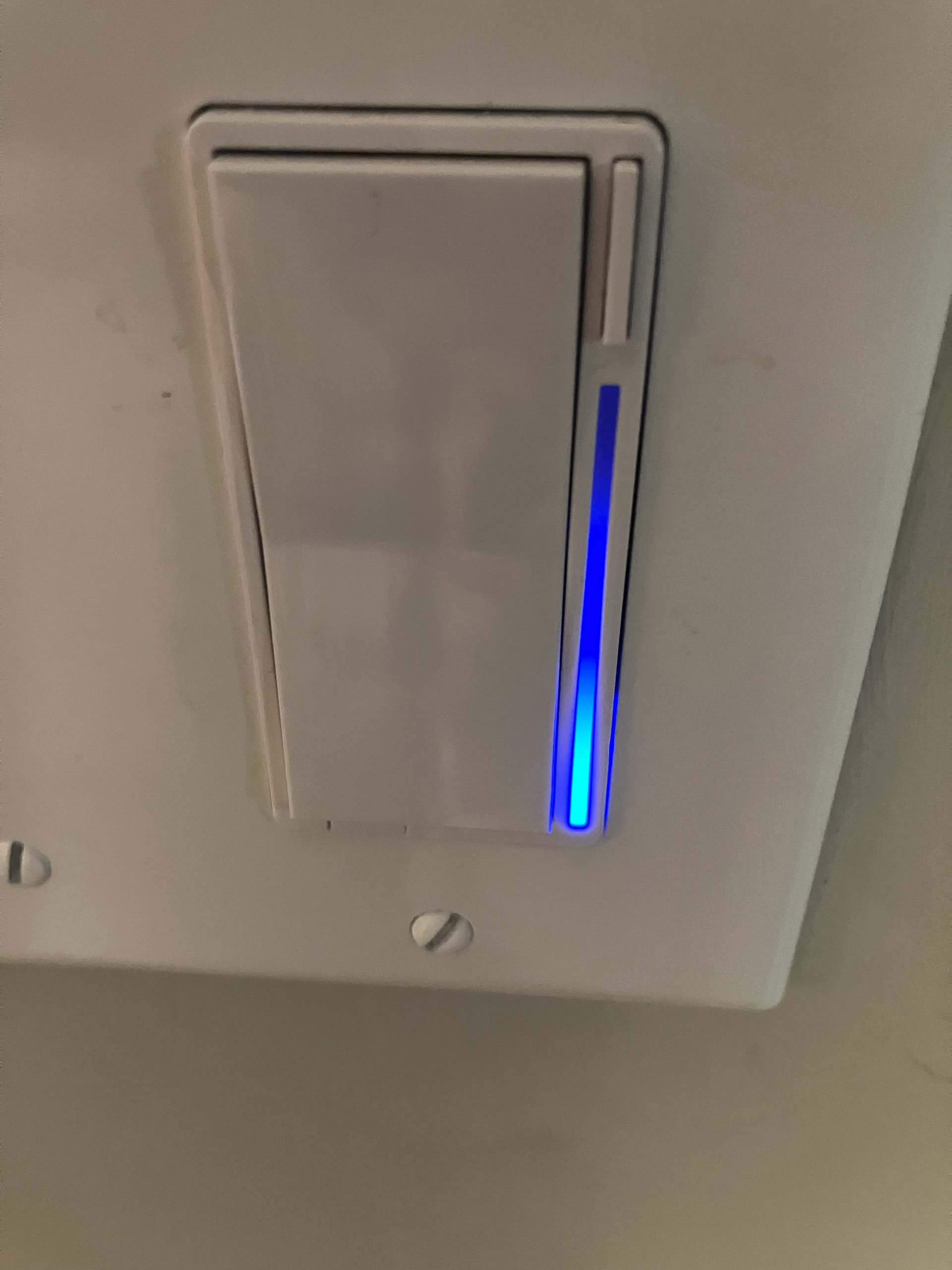
Firmware: 1.0.5 | HA: 2026.8.2 | Matter Server: 1.4.0 (matter.js 0.17.9) | Transport: Thread (SkyConnect)
Goal
I’m using a VTM30-SN to control a bathroom with smart bulbs and an exhaust fan. I chose the on/off switch over the dimmer (VTM31-SN) for two reasons: I want the load going through a real relay (these are smart bulbs, so I don’t need or want phase-cut dimming), and I need the built-in humidity sensor for fan automations.
The plan is to use Smart Bulb Mode (relay always on, so bulbs stay powered) with the switch mode set to Dimmer, so the paddle’s simulated dimming drives a brightness level that Home Assistant can pick up and forward to the bulbs via automations.
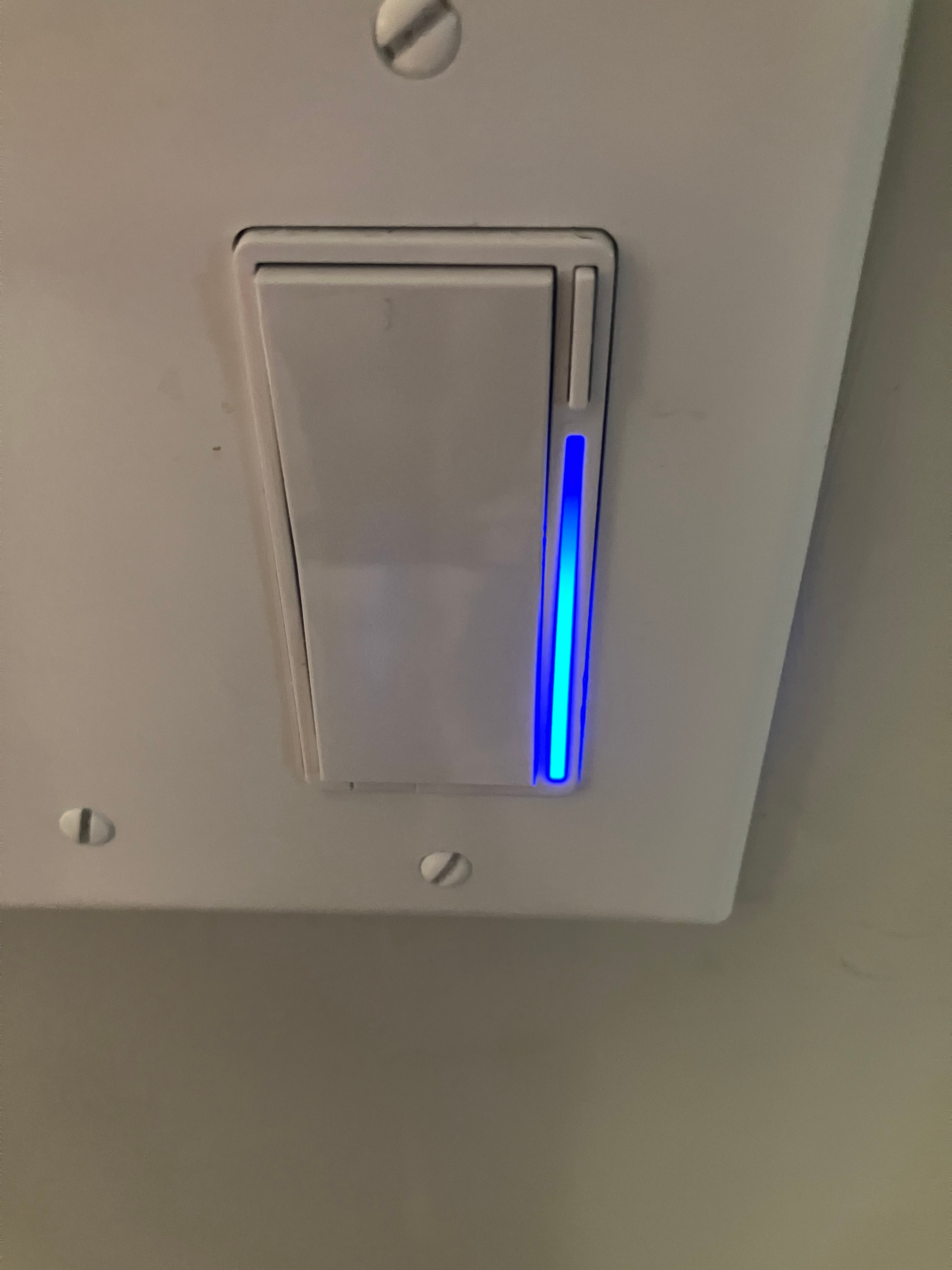
The switch itself works great in this configuration. Holding the paddle ramps a virtual brightness level (0-254), the LED bar displays it, and the level is exposed over Matter through the LevelControl cluster on endpoint 1.
Problem
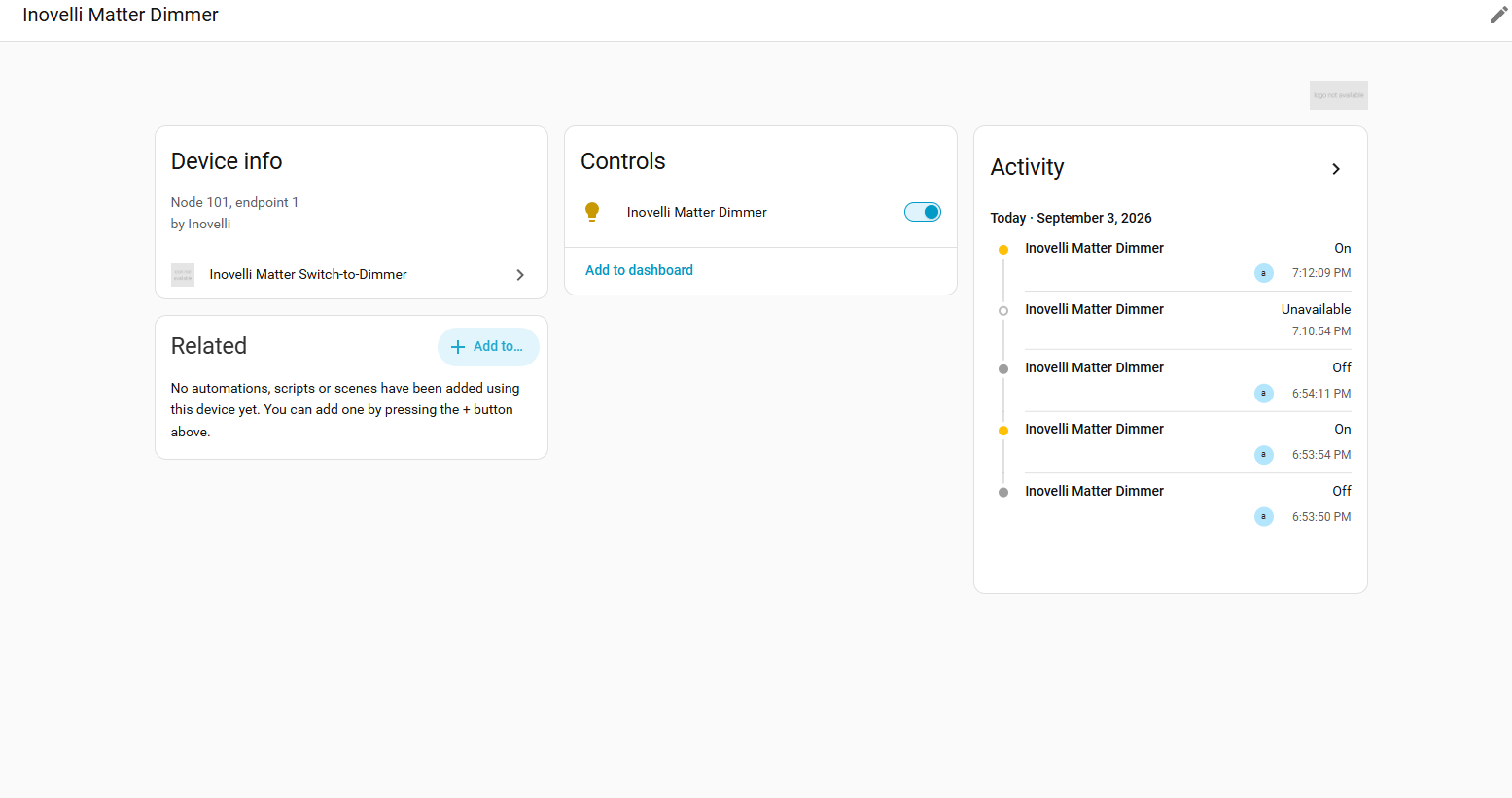
Home Assistant still shows the VTM30-SN as a plain on/off switch entity when it is configured as a simulated dimmer. There is no brightness slider, no dimming control, nothing. The simulated dimming level is completely invisible.
I’ve tried re-interviewing the node, removing and re-adding the device, and toggling Smart Bulb Mode on and off. Nothing changes. The switch always appears as on/off only.
Investigation
I dug into the raw Matter attributes to figure out what’s going on.
The switch exposes a working LevelControl cluster. Endpoint 1 has a LevelControl cluster (cluster 8) with a full range of 1-254. I can write to it (MoveToLevel(100) succeeds and reads back 100), and I receive real-time push notifications when the paddle changes the level. This isn’t a stub; it’s fully functional.
The problem is the declared device type. Every Matter device declares a “device type” on each endpoint, and controllers use that to decide what kind of entity to create. Endpoint 1 declares itself as 0x010A (On/Off Plug-in Unit).
The Matter spec allows LevelControl as an optional cluster on 0x010A, but with a caveat. From the Matter Device Library Specification (section on On/Off Plug-in Unit):
The inclusion of the Level Control cluster on this device is recommended to provide a consistent user experience when the device is grouped with additional dimmable lights and the “with on/off” commands are used. For this device, since its only states are on or off, if the Level Control cluster is implemented, it SHALL NOT have any effect on the actual light level except for those commands that cause an on/off state change, that is, the “with on/off” commands.
— Matter Device Library Specification R1.4, §5.1 “On/Off Plug-in Unit”, p. 48
In other words, LevelControl on a 0x010A device is supposed to be decorative: a no-op that lets the device play along with group dimming commands without actually doing anything.
Home Assistant explicitly enforces this. In May 2024, HA merged PR #116108 to handle this exact pattern. A Leviton D215S on/off switch was showing up as a dimmable light because it had an optional LevelControl cluster, even though its dimming was decorative. The fix deliberately suppresses brightness controls on 0x010A endpoints, even when LevelControl is present:
“A Matter OnOff light device type may only be discovered as a plain light with on/off controls, so no brightness controls, even if the levelcontrol cluster is present.”
That fix was correct for the Leviton. Its LevelControl really is a no-op. But the VTM30-SN’s LevelControl is functional: the simulated dimming feature depends on it. The same rule that correctly handles the Leviton also hides the VTM30-SN’s dimmer.
Other controllers (Google Home, Apple Home, SmartThings) follow the same logic. If the device type says on/off, the dimmer is ignored.
Evidence that LevelControl is functional, not decorative
MoveToLevel(100)on endpoint 1 is accepted, reads back 100- A
start_listeningsubscriber receivesattribute_updatedevents within 1 second of paddle changes - Holding the paddle moved the level from 254 down to 62, then back up. The paddle is a dimmer, not just on/off
- The switch’s own LED bar displays the brightness level during dimming
- Forcing a re-interview with Switch Mode set to Dimmer still reports
0x010A. The device type is hardcoded and doesn’t change based on the mode setting
Raw descriptor:
Endpoint 1 / Cluster 29 (Descriptor):
  DeviceTypeList: [{"0": 266, "1": 1}]   ← 266 = 0x010A
  ServerList:     [3, 4, 6, 8, 29, 64, 65, 305134641]
                             ↑ cluster 8 = LevelControl

Endpoint 1 / Cluster 8 (LevelControl):
  FeatureMap: 3 (OnOff + Lighting)
  CurrentLevel: 254, MinLevel: 1, MaxLevel: 254
Endpoint map (fw 1.0.5):
| EP | Device Type | Role |
|---|---|---|
| 1 | 0x010A On/Off Plug-in Unit | Load relay + simulated dimmer (LevelControl FM=3) |
| 2 | 0x0104 Dimmer Switch | Binding client |
| 3,4,5 | 0x000F Generic Switch | Paddle up/down/config |
| 6 | 0x010D Extended Color Light | RGB LED bar |
| 7 | 0x0510 Electrical Sensor | Power/energy |
| 8,9 | 0x0307, 0x0302 | Humidity, temperature |
| 20-29 | 0x0027 Mode Select | Config parameters |
Proposed Solution
Make endpoint 1’s device type reflect the current Switch Mode setting:
- Switch Mode = On/Off → keep
0x010A(On/Off Plug-in Unit). In this mode, the LevelControl cluster really is decorative, exactly the way the spec describes. The current behavior is correct here. - Switch Mode = Dimmer → change to
0x010B(Dimmable Plug-in Unit). The spec defines this as a device “capable of being switched on or off and have its level adjusted.” LevelControl is mandatory on0x010B, which matches what the switch actually does in dimmer mode.
Every major controller already maps 0x010B to a dimmable light entity. Controllers would need to re-interview the node after a mode change to pick up the new device type, but that’s the correct behavior. No controller-side code changes would be needed.
Why a Firmware Fix?
Home Assistant’s decision to suppress brightness on 0x010A endpoints is deliberate and correct per the spec. The spec says LevelControl on 0x010A “shall not have any effect on the actual light level.” HA is following the standard.
Asking HA to add a vendor-specific exception for Inovelli would be a workaround, not a fix. It wouldn’t help users on Google Home, Apple Home, SmartThings, or any other controller that follows the same logic. Every platform would need its own workaround for the same underlying issue.
The root cause is that the firmware always declares 0x010A regardless of the Switch Mode setting. When simulated dimming is active, that tells controllers “my dimmer is decorative, ignore it,” when it’s anything but decorative. Having the device type follow the Switch Mode setting fixes it everywhere, for every controller, in one place.
Thanks much for your time. I’m happy to help debug or test new firmware, just let me know.