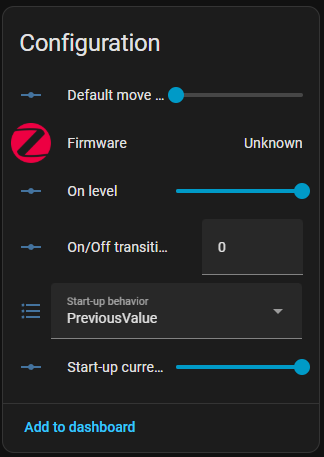
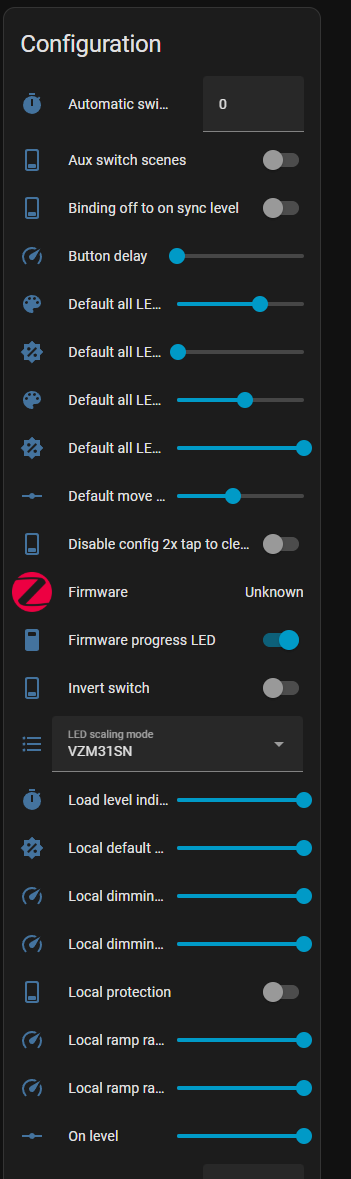
I just installed my first smart dimmer with with mmWave sensor. I was surprised that when HA added the switch, it comes with very few configuration options
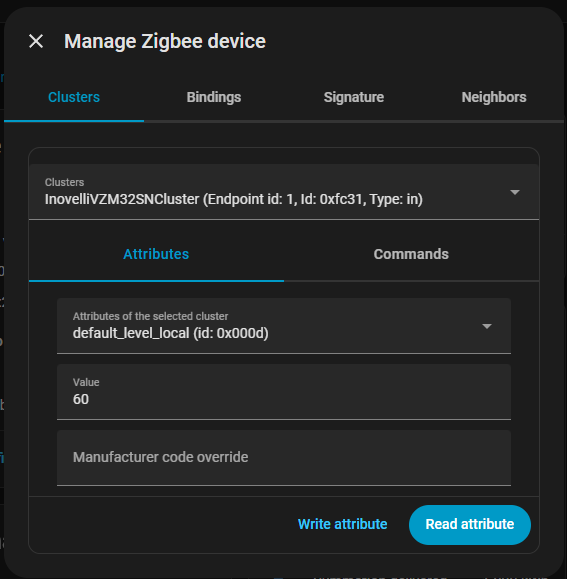
I want to set up a pretty simply automation that changes the default dimmer level to about 20% at night, and back to 100% in the day. But I cannot get HA to actually access and set the default dimmer level on the dimmer switch. I can set it manually by managing the zigbee device and finding the correct attribute and writing a new value, but I can’t find any way to write to this attribute with automations.
If anyone else happens across this thread, I believe the answer to the question is in this post:
My takeaway from this is: stuff got broken in the UI, but its a known issue, and will be fixed. You can fix it right now yourself if you want to follow those directions, or sounds like if I just wait a bit, it will fix itself.