Any recommendations if the update seems to fail to push? I’m also on st, and saw the update option come up a few days ago. Two dimmers updated, but the rest failed.
Same here
Do you mean the update went through the process (LED turned green and flashed from 0 - 100%)?
If that is the case I am wondering if it did finish but it just isn’t reflected in the system yet. Can you provide some more information on the process and more details on where you are checking? Maybe provide screenshots if possible.
Im away till Monday unfortunately. However, I went to my smartthings app, saw the option to update and clicked update. It updated two of my switches to 1.1.5, but the rest hung on “updating" in the smartthings information display then went back to saying update available and showing 1.0.5 (because it didnt update). I’ll share the screenshot.
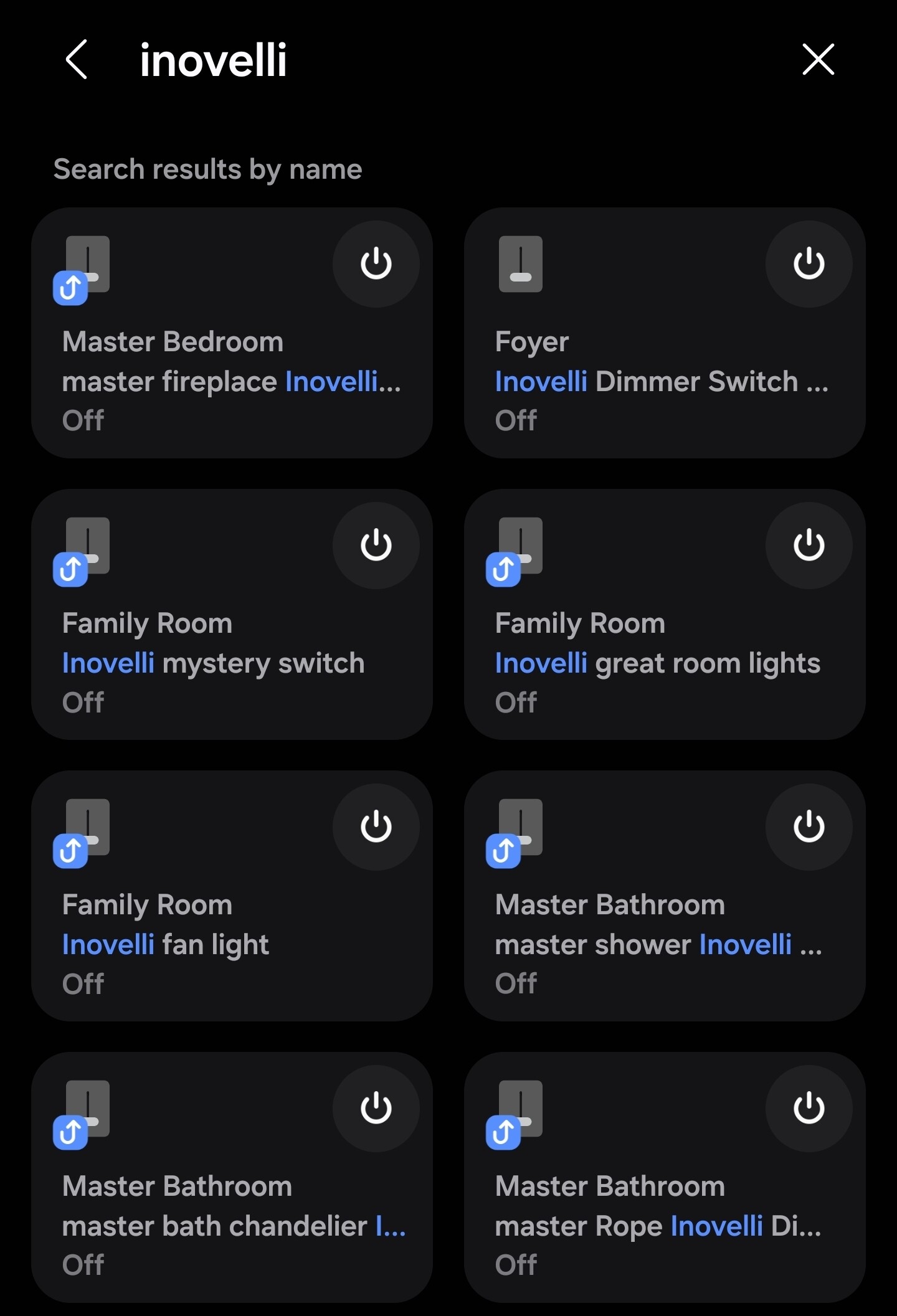
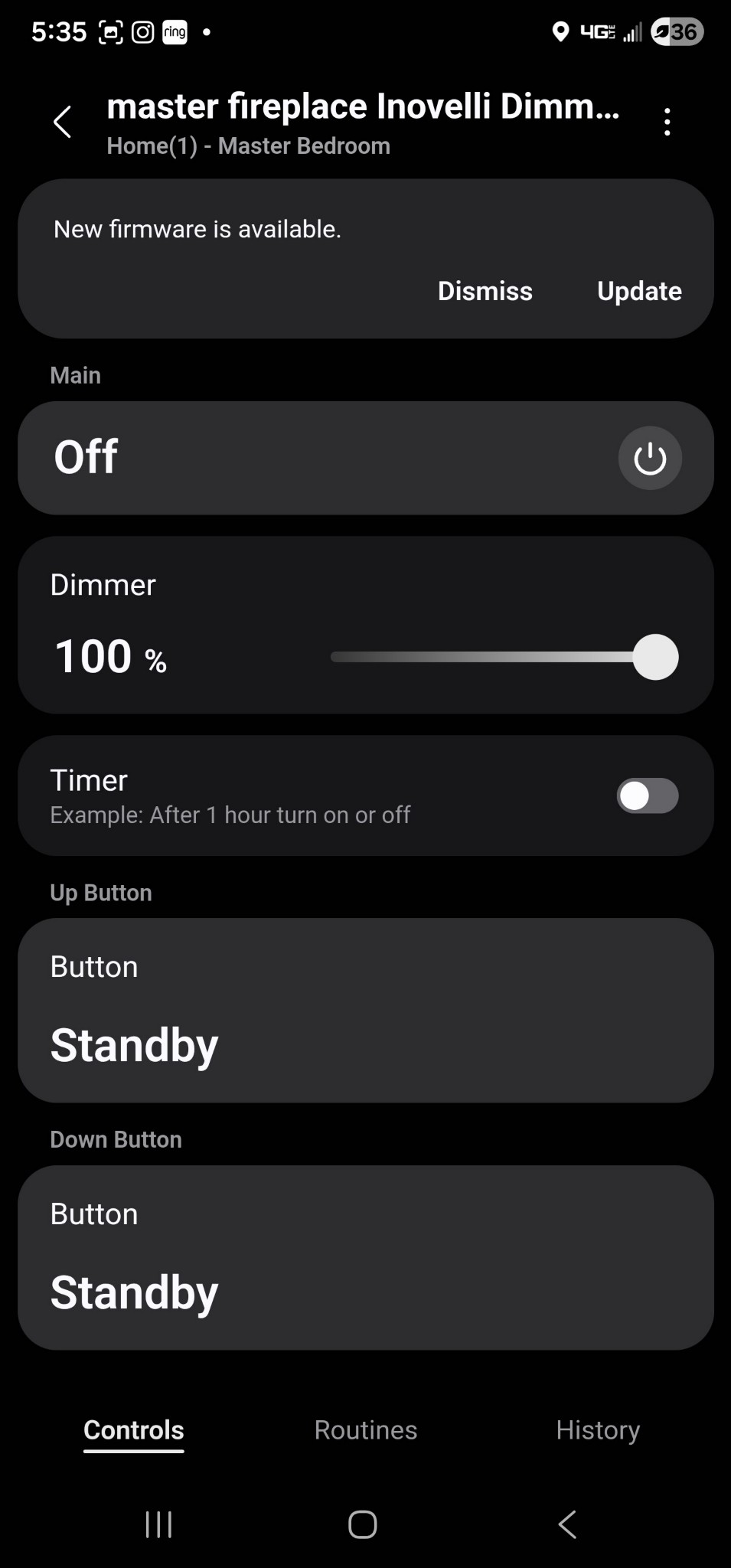
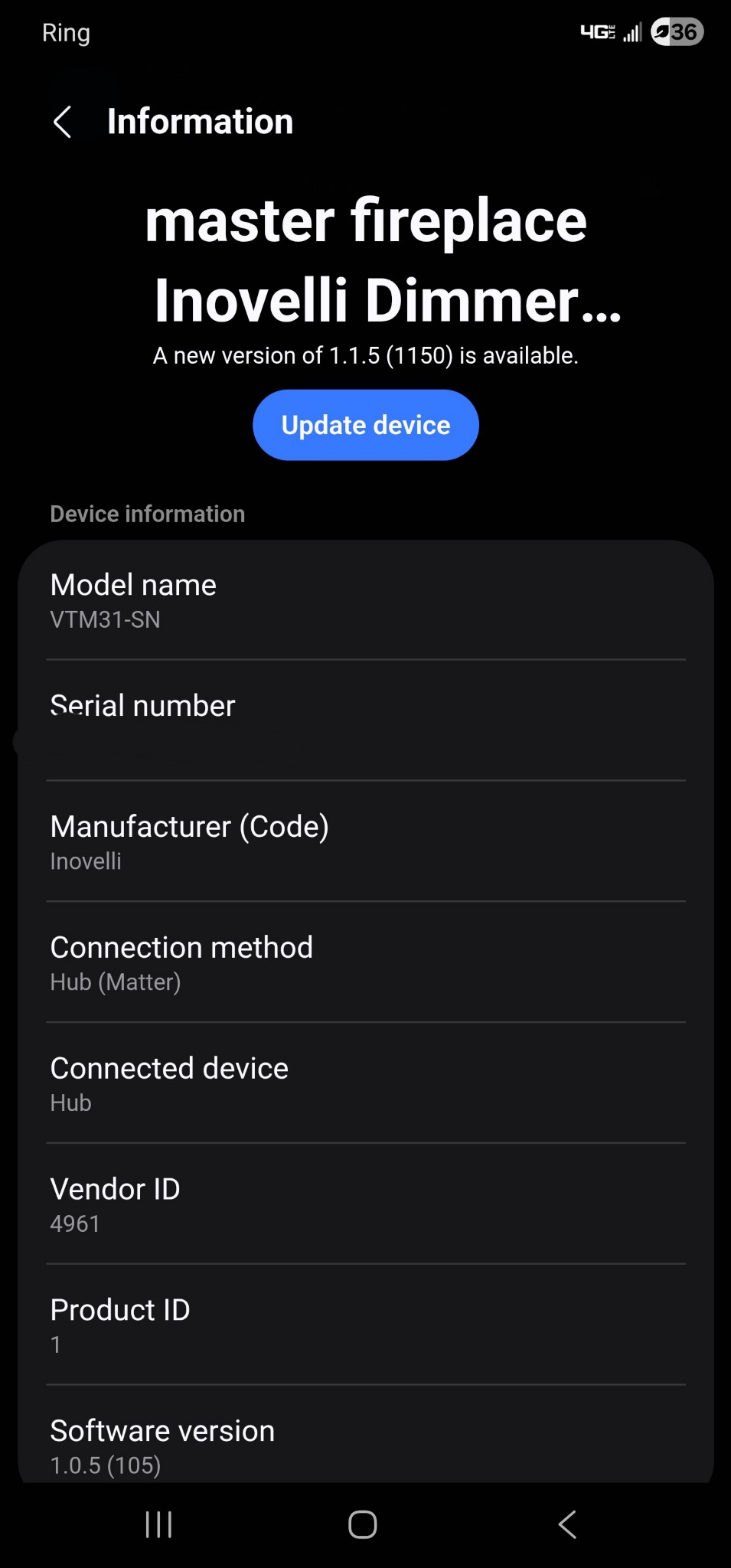
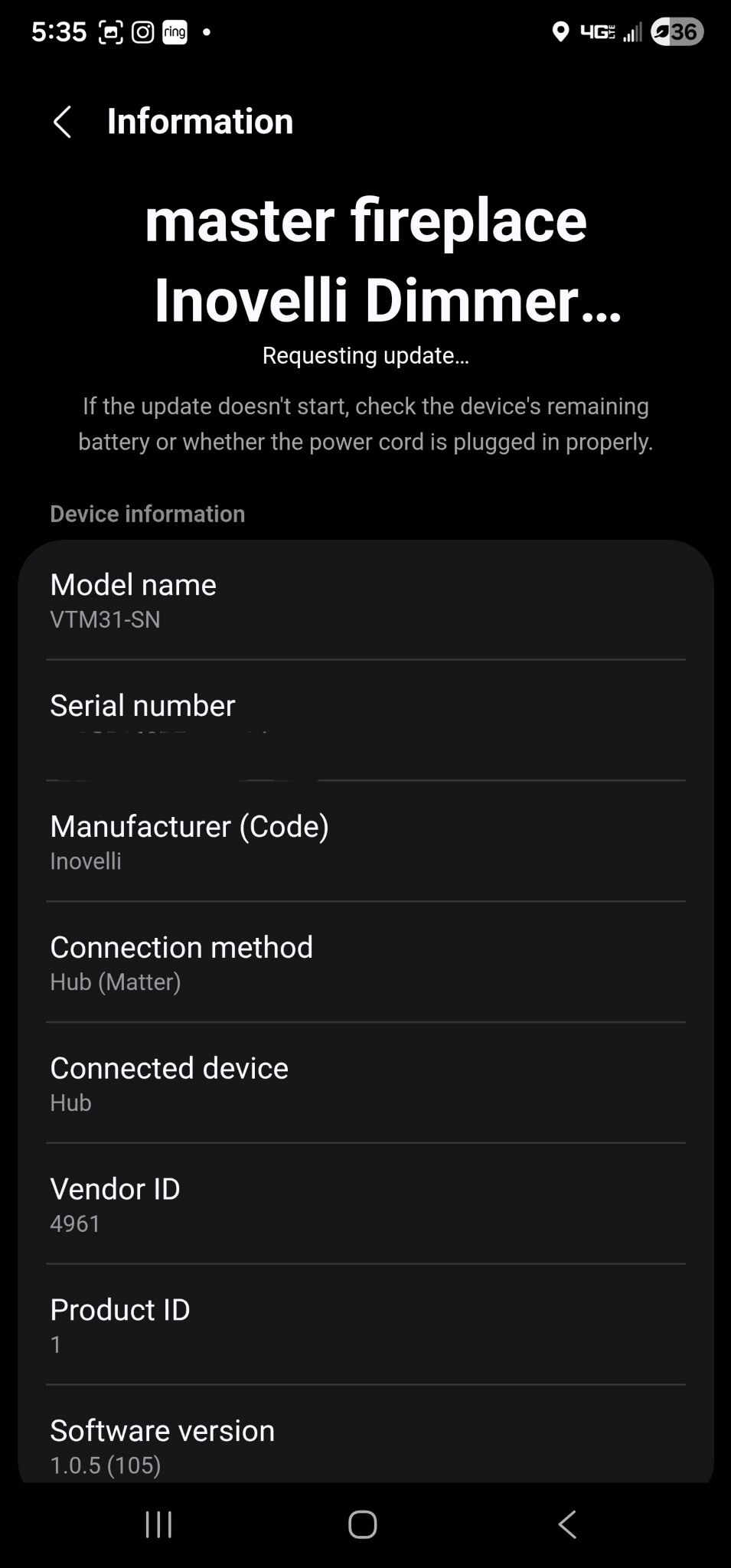
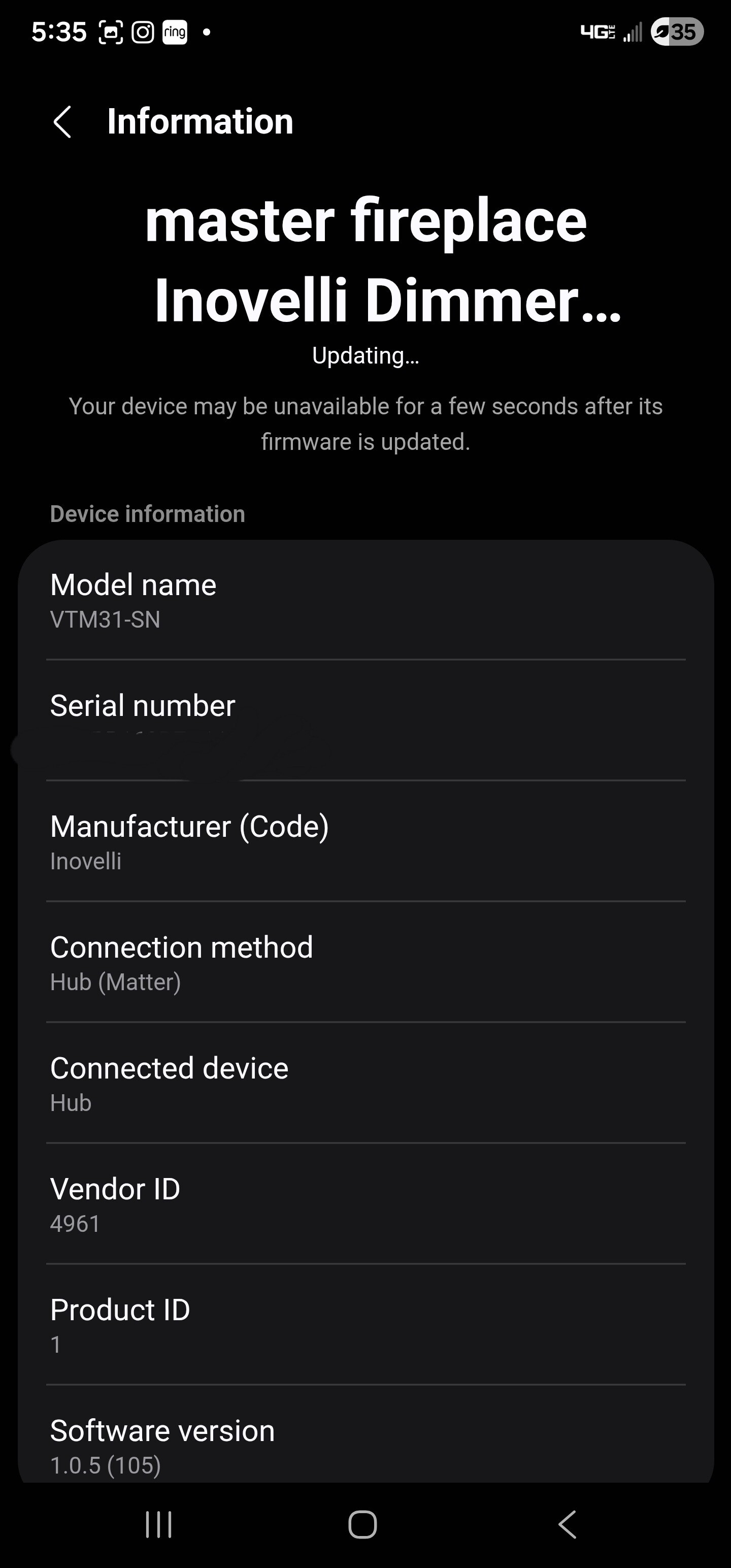
I’m seeing the same behavior with Smartthings on one of my switches, despite it working normally otherwise. I also tried pulling the air‑gap and leaving it disconnected for a few minutes, but that didn’t help.
I ran into something similar when updating my switches but I was using only Apple home. When you tapped on update it probably initiated an update across all your switches. In my case one switch actually successfully updated and the rest then just showed a continuous updating status. I rebooted my Apple TV that was set to be the main hub for the matter / thread system. When I did this then the switches again were showing that instead of “updating “ that an update was available. Then by going to each switch and selecting its “accessories settings “ I then got an update button there that just updated that switch. Then letting each individual switch update and giving them a couple of minutes after updating before going on and doing the next switch worked perfectly. So you might want to try doing a cold restart on the smart things hub and see if you can get it back to where the devices show update available again. Hopefully this will work for you as well as it did for me when I rebooted my main hub.

It might be useful to reach out to SmartThings support as it seems there might be a bug in their matter OTA implementation (maybe Apple to?). I’ll send a message to my ST contact to see if they are aware of anything.
@cxh9055 I did hear back from ST and they are interested in troubleshooting if you are still having problems. It would require some time frames of the problem and submitting some hub logs. Let me know if you are interested or if the issue resolved itself.
I can submit logs, but currious enough, two nights ago all of mine magically went through the update successfully, this was without me touching anything for the past week. Almost like you talked to them, something got fixed, and pending updates got pushed 
 dont know if the same is true for others.
Same here, maybe related to the new hub firmware.
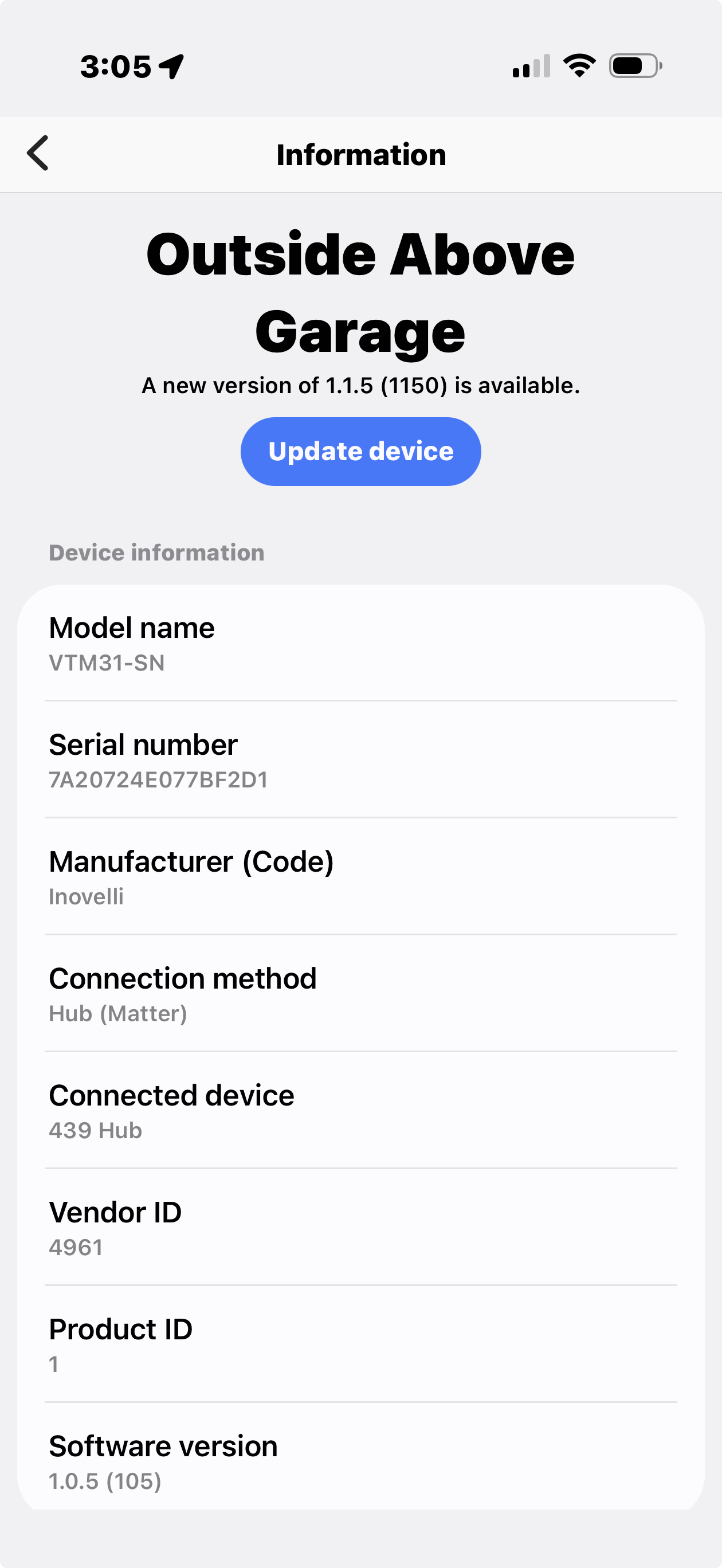
…and one clarification is that a single matter switch (out of 7) did update so I’m doubting this is a SmartThings issue.
I was having a similar issue when I installed 5 White dimmers and also use Smartthings. They all had icons indicating an update was available, and I could try to force the update but they just wouldn’t take the firmware. The problem is at the same time I had about 12 of the newer Ikea Matter over Thread devices that also wouldn’t update their firmware, but there were a couple of each of the same Ikea devices that did update. I was at the point of spinning up a Home Assistant docker to share everything from Smartthings to HA just to be able to update the firmware. Then I dug in to my network settings on my Mikrotik router and found out I had IPv6 and mDNS configured poorly. At some point I had Multicast router enabled on every interface, so there was basically so much noise on the IPv6 network that Thread relys on that nothing could transmit properly. Once I tweaked everything related to IPv6, mDNS, and Multicast routing, every single device updated immediately. Now I have a rock solid Thread network. I recently moved into a new home and had decided I wanted as much as possible to be Matter over Thread. The place I lived before now I was running a mix of Zigbee, Z-Wave, WiFi, and Thread, and sometimes that could be a little difficult to troubleshoot what was actually causing issues when problems did arise.
So maybe take a look at your network and see if that could be causing the issues. Thread is really dependant on IPv6, mDNS broadcasts, and being able to openly talk to all the other devices on the network.
Thanks for the suggestions. I did finally put a spreadsheet together for all the firmware versions of the 40+ Inovelli light switches I have in the house, for the Matter switches it looks like 5 out of 11 updated. It’s weird that multiple devices update fine and others do not.
I’ll check ipv6 on the Ubiquity UDMSE that I use. There is a separate IOT vlan that can talk to the internet but is isolated from other vlans, this has been in place for a while with no issues to date. I’ll also have to do some learning on ipv6.
I have tried…
-
Hub Reboot
-
Switch Reboot
-
Circuit Reset from main breaker
-
Force update in smarththings advanced web main menu
I’m going to try adding a device to homekit to see if I can upgrade from there. Failing that I may have to go down the HA route but it would be a real pain.
So I did look at mDNS on the UDMSE and it appears to be configured correctly on all the vlans. All the devices and the hub are on the same IOT network so I think this should not be an issue.
Todays other efforts included…
-
Ira support suggested disabling mDNS which I did, and then applied the update, with the normal hang on update
-
Shared a switch with homekit, which tried to update firmware but hung. So same behavior across multiple ecosystems.
-
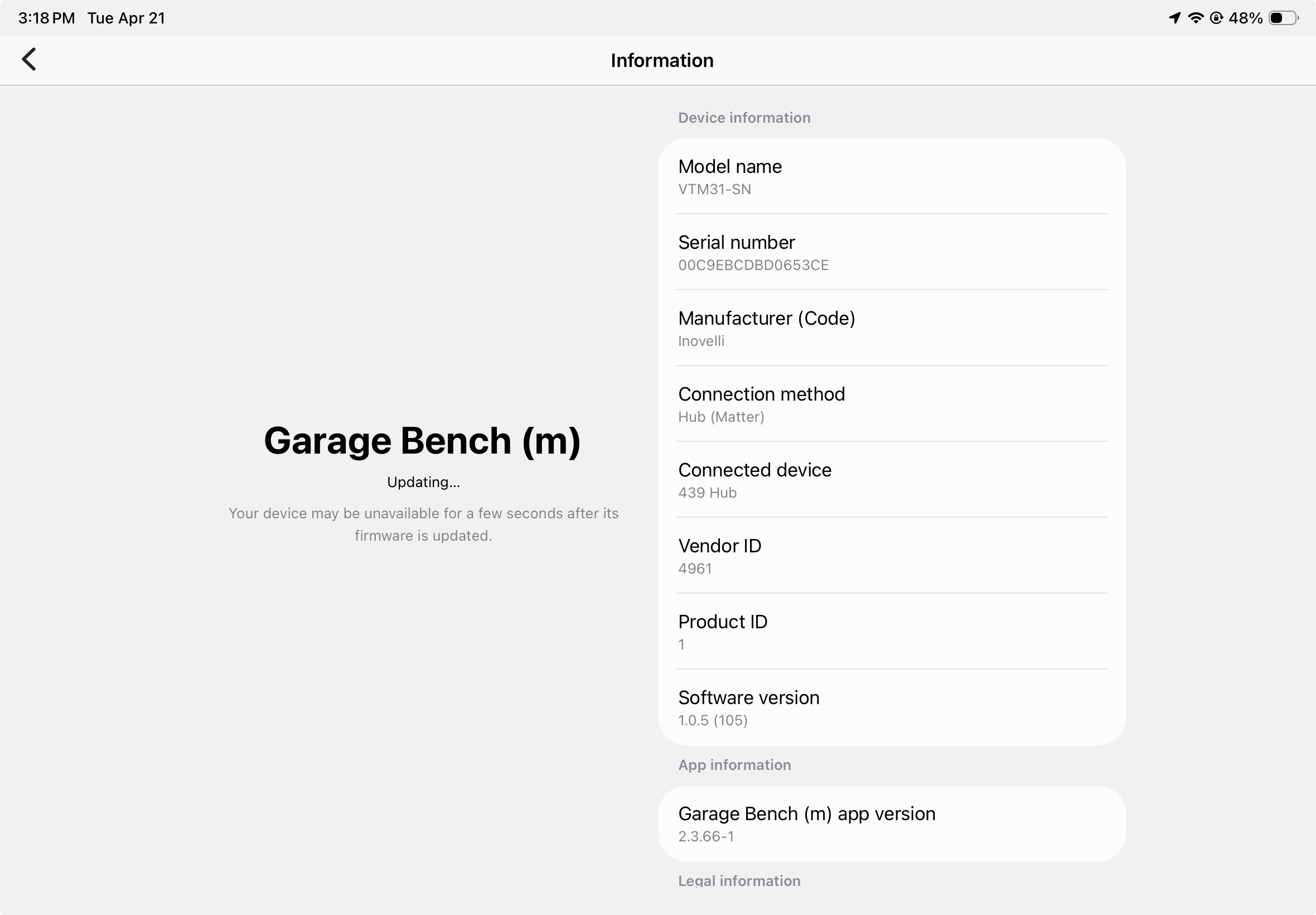
Factory reset a matter switch, re added it and placed it 6 inches from the hub and tried to update ,still no luck moving from 1.0.5 to 1.1.5. The picture below shows as far as I get, it appears to get through requesting the update and then hangs on the updating process.
-
Rebooted hub again.
@heights439 it seems like it might be network specific if it is happening on multiple platforms. I am not sure how much they could help but we could have SmartThings support work with us and they could check your hub logs. We would need the approximate time one of the failures occurred along with hub longs and device ID. PM me with the info and we can look into it with ST if you are interested.
You can try sharing the switch to a matter controller that you can get the session encryption keys from, and then using matter-dissector to figure out what’s going on.
Does your border router happen to be on Wi-Fi? Maybe the new AP update might fix it as it has mDNS bug fixes.
Apologies for the slow response I have been travelling for the last week.
I will get you the information…but might need some guidance on how to access the dump log. I found the button to create it but it’s not obvious where the file is stored.