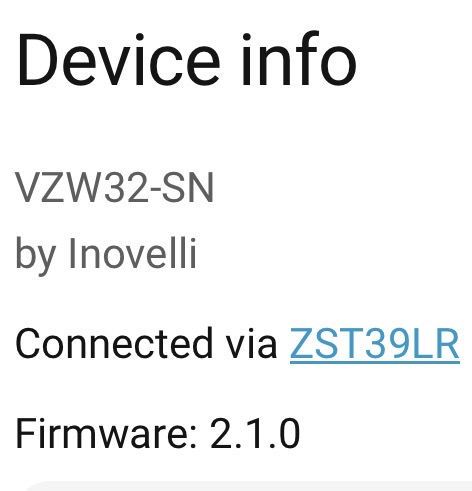
Note: 2.04 has disabled P116 reporting by default. This means the “person in the Reporting Area (Read Only)” will not update by default. The reason is that this report is the same as the “motion” notification and creates extra packets on the network every few seconds. It can be re-enabled by setting parameter 107=2, but I believe it would be better to create any automations based off of “motion” instead.
Updated P107 (mmWave Report Bit Mask): Bit 1: Reports mmWave target information. Bit 2: Reports P116.
Fixed an issue where the P20 could not restore its default settings.
Changed the default value of P50 (Button Delay) to 3.
Optimized the network re-connection logic.
Further optimized the interaction logic between the mmWave module and the Z-Wave chip.
Optimized the processing logic of the metering module.
June 17, 2026 / v2.03
Changes:
Optimized the response speed of the switch buttons.
Fixed color distortion affecting some colors at low brightness.
Fixed some situations where the energy is reported incorrectly.
Optimized the quick-start process logic (specifically when Ramp Rate > 0).
Fixed an issue that prevented some mmWave module parameters from being configured.
Updated the definition of P107 (mmWave Report Bitmask): Bit 1 enables mmWave target information reporting, and Bit 2 enables P116 reporting.
Previous issue: After some time my node gets delayed and any changes like led behavior can take a minute to apply. The other day it wouldn’t respond to physical or remote inputs at all. Pulling the tab and resetting resolves the issue. Hope this is resolved now.
Any indication when we can expect mmwave (multi) zone metrics? The z-wave model is pretty far behind the blue version.
Yeah its working much better now as the room sizing is actually applied. It doesnt seem to detect me through my lcd screen 2 meters away, but thats probably the limitation of the mmWave itself
Is there a way for SmartThings users to update our devices without needing to buy a separate ZWave dongle? I’m eager to try this firmware because right now the motion detection on my switch is really not useful since it sees way too far.
@SReg I have been able to set the boundary parameters in the firmware version the switch shipped with. If you are struggling maybe try this help article:
If it doesn’t work maybe there is something going on in your hub and we can troubleshoot it to see what is going on. The SmartThings CLI will let you view the driver logs while you change the settings.
I have two of these set up right now. Both updated with the 2.01 firmware one reports 1w of contentious consumption in off where the other does not. Happy to provide additional details if it helps narrow the issue down.
I have not tried a full reset yet, since the other switch immediately corrected the behaviour after the update.
Can confirm this corrected the issue for me. I have a few switches setup but haven’t tried changing the detection zone until now. The parameters were saving but didn’t seem to have any effect. I thought I was losing my mind until I saw this.
There may be a memory leak with this firmware. To test changing the led bar I set 114 to zero and forgot to change it back. Where the switch is it constantly turns on and off and after a few days it locked up not responding to paddle presses or anything. I had to air gap it to get it working again.
The switch is not currently controlling any loads so I’m not sure when it locked up. Could have taken a week and thousands of motion detection’s, so this may be hard to reproduce.
I have three installed currently to test and I had one lock up a while ago before the update. Last week I had another one lock up and needed to air gap as well to get it working again as it would not respond to anything.
Installed this on both my units. It made the P101-106 paramaters work (yay).
However, I had one lock-up on me (no response to button pushes even) which required air-gapping to restore.
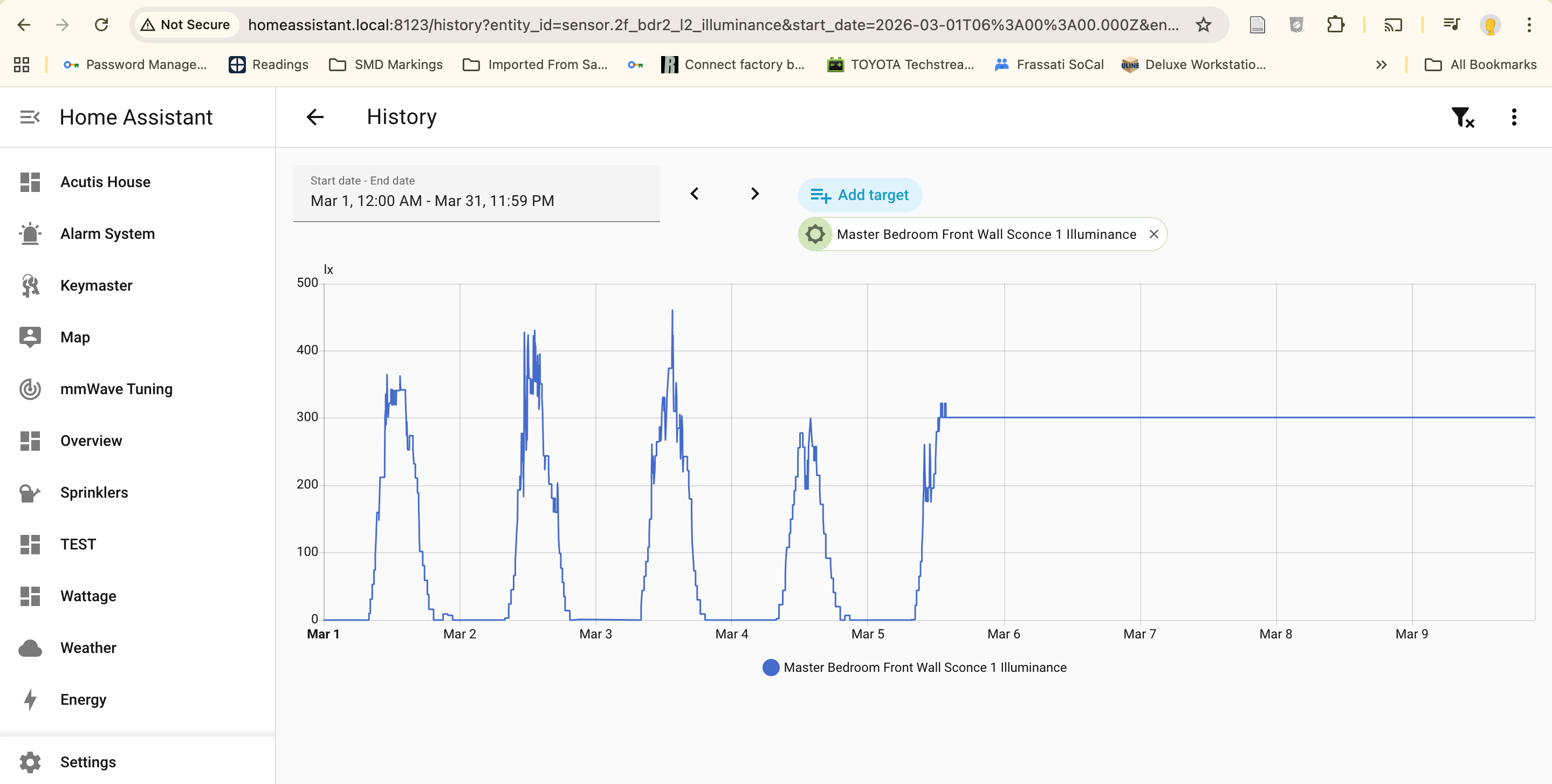
The other one the illuminance detector has been stuck at 301 lux for days now.