I was having trouble with this too. I asked claude.ai to build this tool mmWave 3D Configurator
I am still having issues with very random detections even with a small detection area though. its like the settings dont save, or sometimes one will save.
Hey, I build a similar tool for myself that will let you see the live data if you are using Zigbee2Mqtt and adjust as needed. Helpful to setup the zone. When they update z2m with the multizones I might update this again to make that easier.
This is incredible. I am going to try and see it.
What I noticed though is that this is for zigbee devices. This topic is for zwave. I thought that it is was going to be awesome. 
Ah darn I clicked the wrong thread. Never used zwave but if they send the data over mqtt I could probably modify it.
They definitely sending data to mqtt. I am curious which sensors your app is reading through.
At least with ZigBee you can bind the mmwave cluster to endpoint 1. Then if you enable MmWaveTargetInfoReport the switch transmits target data live that you can read in the mqtt json. It also will give you the interference zone data in that json.
Has anyone managed to get these to work well in a large room? I have several small to medium sized rooms where they are deployed and work fantastic. Then I have a big room (900 x 900) where to get decent coverage I have 4 of these deployed and still probably need a couple more.
Outside of 350cm or so detection becomes very unreliable and they are unable to see a person sitting still directly in front of switch @ 340cm. Then there is the false positives, so many false positives. It has been a game of whack mole trying to get settings dialed in. I start by laser measuring room and configure sensor so there is 20-50cm of dead zone around the walls and floor. This has worked well in every other room but in the big room it is ghost city. I wish I could there was some indication of where last motion was detected so I could understand better where the ghosts are.
Again the smaller rooms 400x400 or so they work fantasic, and have been a wonderful replacement for the the PIR switches they replaced. But this big room, has me wondering if I need to look for some other solution.
I see that we also target info report and our data is getting transmitted to mqtt. Do you think that we use your add-on by modifying? If so, how can we achieve it?
@EricM_Inovelli can you tell me if mmWave coordinates getting exposed to zwave js in home assistant? I know that those are getting exposed in zigbee2mqtt but it does not seem like it for zwave. I would like to create visual tool to show location of the presence.
Thanks again for hard work.
To add another data point on the room size/distance tuning parameters (P103+). I am using SmartThings and the parameters don’t seem to work at all.
At first I thought the sensor was just way to sensitive, no matter how I changed the parameters it kept seeing through walls. Finally I set the sensitivity to low and all of the distances to zero and it was still seeing through walls. That’s when I realized the parameters were having no affect and found this thread.
I’m using the generic Z-Wave switch driver. It does not show P117 but I did try using the Z-Wave device config mc driver to manually read/write the parameters which also did not help.
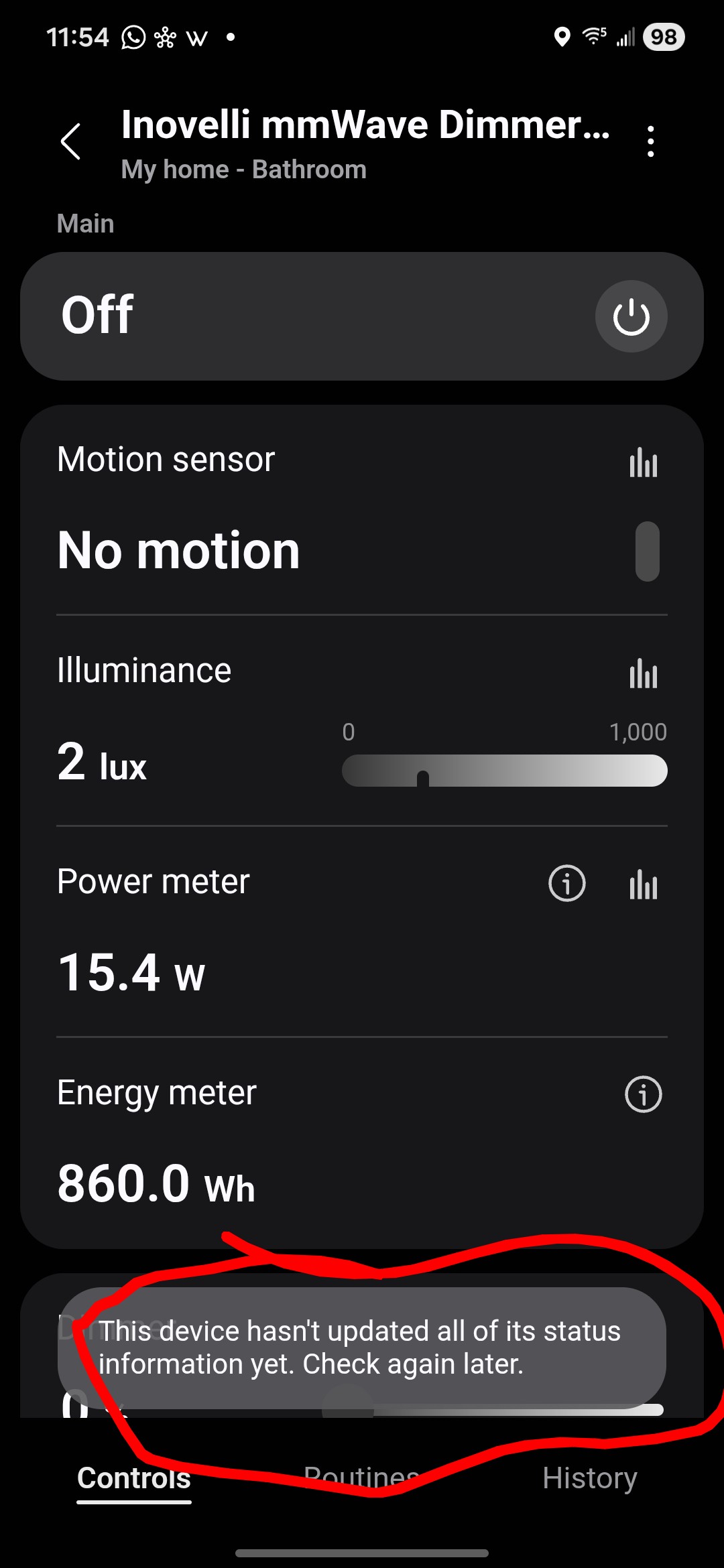
I then discovered and installed the official Inovelli mmWave Red Series driver however that driver doesn’t seem to work at all (I get “this device hasn’t updated all of its status information yet” and none of the settings are available).
For now I’m continuing to use the generic Z-Wave switch driver but the motion detection is not useful right not because it constantly is turning on because it’s seeing through the adjacent walls. I have a second VZW32-SN that I haven’t installed yet until I get this figured out.
Is there any plan to extend support for the other three detection/interference zones? I’m also having trouble getting person position info. Both feature seem to be available on blue though.
@knozturk we have not been able to expose the extra features of the mmwave chip via Z-wave (like we did with Zigbee), but hope to be able to in the future. Zigbee is more flexible and it was much easier to build out the complexities of extra zones, interference areas, etc.
@SReg Can you explain some more info on your SmartThings issue? I added a switch to ST with the Inovelli Edge Drivers channel driver and I didn’t see the issue with the “status” not being updated yet.
We are working on a potential issue when setting parameters 101-106 (mmwave boundaries), but I did make sure those parameters are getting sent to the switch correctly through SmartThings. There was a bug I discovered, and I have updated the driver so you should get that change soon.
While the engineer investigates the issue setting these parameters he mentioned to change them with 10s in between . . So 101, 10s, 102, 10s, 103, 10s, 104, 10s, 105, 10s, 106, 10s to make sure the firmware parses the command and commits it to the mmwave module.
I wonder if this post belongs in this thread. Seems that there might be a bug with the presence detection of the Red series motion switch. Thoughts?
Eric,
I hate to ask this but is there anybody working on this currently? I am just trying to set my own expectation.
I hope we can get this for z-wave, this was one of the major features I wanted/needed, and it’s a bit disappointing it’s not available at launch. I’ve been having detection problems with my switch in my office and something like this would be a huge help.
@knozturk @h3lladvocate it is not actively being worked on so I don’t expect it to be done within the next couple of months.
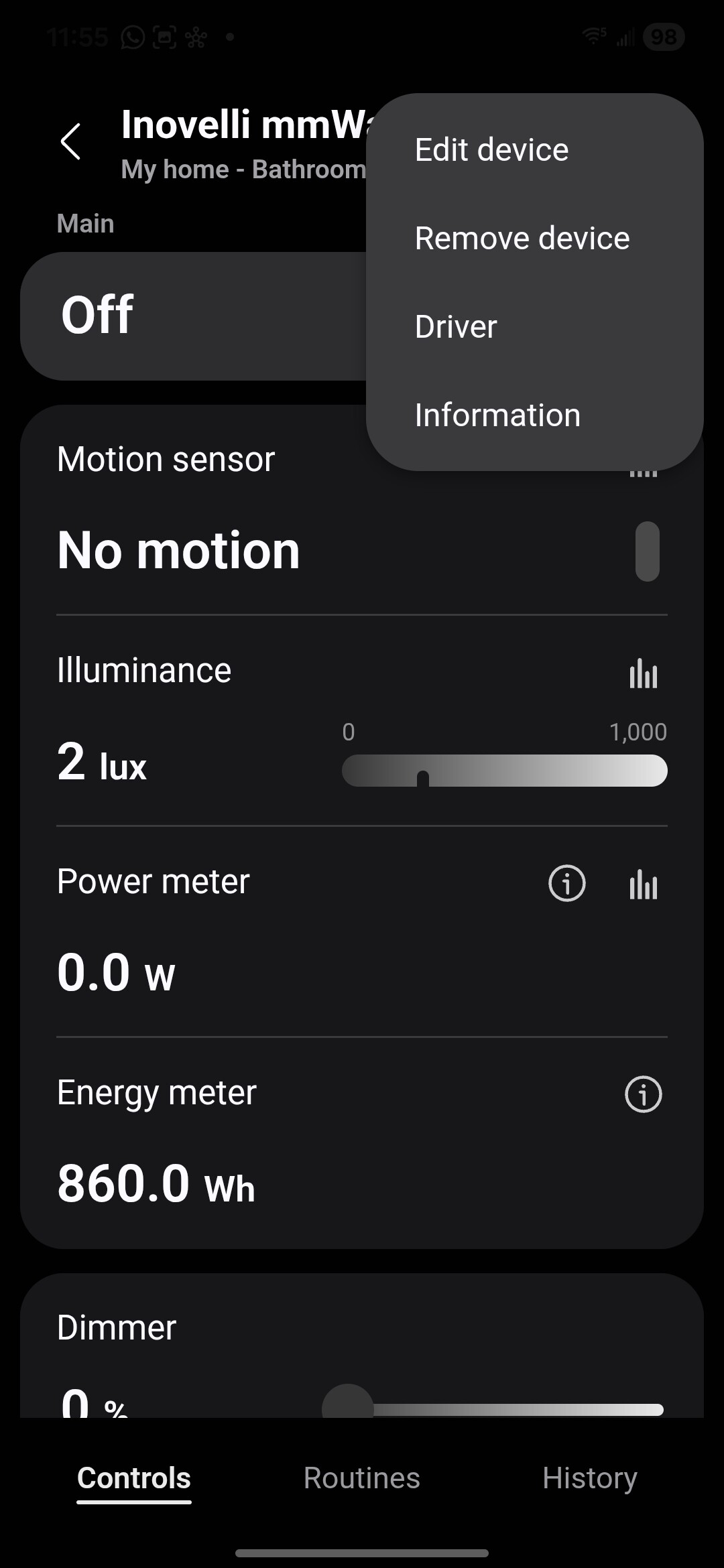
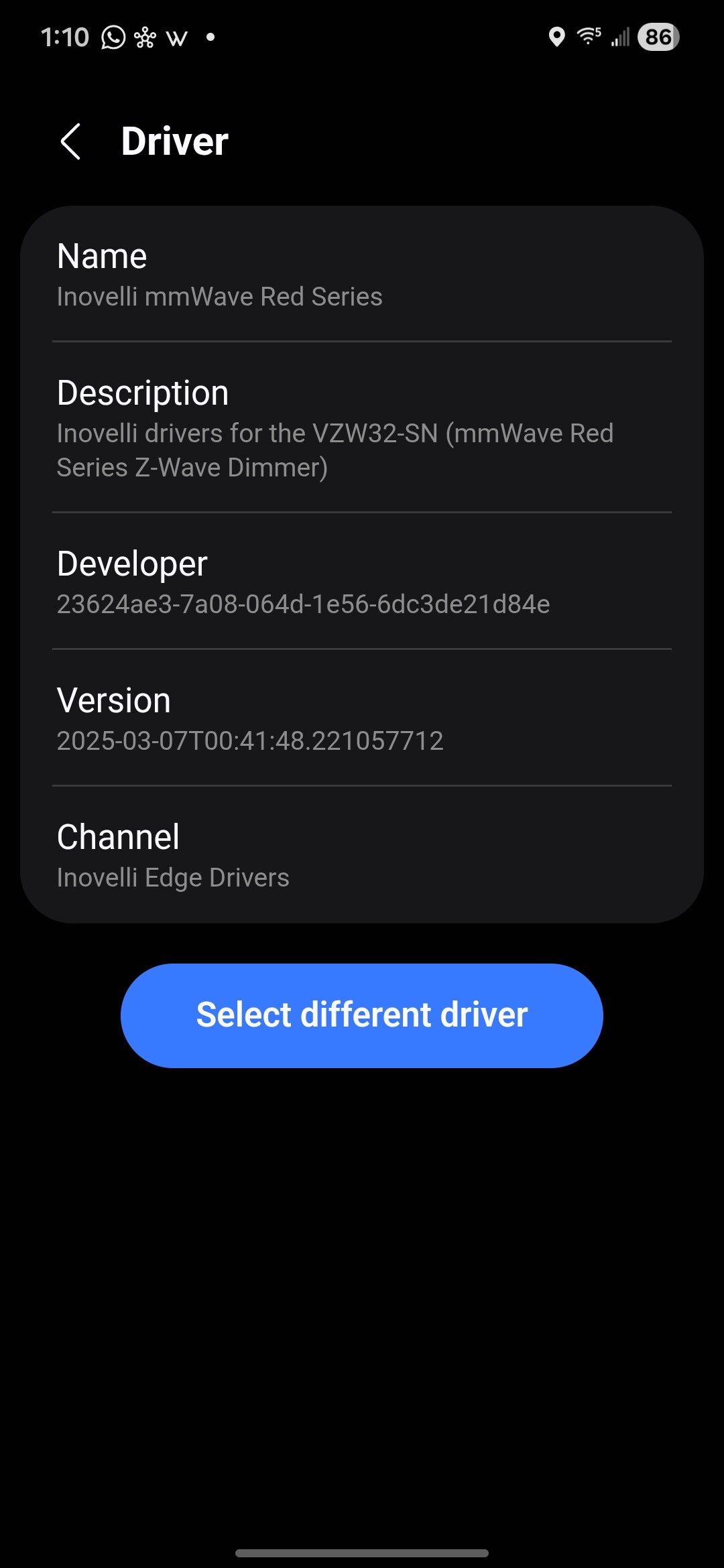
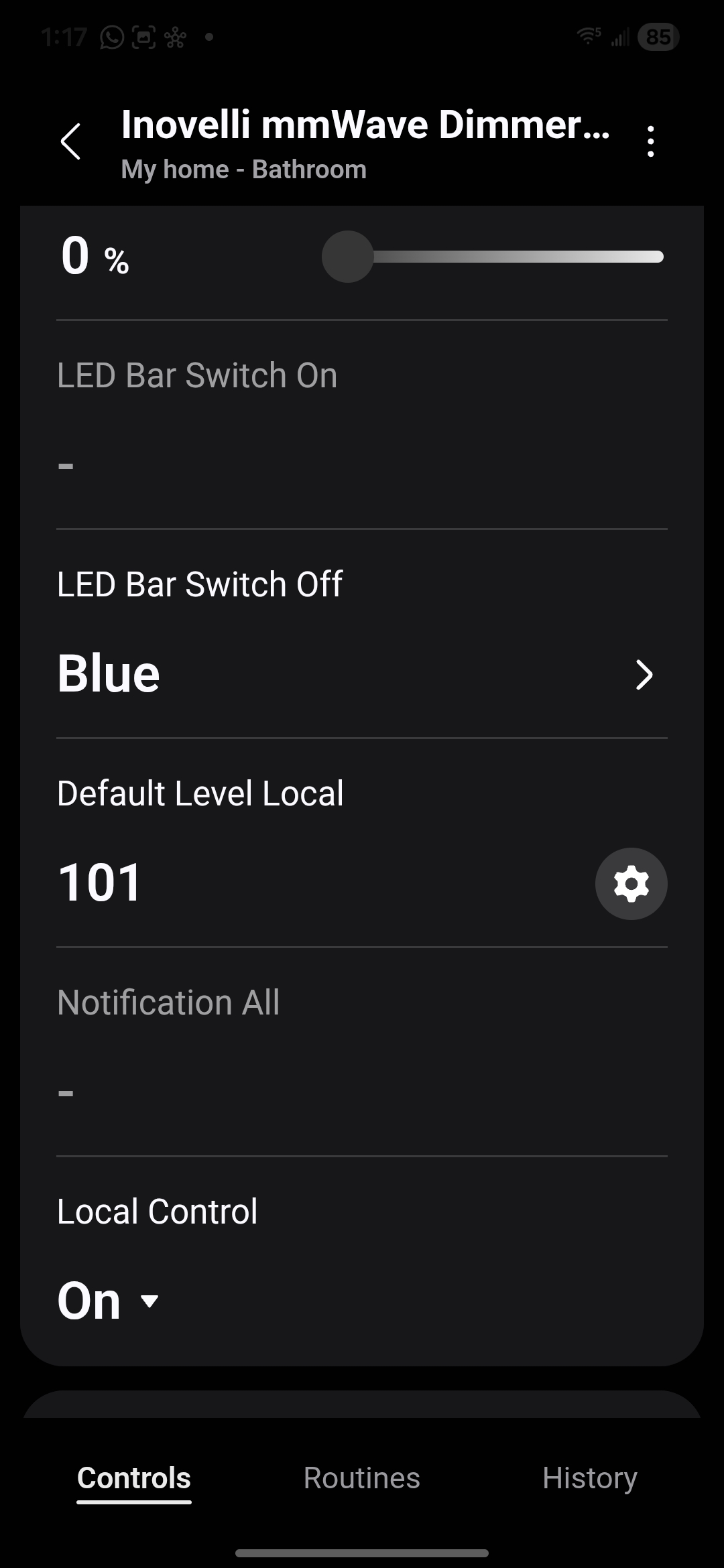
@SReg can you post your driver version screen and scroll down a little more on the device page?
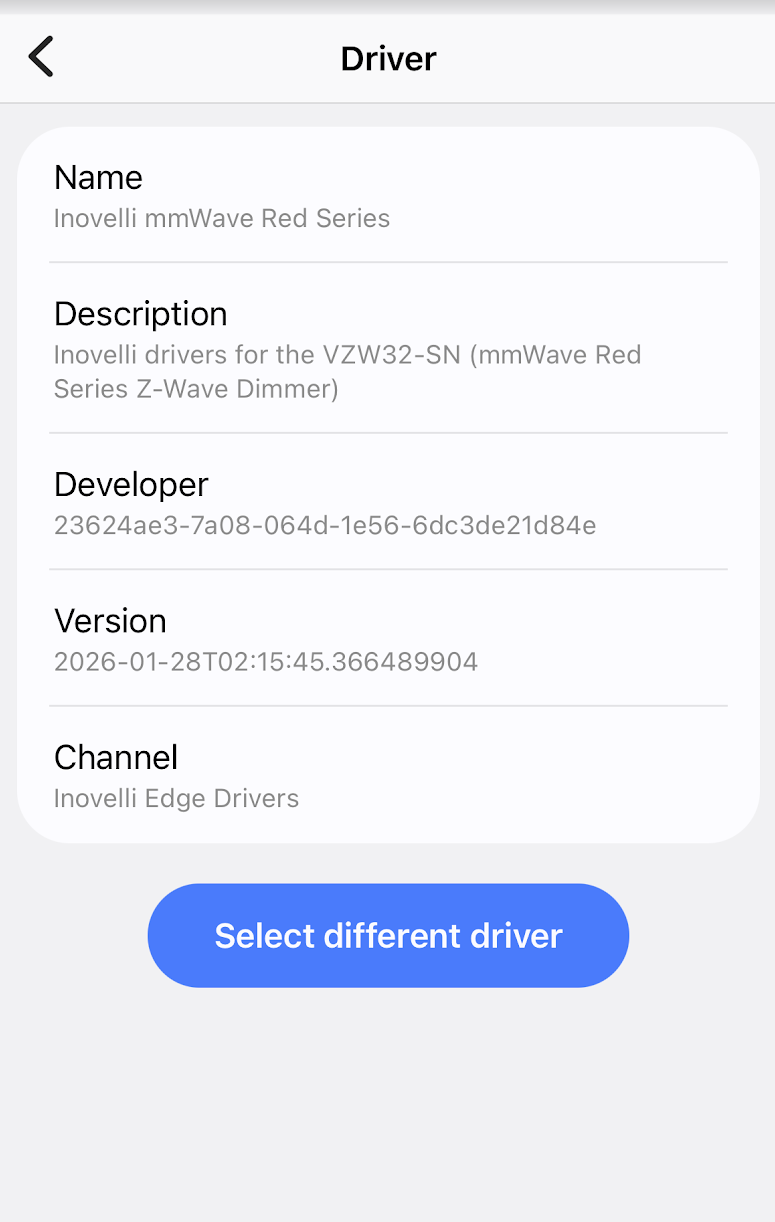
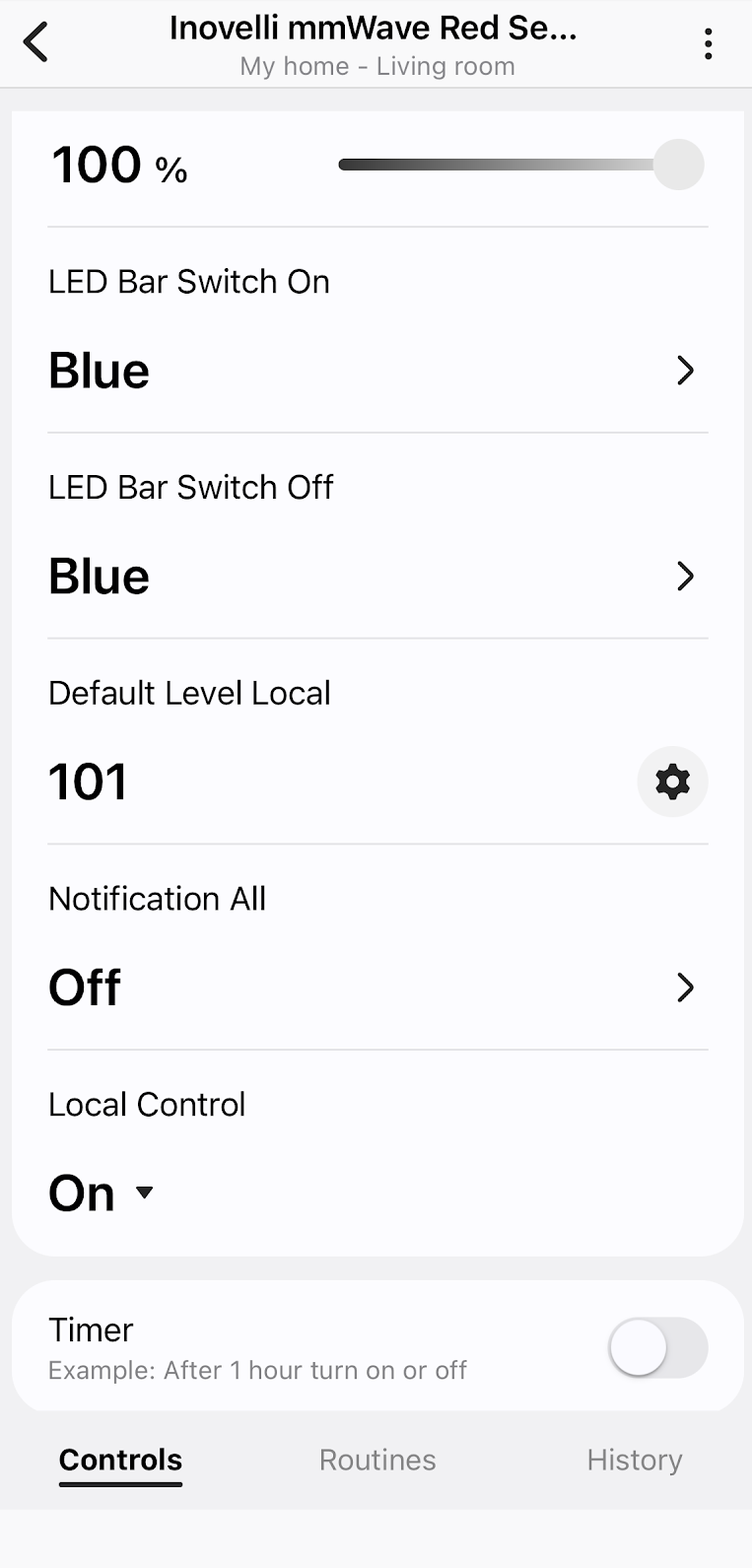
Seems to be quite a bit older even though I just installed it from the driver channel a few days ago (SmartThings Channel and Drivers)
How is z-wave tracking not a priority? It’s incredibly disappointing that z-wave is not having any of the tracking features. I bought 10 to start out with, but only installed one and stopped when I discovered the limitations, asked the question and never received a response. What timeline are we looking at to get tracking on z-wave? I have large areas and tracking is a must, but being able to track multiple people and have zones shouldn’t be too much to ask for in a mmwave device? Sorry, I’m a little frustrated.